
Tool profile
TickTick
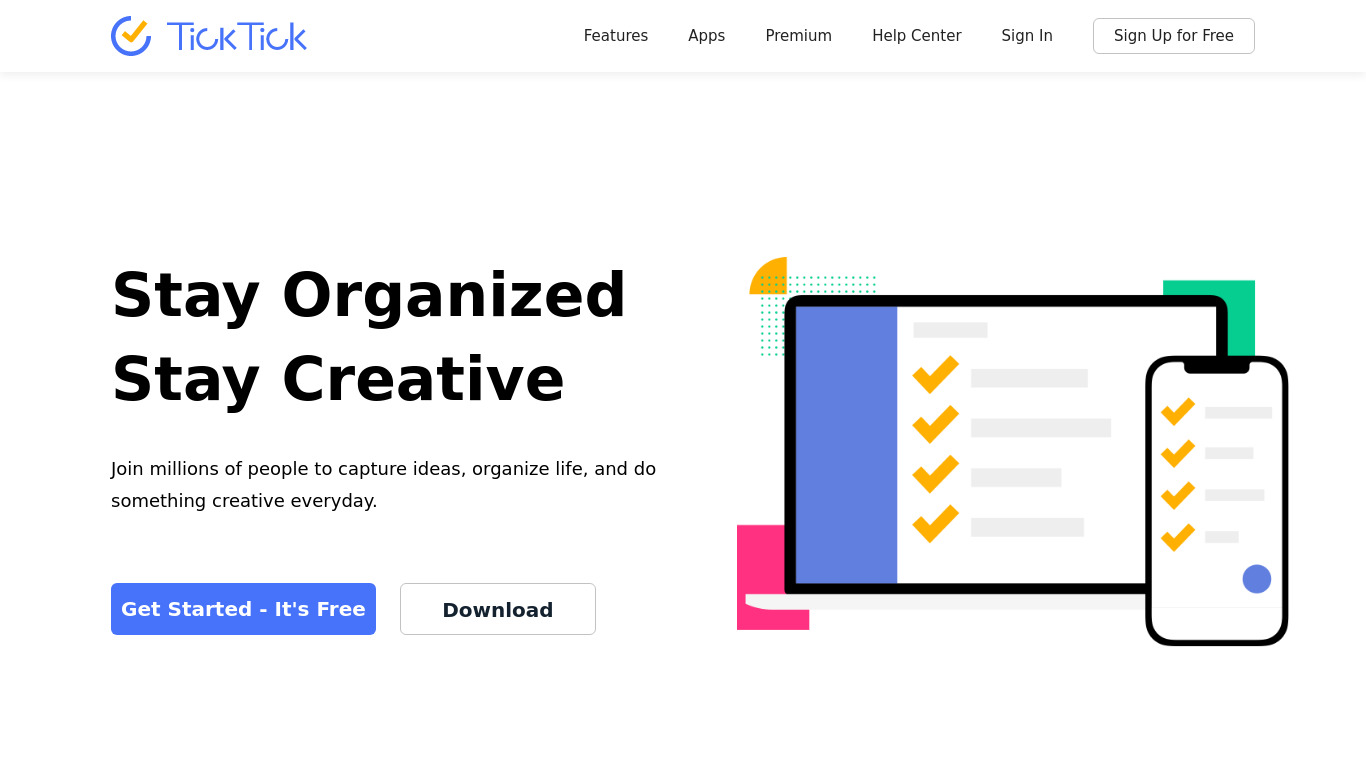
TickTickis a cross-platform to-do list app & task manager helps you to get all things done and make life well organized.
What is TickTick?
TickTick is a productivity and task management app designed for personal and team organization. It stands out with a clean, intuitive interface and flexible task management options, allowing users to create tasks, subtasks, checklists, and projects. Beyond basic lists, it includes advanced features like a time tracking tool, a pomodoro timer, a habit tracker, and calendar integration. Collaboration tools let users share lists, assign tasks, and communicate with team members.
The platform supports cross-platform availability across web, iOS, Android, Windows, and macOS, ensuring consistency across different devices. Users can also set customizable reminders, notifications, and recurring tasks, alongside integrations with Google Calendar, Siri, and Zapier. Exact pricing details are not listed in the facts, so check their pricing page for current plans.
Features
User-Friendly Interface
TickTick features a clean and intuitive interface, making it easy for users to navigate and manage their tasks efficiently.
Cross-Platform Availability
TickTick is available on multiple platforms, including web, iOS, Android, Windows, and macOS. This ensures consistency and accessibility across different devices.
Flexible Task Management
Users can create tasks, subtasks, checklists, and projects, offering flexibility in how they organize and manage their workload.
Advanced Features
TickTick offers advanced features like time tracking, pomodoro timer, habit tracker, and calendar integration, which enhance productivity.
Collaboration Tools
The tool provides collaboration features, allowing users to share lists, assign tasks, and communicate with team members, making it suitable for both personal and team use.
Customizable Reminders and Notifications
Users can set multiple reminders, notifications, and recurring tasks, helping them stay on top of their schedule.
Integration with Other Services
TickTick integrates with various services like Google Calendar, Siri, and third-party apps through Zapier, providing a seamless workflow.
Screenshots
TickTick vs. its alternatives
Frequently asked questions
How much does TickTick cost?
Exact pricing details are not provided in the facts, so check their pricing page for current plans.
What is TickTick used for?
TickTick is used for task management, organizing workloads, tracking habits, and collaborating with team members on shared lists and assigned tasks.
What platforms is TickTick available on?
TickTick offers cross-platform availability on the web, iOS, Android, Windows, and macOS.
Does TickTick include a pomodoro timer?
Yes, TickTick features a built-in pomodoro timer, alongside other advanced productivity features like time tracking, a habit tracker, and calendar integration.
What services does TickTick integrate with?
TickTick integrates with Google Calendar, Siri, and third-party apps through Zapier.
What are the best alternatives to TickTick?
Top alternatives to TickTick include Trello, Asana, and Todoist, which offer different approaches to task management and team collaboration.
Alternatives to TickTick
Read the full comparison →
Trello
Infinitely flexible. Incredibly easy to use. Great mobile apps. It's free. Trello keeps track of everything, from the big picture to the minute details.
Workflowy
A better way to organize your mind.

Asana
Asana project management is an effort to re-imagine how we work together, through modern productivity software. Fast and versatile, Asana helps individuals and groups get more done.

Any.DO
The #1 task management app used by over 11 million people globally, Any.do is your free mobile and online task manager for Android, iPhone, Web and more.
Todoist
Todoist is a to-do list that helps you get organized, at work and in life.

Remember The Milk
Remember The Milk is a task and time management application for mobile devices.


Notion
All-in-one workspace. One tool for your whole team. Write, plan, and get organized.
Sunsama
Calendar and scheduling for teams