Tool profile
Google Tasks
to-do list app that integrates with Gmail and Google Calendar
Categories
Pricing
What is Google Tasks?
Google Tasks is genuinely good for users who want a straightforward, uncluttered interface to keep track of basic to-do lists without needing complex features. It stands out through its seamless integration with Gmail, Google Calendar, and Google Assistant, allowing you to manage tasks across Google platforms without switching apps. It also supports subtasks for breaking down larger steps and is entirely free to use without subscription fees.
However, the facts do not list exact pricing plans or detailed platform information beyond its availability on web, Android, and iOS, so check their official pages if you require deeper implementation details. Because it focuses on simplicity, users looking for advanced project management capabilities will want to evaluate other options.
Features
Integration with Google Services
Google Tasks integrates seamlessly with other Google services such as Gmail, Google Calendar, and Google Assistant. This allows users to easily manage tasks across different Google platforms without needing to switch apps.
Simplicity
Google Tasks offers a straightforward, uncluttered interface. It is easy to use for keeping track of basic to-do lists and tasks, which is great for users who don't need a lot of complex features.
Cross-Platform Availability
Google Tasks is available on multiple platforms, including web, Android, and iOS. This ensures that users can access and manage their tasks from any device.
Subtask Support
Google Tasks allows users to create subtasks, providing a way to break down larger tasks into smaller, more manageable steps.
Free to Use
Google Tasks is free to use. There are no subscription fees, which makes it an attractive option for users seeking a cost-effective task management solution.
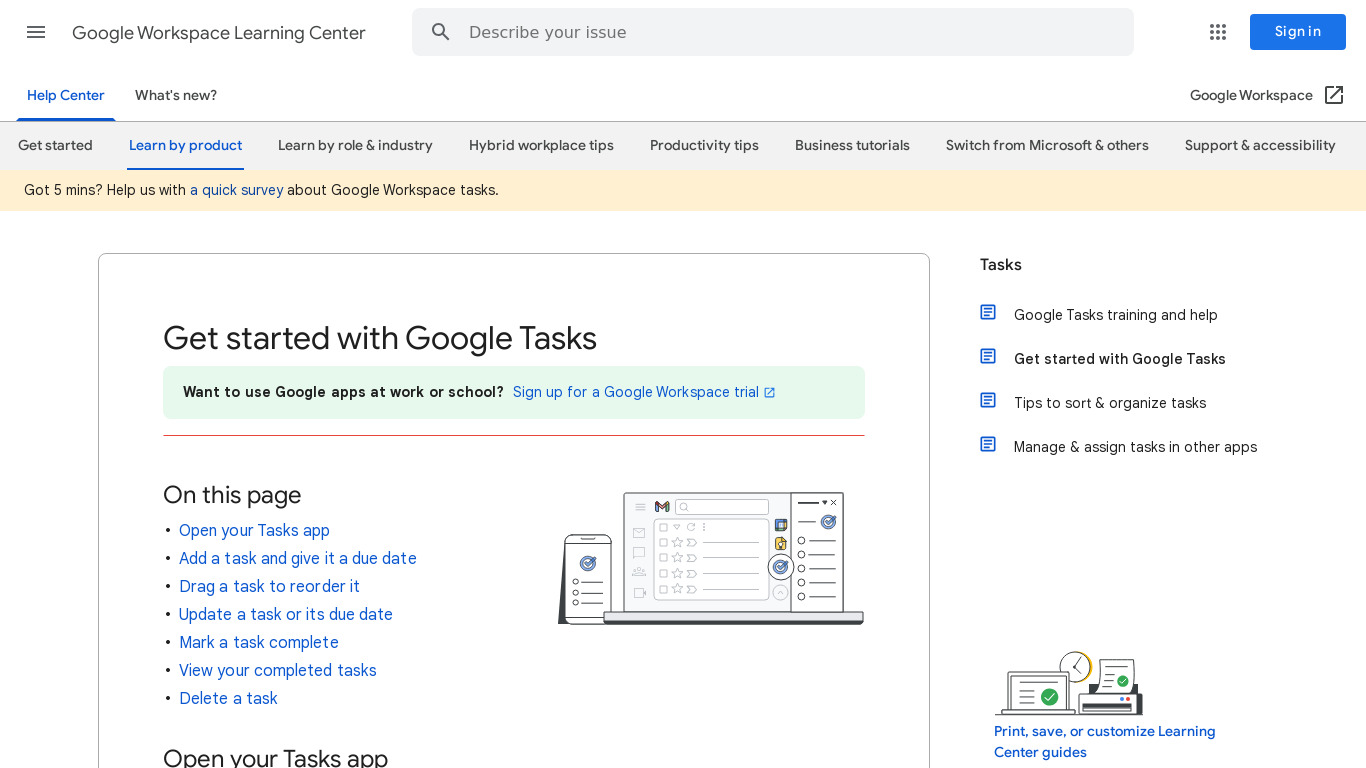
Screenshots
Google Tasks vs. its alternatives
| Google Tasks |  Trello Trello |  Workflowy Workflowy |  Asana Asana |  Any.DO Any.DO | |
|---|---|---|---|---|---|
| Pricing | — | $12.5/mo | $4.99/mo | $11.99/mo | — |
| Platforms | — | ||||
| Listed features | 5 | 6 | 16 | 7 | 6 |
Frequently asked questions
Is Google Tasks free?
Yes, Google Tasks is free to use with no subscription fees.
What is Google Tasks used for?
Google Tasks is used as a to-do list app for keeping track of basic tasks and managing them across Google services.
What platforms is Google Tasks available on?
Google Tasks is available on web, Android, and iOS.
Does Google Tasks support subtasks?
Yes, Google Tasks allows users to create subtasks to break down larger tasks into smaller, more manageable steps.
How does Google Tasks integrate with other services?
Google Tasks integrates seamlessly with Gmail, Google Calendar, and Google Assistant so you can manage tasks without switching apps.
What are the best alternatives to Google Tasks?
Some known alternatives include Trello, Asana, and Todoist. You might prefer these if you need more complex features than Google Tasks' straightforward interface provides.
Alternatives to Google Tasks
Read the full comparison →Trello
Infinitely flexible. Incredibly easy to use. Great mobile apps. It's free. Trello keeps track of everything, from the big picture to the minute details.
Workflowy
A better way to organize your mind.
Asana
Asana project management is an effort to re-imagine how we work together, through modern productivity software. Fast and versatile, Asana helps individuals and groups get more done.
Any.DO
The #1 task management app used by over 11 million people globally, Any.do is your free mobile and online task manager for Android, iPhone, Web and more.
Todoist
Todoist is a to-do list that helps you get organized, at work and in life.

Remember The Milk
Remember The Milk is a task and time management application for mobile devices.