
Tool profile
XnView MP
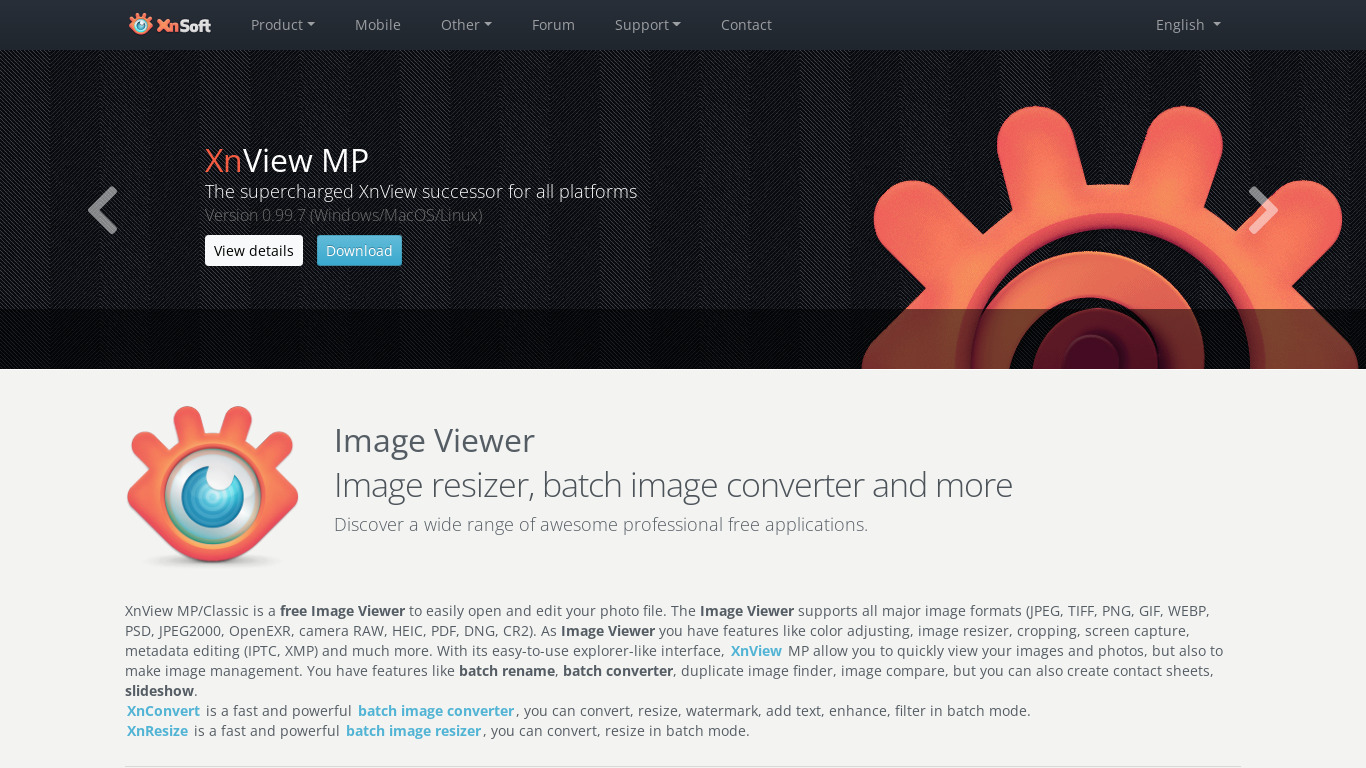
XnView is a free software that allows you to view, resize and edit your images. It supports more than 500 different formats!
What is XnView MP?
XnView MP is a Photos & Graphics tool that is free for personal and educational use. It is a practical choice for users who need to view, resize, and edit images, with support for over 500 different formats. Standout capabilities include Batch Processing for renaming, converting, and resizing multiple files simultaneously, as well as Cross-Platform Compatibility across Windows, macOS, and Linux.
The software also includes Advanced Editing Features such as cropping, filters, and color adjustments, alongside robust Metadata Support for viewing and editing EXIF, IPTC, and XMP information. Its User-Friendly Interface is both intuitive and customizable for easier image management. For pricing details beyond personal and educational use, check their pricing page directly since exact commercial plans are not detailed here.
Features
Cross-Platform Compatibility
XnView MP is available for Windows, macOS, and Linux, making it versatile for users on different operating systems.
Extensive Format Support
Supports over 500 image formats, ensuring compatibility with a wide range of file types.
Batch Processing
Allows users to perform batch processing tasks, such as resizing, converting, and renaming multiple files simultaneously.
User-Friendly Interface
Provides an intuitive and customizable interface that helps users easily navigate and manage their images.
Advanced Editing Features
Includes a variety of photo editing tools like color adjustments, cropping, and filters that can enhance image quality.
Metadata Support
Offers extensive support for metadata, enabling users to view and edit EXIF, IPTC, and XMP information.
Free for Personal Use
Available as a free version for personal and educational use, offering a robust set of features without cost barriers.
Screenshots
XnView MP vs. its alternatives
| XnView MP |  Photoscape Photoscape |  JPEGView JPEGView |  IrfanView IrfanView |  FastStone Image Viewer FastStone Image Viewer | |
|---|---|---|---|---|---|
| Pricing | — | — | — | — | — |
| Platforms | — | ||||
| Listed features | 7 | 5 | 6 | 6 | 6 |
Frequently asked questions
Is XnView MP free?
Yes, XnView MP is available as a free version for personal and educational use, offering a robust set of features without cost barriers.
What is XnView MP used for?
XnView MP is used to view, resize, and edit images, supporting more than 500 different formats.
What platforms is XnView MP available on?
XnView MP provides Cross-Platform Compatibility and is available for Windows, macOS, and Linux.
Does XnView MP support batch processing?
Yes, it features Batch Processing which allows users to perform tasks like resizing, converting, and renaming multiple files simultaneously.
Can I edit metadata with XnView MP?
Yes, XnView MP offers extensive Metadata Support, enabling users to view and edit EXIF, IPTC, and XMP information.
What are the best alternatives to XnView MP?
Some known alternatives include Photoscape, IrfanView, and FastStone Image Viewer. You might prefer these alternatives if you are looking for different interfaces or specialized image viewing options.
Alternatives to XnView MP
Read the full comparison →Photoscape
high quality photo editing software, that enables you to fix and enhance photos.
JPEGView
JPEGView is a small and fast viewer/editor for JPEG, BMP, PNG, GIF and TIFF images.
FastStone Image Viewer
FastStone Image Viewer is a fast, stable, user-friendly image browser, converter and editor.