Tool profile
Pixlr
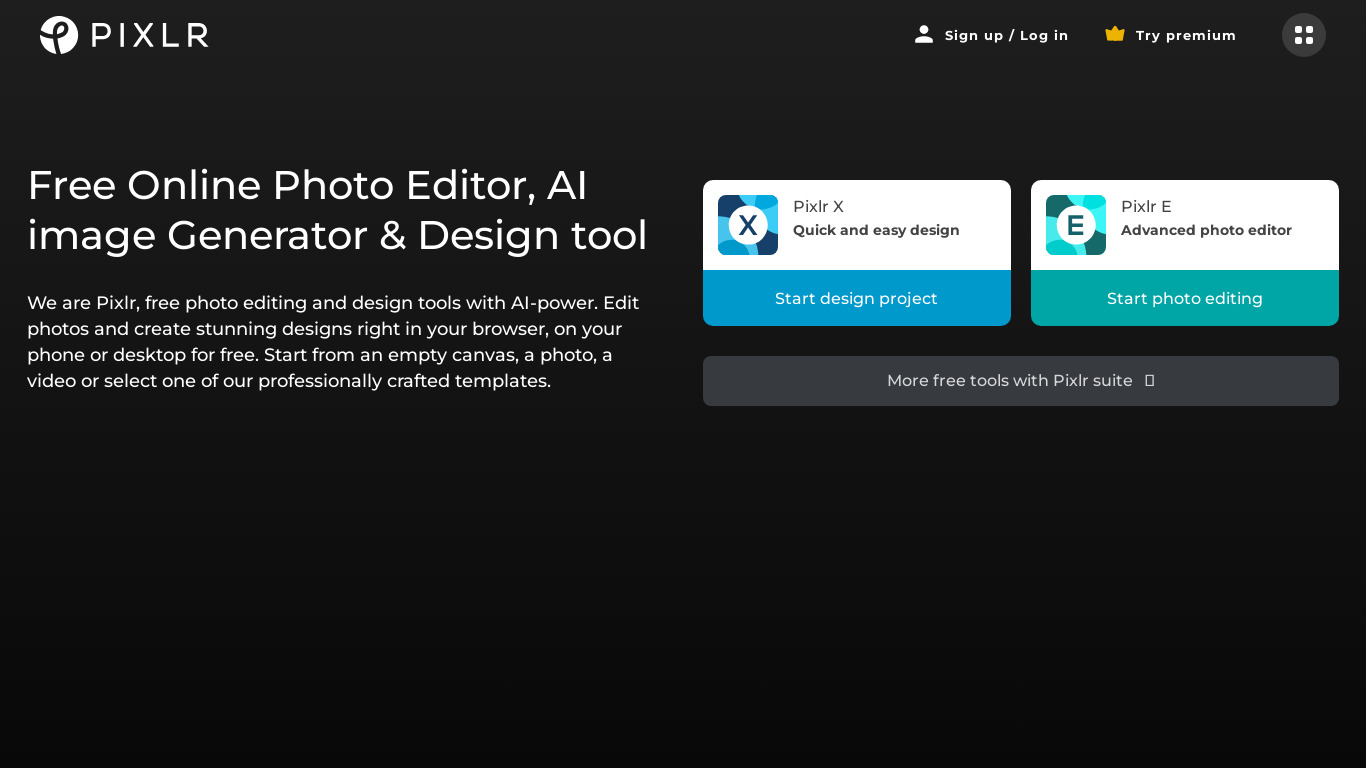
Pixlr® makes it easy to transform everyday images into stunning works of art.
What is Pixlr?
Pixlr is a design tool well-suited for both beginners and experienced users who need a web-based application with cross-platform compatibility for Windows, macOS, Linux, Android, and iOS. It stands out for its user-friendly interface, fast performance with larger image files, and advanced editing tools like layers, filters, and various adjustments.
For those who prefer not to spend money, Pixlr offers a free version with a reasonable array of tools and features. Exact pricing plans are not listed in the facts, so check their pricing page directly for current details.
Features
User-Friendly Interface
Pixlr offers a simple and intuitive interface that is easy to navigate, making it accessible for both beginners and experienced users.
Cross-Platform Compatibility
Pixlr is a web-based application that works across different operating systems including Windows, macOS, and Linux. Additionally, it has mobile apps for both Android and iOS.
Free Version Available
Pixlr offers a free tier with a reasonable array of tools and features, making it accessible for users who do not wish to spend money on a photo editor.
Advanced Editing Tools
Despite being a web-based tool, Pixlr offers a variety of advanced features such as layers, filters, and various adjustments that are typically found in more costly software.
Fast Performance
Pixlr is known for its quick loading times and fast performance, even when handling larger image files.
Screenshots
Pixlr vs. its alternatives
| Pixlr |  Canva Canva |  Adobe Photoshop Adobe Photoshop |  GIMP GIMP |  Affinity Photo Affinity Photo | |
|---|---|---|---|---|---|
| Pricing | — | $12.99/mo | — | Open source | — |
| Platforms | — | — | — | ||
| Listed features | 5 | 9 | 5 | 4 | 6 |
Frequently asked questions
How much does Pixlr cost?
Pixlr offers a free tier with a reasonable array of tools and features. For complete pricing details and current plans, check their pricing page at https://pixlr.com/pricing/.
What is Pixlr used for?
Pixlr is used to transform everyday images into stunning works of art using advanced editing features like layers, filters, and various adjustments.
What platforms does Pixlr support?
Pixlr is a web-based application that works across Windows, macOS, and Linux, and it also features mobile apps for Android and iOS.
Does Pixlr have advanced editing tools?
Yes, Pixlr offers advanced features such as layers, filters, and various adjustments that are typically found in more costly software.
Is Pixlr fast when editing images?
Pixlr is known for quick loading times and fast performance, even when handling larger image files.
What are the best alternatives to Pixlr?
Some of the known alternatives to Pixlr include Canva, Adobe Photoshop, and GIMP. You might prefer these alternatives depending on your specific project requirements and budget for design software.
Alternatives to Pixlr
Read the full comparison →Adobe Photoshop
Adobe Photoshop is a webtop application for editing images and photos online.
GIMP
GIMP is a multiplatform photo manipulation tool.
Affinity Photo
Affinity is the imaging and design suite for creative professionals exclusively for Mac.


Photopea
Online photo editor, which can work with PSD, XCF and Sketch files (Photoshop, Gimp and Sketch App).