
Tool profile
Adobe Photoshop
Adobe Photoshop is a webtop application for editing images and photos online.
Categories
Pricing
What is Adobe Photoshop?
Adobe Photoshop is a webtop application categorized under Design Tools, built for editing images and photos online. It is widely used by professional photographers, designers, and artists, delivering high-quality results for basic photo editing and complex digital art creation through features like Comprehensive Editing Tools, layers, masks, and retouching capabilities. Users also benefit from regular updates, extensive plugin support for third-party tools, and seamless integration with other Adobe Creative Cloud applications such as Illustrator, Lightroom, and Premiere Pro.
Specific pricing details are not listed in the facts, so check their pricing page for current plans. Additionally, the provided facts do not specify exact platform availability, and users should look beyond the listed alternatives like Canva, Sketch, GIMP, Affinity Photo, and Pixelmator if specific integrations or operating systems are required for their workflow.
Features
Comprehensive Editing Tools
Adobe Photoshop offers an extensive range of tools and features for image manipulation, including layers, masks, retouching capabilities, and more. This makes it suitable for everything from basic photo editing to complex digital art creation.
Professional-Grade Quality
Widely used by professional photographers, designers, and artists, Photoshop delivers high-quality results that meet industry standards for various creative projects.
Regular Updates
Adobe frequently updates Photoshop with new features, improvements, and bug fixes, ensuring that users have access to the latest tools and technologies.
Extensive Plugin Support
Photoshop supports a variety of third-party plugins, which can enhance its functionality and provide additional specialized tools for different creative needs.
Integration with Adobe Ecosystem
Seamless integration with other Adobe Creative Cloud applications like Illustrator, Lightroom, and Premiere Pro allows for a smooth and efficient workflow across multiple creative tasks.
Screenshots
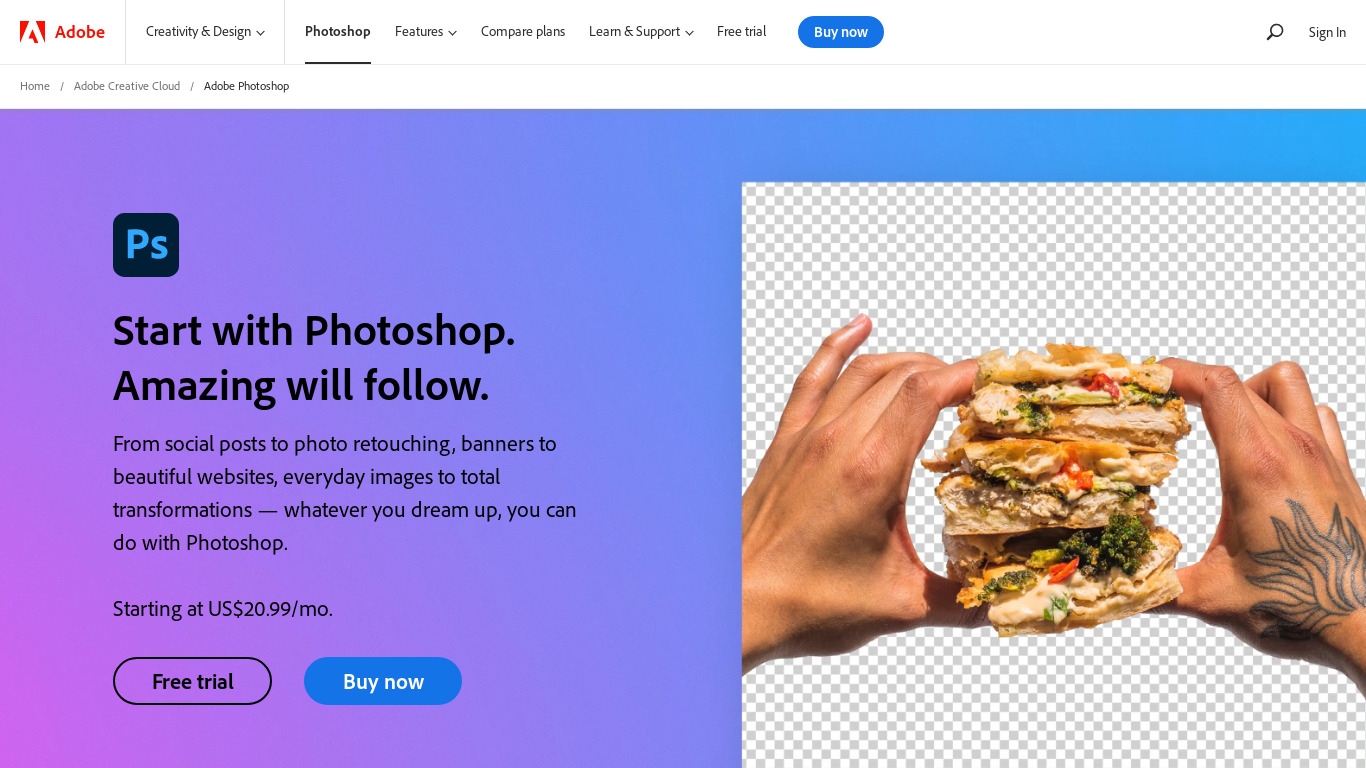
Adobe Photoshop vs. its alternatives
| Adobe Photoshop |  Canva Canva |  Sketch Sketch |  GIMP GIMP |  Affinity Photo Affinity Photo | |
|---|---|---|---|---|---|
| Pricing | — | $12.99/mo | — | Open source | — |
| Platforms | — | — | — | ||
| Listed features | 5 | 9 | 6 | 4 | 6 |
Frequently asked questions
How much does Adobe Photoshop cost?
Pricing details are not listed in the facts, so check their pricing page for current plans.
What is Adobe Photoshop used for?
Adobe Photoshop is a webtop application used for editing images and photos online, ranging from basic photo editing to complex digital art creation.
Who is Adobe Photoshop for?
It is widely used by professional photographers, designers, and artists who need to meet industry standards for various creative projects.
What platforms is Adobe Photoshop available on?
Platform availability is not specified in the provided facts.
What does the Comprehensive Editing Tools feature include?
It offers an extensive range of tools and features for image manipulation, including layers, masks, and retouching capabilities.
Does Adobe Photoshop integrate with other applications?
Yes, it features seamless integration with other Adobe Creative Cloud applications like Illustrator, Lightroom, and Premiere Pro.
What are the best alternatives to Adobe Photoshop?
Known alternatives include Canva, Sketch, GIMP, Affinity Photo, and Pixelmator. You might prefer these options depending on your specific design needs, platform preferences, or budget.
Alternatives to Adobe Photoshop
Read the full comparison →Sketch
Professional digital design for Mac.
GIMP
GIMP is a multiplatform photo manipulation tool.
Affinity Photo
Affinity is the imaging and design suite for creative professionals exclusively for Mac.



Photopea
Online photo editor, which can work with PSD, XCF and Sketch files (Photoshop, Gimp and Sketch App).


