Tool profile
Adobe Photoshop Express
Easily edit and share your photos in no time!
Categories
Pricing
What is Adobe Photoshop Express?
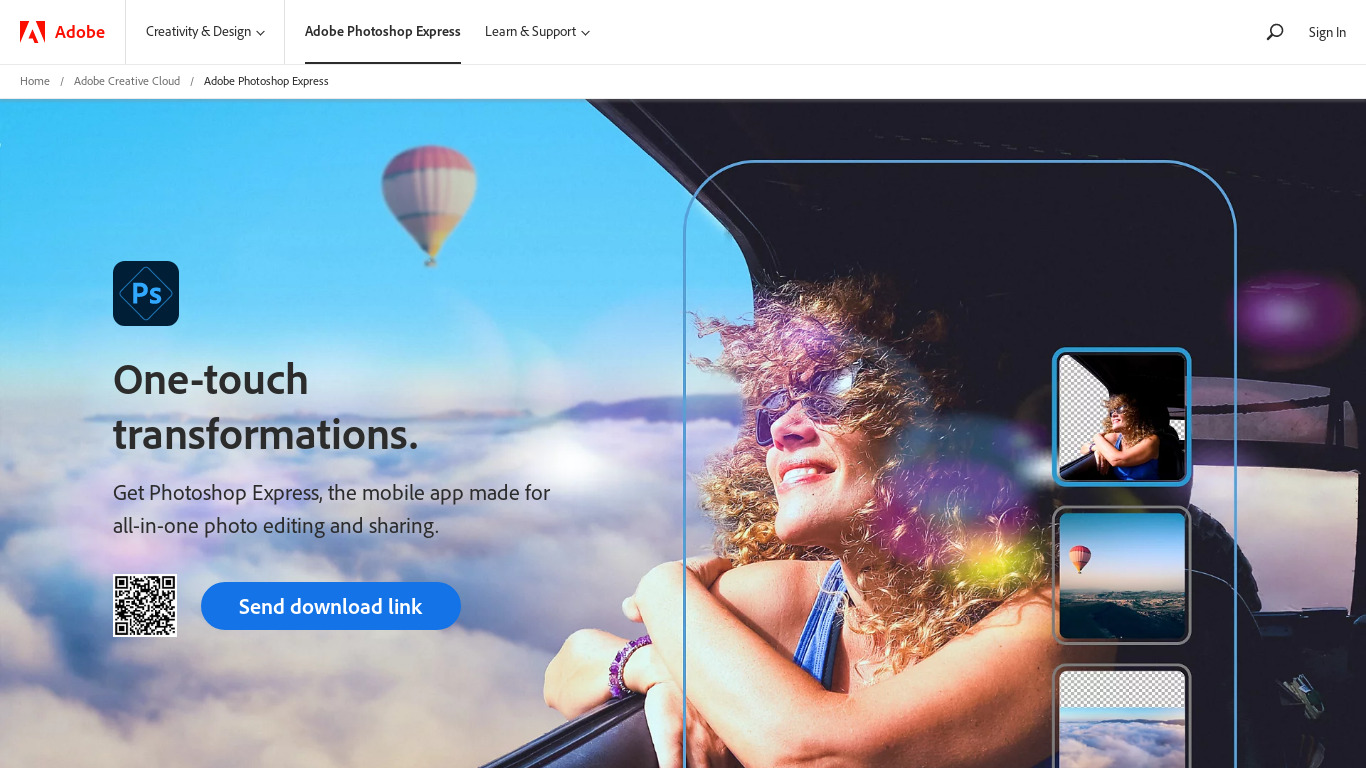
Adobe Photoshop Express is well-suited for casual users and beginners who need a user-friendly interface to navigate basic photo editing tasks. It provides essential editing tools like cropping, rotating, and adjusting brightness and contrast, alongside a variety of filters and effects. Because many features are free to use, it is accessible for those who do not want to invest in more comprehensive software.
For users on the go, the app offers mobile accessibility on both iOS and Android platforms, and it integrates seamlessly with the broader Adobe ecosystem. However, check their pricing page for current plans and specific details on any advanced paid offerings since exact pricing tiers are not listed in the provided facts.
Features
User-Friendly Interface
Adobe Photoshop Express offers an intuitive and streamlined interface that makes it easy for beginners to navigate and use.
Mobile Accessibility
The app is available on both iOS and Android platforms, allowing users to edit photos on the go with their smartphones or tablets.
Basic Editing Tools
Users have access to essential editing tools like cropping, rotating, and adjusting brightness and contrast, making basic photo editing straightforward.
Filter and Effects
Photoshop Express offers a variety of filters and effects that can be applied to photos to enhance or stylize them quickly.
Free to Use
Many features of Adobe Photoshop Express are available for free, making it accessible for casual users who don't want to invest in more comprehensive software.
Integration with Adobe Ecosystem
Seamlessly integrates with other Adobe products and services, making it easier for users who already use Adobe's suite of tools.
Screenshots
Adobe Photoshop Express vs. its alternatives
| Adobe Photoshop Express |  Canva Canva |  Adobe Photoshop Adobe Photoshop |  GIMP GIMP |  Pixelmator Pixelmator | |
|---|---|---|---|---|---|
| Pricing | — | $12.99/mo | — | Open source | — |
| Platforms | — | — | — | — | |
| Listed features | 6 | 9 | 5 | 4 | 5 |
Frequently asked questions
Is Adobe Photoshop Express free?
Many features of Adobe Photoshop Express are available for free, making it accessible for casual users. Check their pricing page for current plans if you require additional capabilities.
What is Adobe Photoshop Express used for?
It is used for basic photo editing tasks such as cropping, rotating, adjusting brightness and contrast, and quickly applying filters and effects to enhance or stylize images.
What platforms is Adobe Photoshop Express available on?
The app is available on both iOS and Android platforms, allowing users to edit photos on the go with their smartphones or tablets.
Who is Adobe Photoshop Express for?
It is designed for beginners and casual users who want an intuitive and streamlined interface without investing in more comprehensive software.
How does Adobe Photoshop Express integrate with other tools?
It features seamless integration with other Adobe products and services, which is especially useful for users who already utilize Adobe's suite of tools.
What are the best alternatives to Adobe Photoshop Express?
Known alternatives include Canva, Adobe Photoshop, GIMP, Pixelmator, and Pixlr. You might prefer the full Adobe Photoshop for more comprehensive software needs, or options like GIMP and Canva depending on your specific design requirements.
Alternatives to Adobe Photoshop Express
Read the full comparison →Adobe Photoshop
Adobe Photoshop is a webtop application for editing images and photos online.
GIMP
GIMP is a multiplatform photo manipulation tool.

Photoscape
high quality photo editing software, that enables you to fix and enhance photos.

Polarr
MacOS, Windows, iOS, Android and online photo editing tools & free photo editors.