
Tool profile
Affinity Photo
Affinity is the imaging and design suite for creative professionals exclusively for Mac.
Categories
Pricing
What is Affinity Photo?
Affinity Photo is built for creative professionals looking for an imaging and design suite with advanced editing tools like RAW editing, HDR merging, panorama stitching, digital painting capabilities, and robust layer support. It stands out for its high-performance handling of large files and complex edits, a modern customizable user interface, and non-destructive editing through layers and masks.
While the tagline mentions it is exclusively for Mac, the feature details note it is available on macOS, Windows, and iPad. Specific exact pricing is not listed in the facts beyond its one-time purchase model being more affordable long-term than Adobe Photoshop's subscription, so check their official pricing page for current plans.
Features
Cost-effective
Affinity Photo is available for a one-time purchase at a relatively low cost compared to the subscription model of Adobe Photoshop, making it a more affordable option in the long run.
Advanced Tools
The software offers a wide range of advanced photo editing tools, including layer support, RAW editing, HDR merging, panorama stitching, and digital painting capabilities.
Non-Destructive Editing
Affinity Photo allows for non-destructive editing with its powerful layers and mask features, ensuring that the original image remains unaltered.
Cross-Platform Availability
Available on both macOS, Windows, and iPad, it provides a seamless experience across different devices, allowing users to work on their projects anywhere.
Performance
Affinity Photo is optimized for high performance and can handle large files and complex edits without significant slowdowns, leveraging modern hardware capabilities effectively.
User Interface
The user interface is modern, clean, and highly customizable, allowing users to tailor their workspace to their needs.
Screenshots
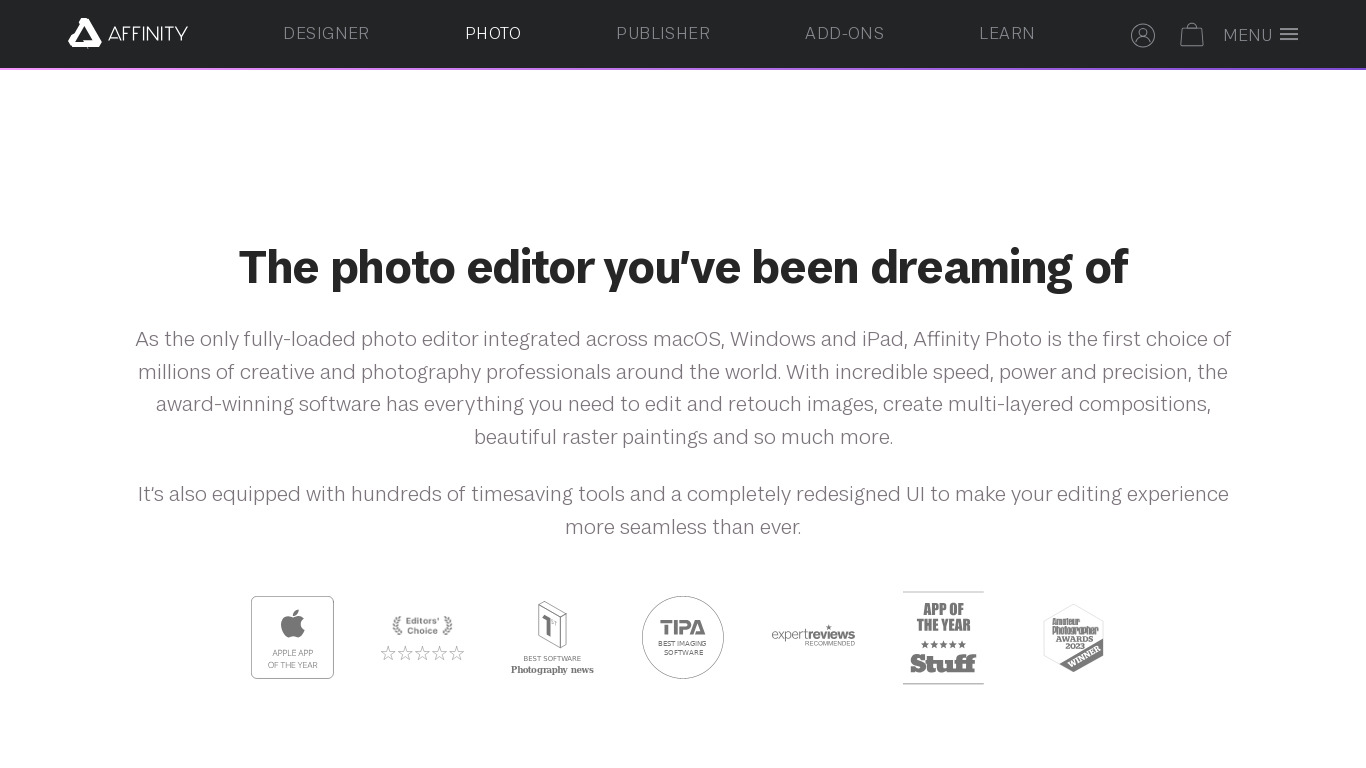
Affinity Photo vs. its alternatives
| Affinity Photo |  Canva Canva |  Sketch Sketch |  Adobe Photoshop Adobe Photoshop |  Affinity Designer Affinity Designer | |
|---|---|---|---|---|---|
| Pricing | — | $12.99/mo | — | — | — |
| Platforms | — | — | — | — | |
| Listed features | 6 | 9 | 6 | 5 | 7 |
Frequently asked questions
How much does Affinity Photo cost?
Exact pricing is not listed in the facts, but Affinity Photo is available for a one-time purchase at a relatively low cost compared to the subscription model of Adobe Photoshop. Check their pricing page for current plans.
What is Affinity Photo used for?
Affinity Photo is used as an imaging and design suite for creative professionals handling tasks like photo editing, digital painting, RAW editing, HDR merging, and panorama stitching.
What platforms is Affinity Photo available on?
Affinity Photo is available on macOS, Windows, and iPad, providing a seamless experience across these devices.
Does Affinity Photo support non-destructive editing?
Yes, Affinity Photo allows for non-destructive editing using its powerful layers and mask features to ensure the original image remains unaltered.
How well does Affinity Photo handle performance?
Affinity Photo is optimized for high performance, allowing it to handle large files and complex edits without significant slowdowns by leveraging modern hardware capabilities.
What are the best alternatives to Affinity Photo?
Some known alternatives include Adobe Photoshop, Canva, and GIMP. You might prefer Adobe Photoshop if you are tied into its ecosystem, or GIMP if you are looking for different open-source software options.
Alternatives to Affinity Photo
Read the full comparison →Sketch
Professional digital design for Mac.
Adobe Photoshop
Adobe Photoshop is a webtop application for editing images and photos online.

GIMP
GIMP is a multiplatform photo manipulation tool.



Photopea
Online photo editor, which can work with PSD, XCF and Sketch files (Photoshop, Gimp and Sketch App).

