Tool profile
Pixelmator
Pixelmator is an image-editing application for Mac and iPad.
Categories
Pricing
What is Pixelmator?
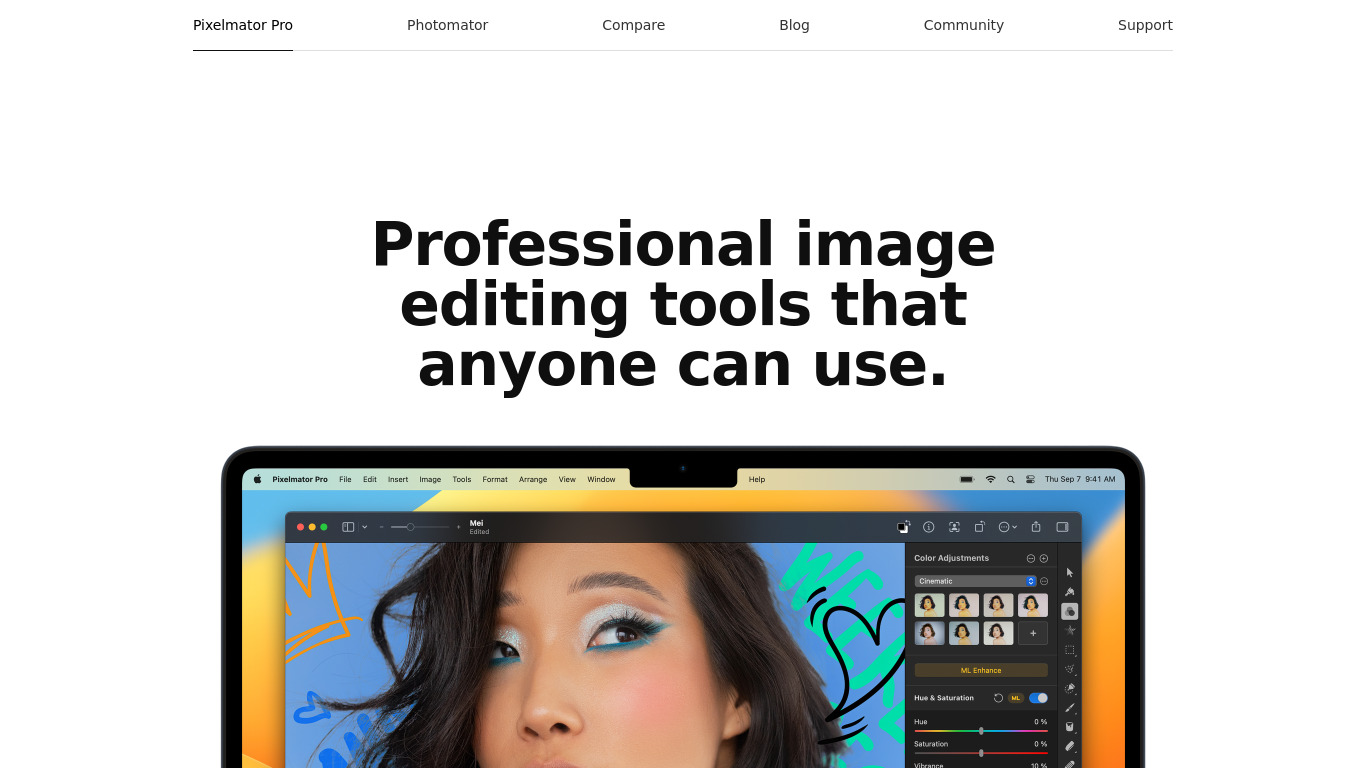
Pixelmator is an image-editing application built for Mac and iPad. It is a strong fit for users looking for a user-friendly interface that remains powerful enough for professionals, utilizing macOS technologies like Metal, Core Image, and OpenGL for performance optimization. It also includes AI-powered tools such as ML Super Resolution to enhance image quality using machine learning algorithms.
However, buyers should note that exact pricing details are not listed in the available facts, though it is described as a one-time purchase that is more affordable in the long run compared to subscription-based software like Adobe Photoshop. Additionally, the software is built exclusively for macOS, meaning it lacks support for Windows or other operating systems outside of Apple's ecosystem.
Features
User-Friendly Interface
Pixelmator Pro is designed with a clean and easy-to-use interface, making it accessible even for beginners while still being powerful enough for professionals.
Integration with macOS
The software is built exclusively for macOS, allowing seamless integration with other Apple applications and services like iCloud, Photos, and AppleScript.
Affordability
Pixelmator Pro is a one-time purchase, making it more affordable in the long run compared to subscription-based software like Adobe Photoshop.
Performance Optimization
It takes advantage of the latest macOS technologies such as Metal, Core Image, and OpenGL, ensuring smoother performance and faster processing times.
AI-Powered Tools
Pixelmator Pro includes a variety of AI-driven tools like ML Super Resolution, which enhances image quality using machine learning algorithms.
Screenshots
Pixelmator vs. its alternatives
| Pixelmator |  Canva Canva |  Sketch Sketch |  Adobe Photoshop Adobe Photoshop |  GIMP GIMP | |
|---|---|---|---|---|---|
| Pricing | — | $12.99/mo | — | — | Open source |
| Platforms | — | — | — | ||
| Listed features | 5 | 9 | 6 | 5 | 4 |
Frequently asked questions
How much does Pixelmator cost?
Exact pricing details are not listed in the facts, but Pixelmator Pro is noted as a one-time purchase that is more affordable in the long run compared to subscription-based software like Adobe Photoshop. Check their pricing page for current plans.
What is Pixelmator used for?
Pixelmator is used as an image-editing application for Mac and iPad, featuring tools for enhancing image quality and editing graphics.
What platforms does Pixelmator support?
Pixelmator is built exclusively for macOS, allowing seamless integration with Apple applications and services like iCloud, Photos, and AppleScript.
What does the ML Super Resolution feature do?
ML Super Resolution is an AI-driven tool included in Pixelmator Pro that enhances image quality using machine learning algorithms.
What are the best alternatives to Pixelmator?
Known alternatives include Adobe Photoshop, Canva, and GIMP. You might prefer Adobe Photoshop if you rely on subscription software, or GIMP and Canva depending on your specific image editing requirements and platform preferences.
Is Pixelmator good for beginners?
Yes, Pixelmator Pro is designed with a clean and easy-to-use interface that makes it accessible even for beginners while still being powerful enough for professionals.
Alternatives to Pixelmator
Read the full comparison →Sketch
Professional digital design for Mac.
Adobe Photoshop
Adobe Photoshop is a webtop application for editing images and photos online.
GIMP
GIMP is a multiplatform photo manipulation tool.

Affinity Photo
Affinity is the imaging and design suite for creative professionals exclusively for Mac.