Tool profile
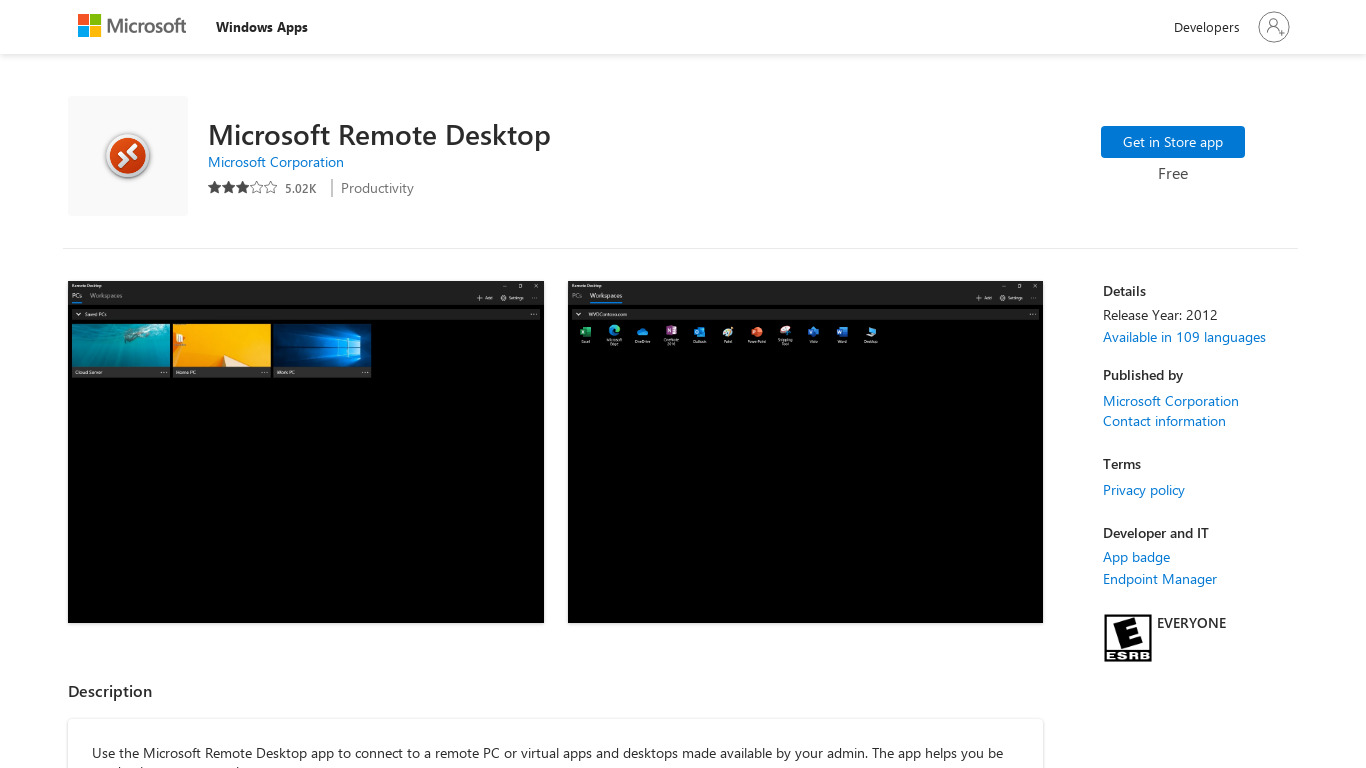
Microsoft Remote Desktop
Profile in progressOnce that's done, another computer or device with the right credentials, called the client, can connect to the host and control it. Don't let the technical aspects of remote desktop software scare you away.
Categories
Pricing
Features
Ease of Use
Microsoft Remote Desktop provides a user-friendly interface that is simple to set up and navigate, making it accessible for users of varying technical expertise.
Cross-Platform Compatibility
Supports multiple platforms including Windows, macOS, iOS, and Android, allowing for versatile usage across different devices.
Performance
Offers reliable and relatively fast performance with the ability to handle complex applications and operations through remote connections.
Integration with Microsoft Ecosystem
Seamlessly integrates with other Microsoft services and products, such as Azure and Office 365, enhancing productivity for users within the Microsoft ecosystem.
Security
Includes robust security features like network-level authentication, data encryption, and multi-factor authentication, ensuring secure remote connections.
Screenshots
Microsoft Remote Desktop vs. its alternatives
| Microsoft Remote Desktop |  join.me join.me |  TeamViewer TeamViewer |  AnyDesk AnyDesk |  Remote Utilities Remote Utilities | |
|---|---|---|---|---|---|
| Pricing | — | — | — | — | $99/mo |
| Platforms | — | — | — | ||
| Listed features | 5 | 5 | 7 | 6 | 15 |
Alternatives to Microsoft Remote Desktop
join.me
Instant screen sharing. Instant Aha!
TeamViewer
TeamViewer lets you establish a connection to any PC or server within just a few seconds.
AnyDesk
AnyDesk is the world's most comfortable remote desktop application. Access all your programs, documents and files from anywhere, without having to entrust your data to a cloud service.
Remote Utilities
Access remote PCs and provide remote customer support with ease.

TightVNC
TightVNC - VNC-Compatible Remote Control / Remote Desktop Software. Download TightVNCDownload TightVNC 1. 3. 10 - TightVNC Server - F. A. Read more about TightVNC.
Remote Desktop Manager
Remote Desktop Manager is a remote connection and password management platform for IT pros trusted by more than 300 000 users in 130 countries.Add-ons - Remote Desktop .
VNC Connect
VNC is remote access and control software which allows you to view and fully interact with one...

LogMeIn
LogMeIn gives you fast, easy remote access to your PC or Mac from your browser, desktop and mobile...