Tool profile
TeamViewer
TeamViewer lets you establish a connection to any PC or server within just a few seconds.
What is TeamViewer?
TeamViewer is suited for users needing to establish a connection to any PC or server within just a few seconds. It belongs to the Communication category and offers features like remote control, file transfer, VPN, and remote printing. The software is known for fast and reliable performance with stable connection speeds, along with high security measures such as end-to-end encryption and two-factor authentication.
For personal, non-commercial use, TeamViewer offers a free version. However, exact commercial pricing is not listed in the available facts, so check their pricing page for current plans. It supports multiple operating systems including Windows, macOS, Linux, iOS, and Android, and can accommodate multiple users in a single session for collaborative work.
Features
Cross-Platform Compatibility
TeamViewer supports multiple operating systems including Windows, macOS, Linux, iOS, and Android, making it versatile for various user needs.
Ease of Use
The interface is user-friendly and intuitive, which makes it easy for both technical and non-technical users to navigate and use the software.
Comprehensive Features
The software offers a wide range of features including remote control, file transfer, VPN, and remote printing, which can address various remote support needs.
High Security
TeamViewer uses end-to-end encryption, two-factor authentication, and other security measures to protect data and ensure safe remote connections.
Free for Personal Use
TeamViewer offers a free version for personal, non-commercial use, allowing individual users to leverage its functionalities without cost.
Support for Multiple Users
The software allows multiple users to connect to a single session, which can be beneficial for collaborative work or support scenarios.
Fast and Reliable Performance
TeamViewer provides fast connection speeds and stable performance, minimizing lag and disruptions during remote sessions.
Screenshots
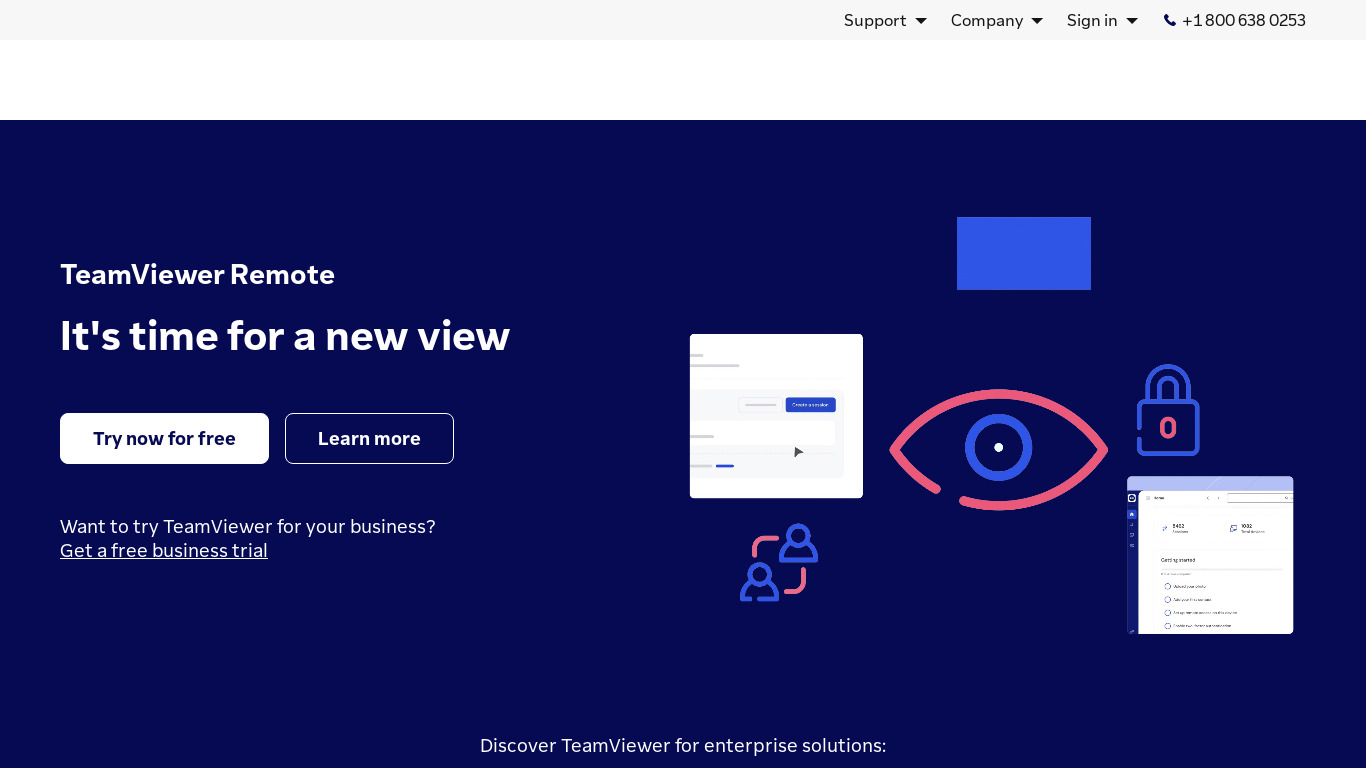
TeamViewer vs. its alternatives
| TeamViewer |  join.me join.me |  GoToMeeting GoToMeeting |  Zoom Zoom |  AnyDesk AnyDesk | |
|---|---|---|---|---|---|
| Pricing | — | — | — | $12/mo | — |
| Platforms | — | — | — | ||
| Listed features | 7 | 5 | 8 | 6 | 6 |
Frequently asked questions
Is TeamViewer free?
TeamViewer offers a free version for personal, non-commercial use. Commercial pricing is not listed here, so check their pricing page for current plans.
What is TeamViewer used for?
TeamViewer is used to establish a connection to any PC or server within just a few seconds for remote support, file transfer, VPN usage, and remote printing.
What platforms does TeamViewer support?
TeamViewer supports multiple operating systems including Windows, macOS, Linux, iOS, and Android, and is accessible via Web.
What are the security features in TeamViewer?
TeamViewer uses end-to-end encryption, two-factor authentication, and other security measures to protect data and ensure safe remote connections.
Can multiple people join a session?
Yes, TeamViewer allows multiple users to connect to a single session, which is beneficial for collaborative work or support scenarios.
What are the best alternatives to TeamViewer?
Alternatives to TeamViewer include join.me, GoToMeeting, Zoom, AnyDesk, and TightVNC. You might prefer these options depending on your specific remote support and communication needs.
Alternatives to TeamViewer
Read the full comparison →join.me
Instant screen sharing. Instant Aha!
Zoom
Equip your team with tools designed to collaborate, connect, and engage with teammates and customers, no matter where you’re located, all in one platform.
AnyDesk
AnyDesk is the world's most comfortable remote desktop application. Access all your programs, documents and files from anywhere, without having to entrust your data to a cloud service.

TightVNC
TightVNC - VNC-Compatible Remote Control / Remote Desktop Software. Download TightVNCDownload TightVNC 1. 3. 10 - TightVNC Server - F. A. Read more about TightVNC.

VNC Connect
VNC is remote access and control software which allows you to view and fully interact with one...

LogMeIn
LogMeIn gives you fast, easy remote access to your PC or Mac from your browser, desktop and mobile...