Tool profile
VNC Connect
VNC is remote access and control software which allows you to view and fully interact with one...
Categories
Pricing
What is VNC Connect?
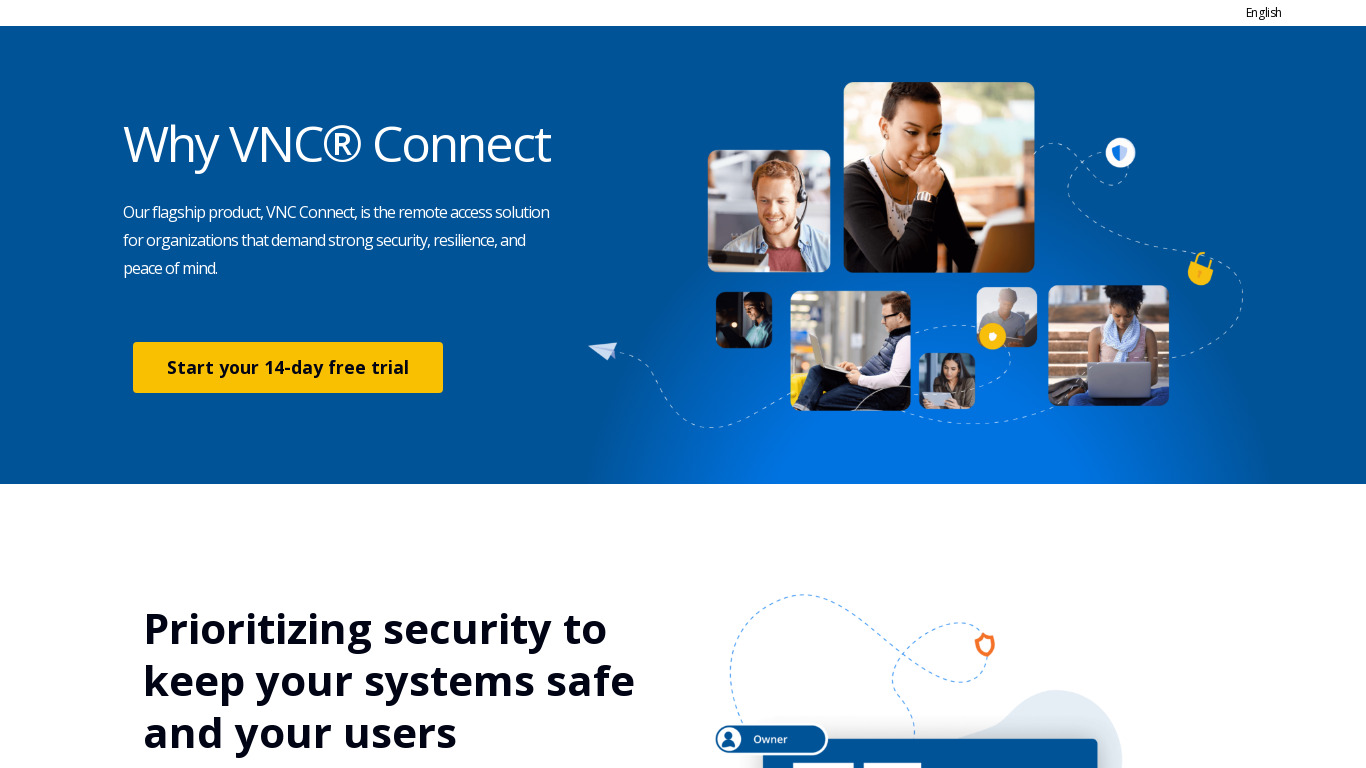
VNC Connect is remote access and control software designed for viewing and fully interacting with devices. It suits both small-scale deployments and larger enterprise-level installations thanks to its built-in scalability.
Key features include cross-platform support for Windows, macOS, and Linux, cloud connectivity for accessing devices from anywhere, and high security via end-to-end encryption and multi-factor authentication. It also provides responsive performance over lower bandwidth connections and a user-friendly interface with quick setup.
Specific pricing details are not listed in the facts, so check their pricing page for current plans.
Features
Cross-Platform Support
VNC Connect is compatible with multiple operating systems, including Windows, macOS, Linux, and more. This versatility makes it suitable for diverse environments and use cases.
Ease of Use
The interface of VNC Connect is user-friendly, making it accessible for both technical and non-technical users. Quick setup and simple navigation add to its ease of use.
High Security
VNC Connect offers end-to-end encryption and multi-factor authentication, ensuring a high level of security for remote connections. This is essential for protecting sensitive data.
Cloud Connectivity
The service includes cloud connectivity options, allowing users to connect to their devices from anywhere with an internet connection. This makes remote access very flexible.
Scalability
It supports both small-scale deployments and larger, enterprise-level installations. This scalability makes it a versatile solution for different sizes of organizations.
Responsive Performance
VNC Connect is designed to offer responsive performance, even over lower bandwidth connections. This ensures that remote operations are smooth and efficient.
Screenshots
VNC Connect vs. its alternatives
| VNC Connect |  TeamViewer TeamViewer |  AnyDesk AnyDesk |  TightVNC TightVNC |  ScreenConnect ScreenConnect | |
|---|---|---|---|---|---|
| Pricing | — | — | — | — | — |
| Platforms | — | — | |||
| Listed features | 6 | 7 | 6 | 6 | 6 |
Frequently asked questions
How much does VNC Connect cost?
Exact pricing details are not provided in the facts, so check their pricing page for current plans.
What is VNC Connect used for?
VNC Connect is remote access and control software that allows you to view and fully interact with one or more devices.
What operating systems are supported by Cross-Platform Support?
It is compatible with multiple operating systems, including Windows, macOS, Linux, and more.
Who is VNC Connect for?
It is designed for both technical and non-technical users, supporting small-scale deployments and larger, enterprise-level installations.
What security features does VNC Connect offer?
It offers end-to-end encryption and multi-factor authentication to ensure a high level of security for remote connections.
What are the best alternatives to VNC Connect?
Alternatives include TeamViewer, AnyDesk, TightVNC, ScreenConnect, and Zoho Assist.
Alternatives to VNC Connect
Read the full comparison →TeamViewer
TeamViewer lets you establish a connection to any PC or server within just a few seconds.
AnyDesk
AnyDesk is the world's most comfortable remote desktop application. Access all your programs, documents and files from anywhere, without having to entrust your data to a cloud service.
TightVNC
TightVNC - VNC-Compatible Remote Control / Remote Desktop Software. Download TightVNCDownload TightVNC 1. 3. 10 - TightVNC Server - F. A. Read more about TightVNC.

LogMeIn
LogMeIn gives you fast, easy remote access to your PC or Mac from your browser, desktop and mobile...