Tool profile
Remote Desktop Manager
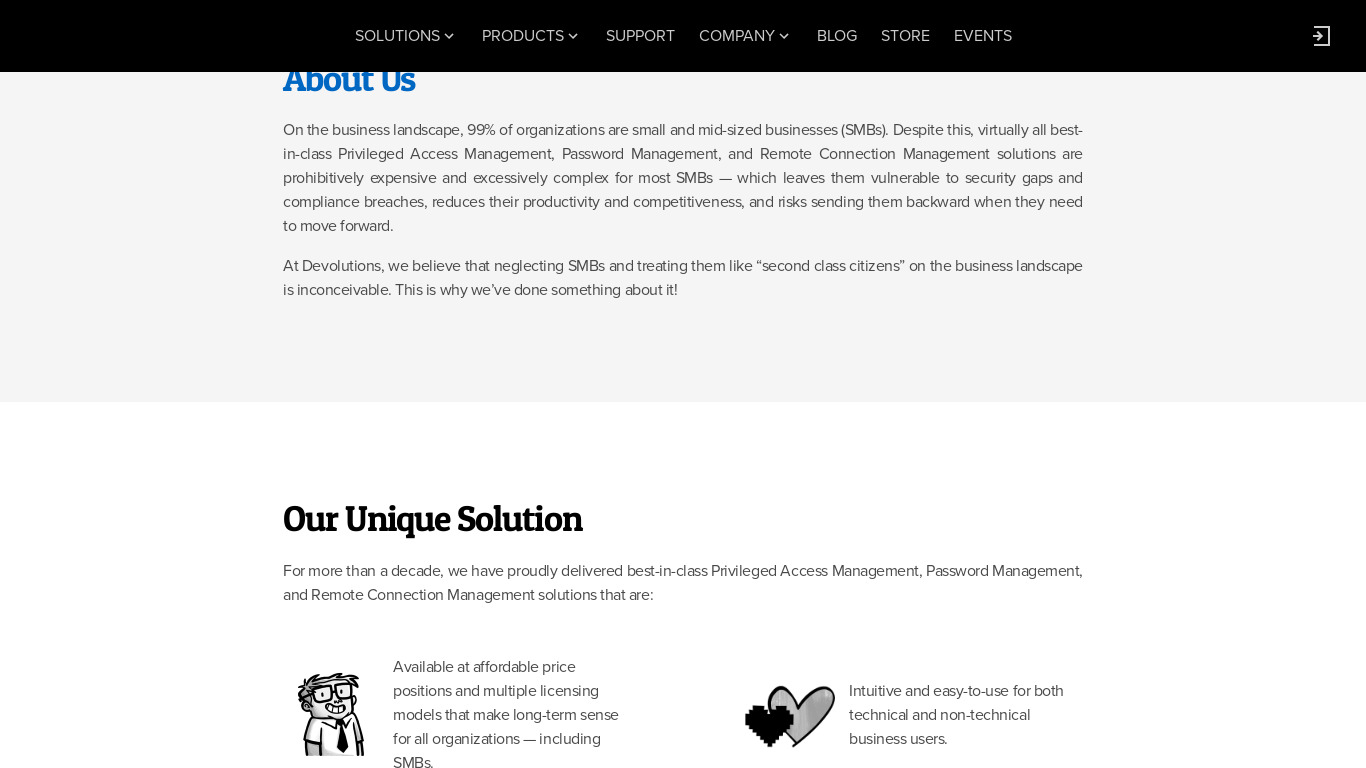
Remote Desktop Manager is a remote connection and password management platform for IT pros trusted by more than 300 000 users in 130 countries.Add-ons - Remote Desktop .
What is Remote Desktop Manager?
Remote Desktop Manager is a remote connection and password management platform built for IT professionals and trusted by over 300,000 users across 130 countries. It is designed to scale from individual use to large enterprise deployments. Key features include Centralized Management for handling all remote connections from a single platform, Security with strong encryption protocols, two-factor authentication, and password vaults, plus multi-platform support covering Windows, Mac, and mobile platforms. The software also provides extensive customization, third-party integrations with VPNs, cloud providers, and password managers, and add-ons for remote desktops.
Because exact pricing details are not listed in the available facts, check their pricing page for current plans. The platform is accessible via Web and multiple operating systems, and it features an intuitive, user-friendly interface designed to accommodate varying technical skill levels. When evaluating options, users often look at known alternatives such as join.me, TeamViewer, TightVNC, Apple Remote Desktop, and X2Go to see which tool best fits their specific remote connection and infrastructure requirements.
Features
Centralized Management
Remote Desktop Manager allows you to manage all your remote connections from a single platform, eliminating the need to juggle multiple tools or windows.
Security
The software supports strong encryption protocols and security measures to protect sensitive data, including support for two-factor authentication and password vaults.
Customization
It offers extensive customization options to tailor the interface and functionality to meet specific business needs, enhancing productivity and performance.
Integration
The tool supports integration with a wide range of third-party applications and services like VPNs, cloud providers, and password managers, which enhances its utility and versatility.
User-Friendly Interface
Despite its extensive feature set, Remote Desktop Manager boasts an intuitive and user-friendly interface, making it accessible to users of varying technical skill levels.
Scalability
It is designed to scale from individual use to large-scale enterprise deployments, making it a versatile solution as your organization grows.
Multi-Platform Support
Remote Desktop Manager supports multiple operating systems, including Windows, Mac, and even mobile platforms, ensuring broad usability.
Screenshots
Remote Desktop Manager vs. its alternatives
| Remote Desktop Manager |  join.me join.me |  TeamViewer TeamViewer |  TightVNC TightVNC |  Apple Remote Desktop Apple Remote Desktop | |
|---|---|---|---|---|---|
| Pricing | — | — | — | — | — |
| Platforms | — | — | |||
| Listed features | 7 | 5 | 7 | 6 | 6 |
Frequently asked questions
How much does Remote Desktop Manager cost?
Exact pricing details are not listed in the available facts, so check their pricing page for current plans.
Who is Remote Desktop Manager for?
It is designed for IT professionals and scales from individual use to large-scale enterprise deployments, with over 300,000 users in 130 countries.
What platforms does Remote Desktop Manager support?
Remote Desktop Manager supports multiple operating systems including Windows, Mac, and mobile platforms, and is also listed with Web platform support.
What security features does Remote Desktop Manager include?
The software supports strong encryption protocols, two-factor authentication, and password vaults to protect sensitive data.
What third-party integrations are available in Remote Desktop Manager?
It supports integration with a wide range of third-party applications and services, including VPNs, cloud providers, and password managers.
What are the best alternatives to Remote Desktop Manager?
Known alternatives include join.me, TeamViewer, TightVNC, Apple Remote Desktop, and X2Go, which you might prefer depending on your specific remote connection and infrastructure needs.
Alternatives to Remote Desktop Manager
Read the full comparison →join.me
Instant screen sharing. Instant Aha!
TeamViewer
TeamViewer lets you establish a connection to any PC or server within just a few seconds.
TightVNC
TightVNC - VNC-Compatible Remote Control / Remote Desktop Software. Download TightVNCDownload TightVNC 1. 3. 10 - TightVNC Server - F. A. Read more about TightVNC.
Apple Remote Desktop
Apple Remote Desktop is the best way to manage the Mac computers on your network.
X2Go
Get X2Go. Installing X2Go (client/server). Download X2Go Client (Windows installer (XP and Later), OS X 10. 9 and higher DMG, OS X 10. 10 and higher DMG or macOS 10.
Jump Desktop
Connect to any computer in the world. Jump Desktop is a secure and reliable remote desktop (RDP & VNC) app for iOS, Mac, Android and PCs which lets you connect to any computer, anywhere in the world.

LogMeIn
LogMeIn gives you fast, easy remote access to your PC or Mac from your browser, desktop and mobile...
mRemoteNG
mRemoteNG is a fork of mRemote, an open source, tabbed, multi-protocol, remote connections manager.