Tool profile
AnyDesk
AnyDesk is the world's most comfortable remote desktop application. Access all your programs, documents and files from anywhere, without having to entrust your data to a cloud service.
Categories
Pricing
What is AnyDesk?
AnyDesk is a remote desktop application categorized under Group Chat & Notifications, built for users who need to access programs, documents, and files from anywhere without entrusting data to a cloud service. It stands out with features like High Performance offering low latency and fast data transmissions, Cross-Platform Support for Windows, macOS, Linux, Android, and iOS, and Lightweight resource usage that maintains system performance.
For security, AnyDesk employs TLS 1.2 encryption and RSA 2048 key exchange, alongside an intuitive interface for ease of use and customization options for businesses. However, specific pricing details are not listed in the facts, so check their pricing page for current plans. If you are comparing options, known alternatives include join.me, TeamViewer, Remmina, TightVNC, and VNC Connect.
Features
High Performance
AnyDesk offers low latency and fast data transmissions, enabling smooth and responsive remote desktop experiences.
Cross-Platform Support
AnyDesk is available for multiple operating systems including Windows, macOS, Linux, Android, and iOS, facilitating versatility.
Ease of Use
The software features an intuitive interface making it user-friendly, even for those with limited technical knowledge.
Strong Security
AnyDesk employs robust security measures such as TLS 1.2 encryption and RSA 2048 key exchange, ensuring data protection.
Lightweight
AnyDesk is lightweight and requires minimal system resources, which helps in maintaining system performance.
Customizable
Offers customization options for businesses to tailor the interface and functionalities according to their brand and operational needs.
Screenshots
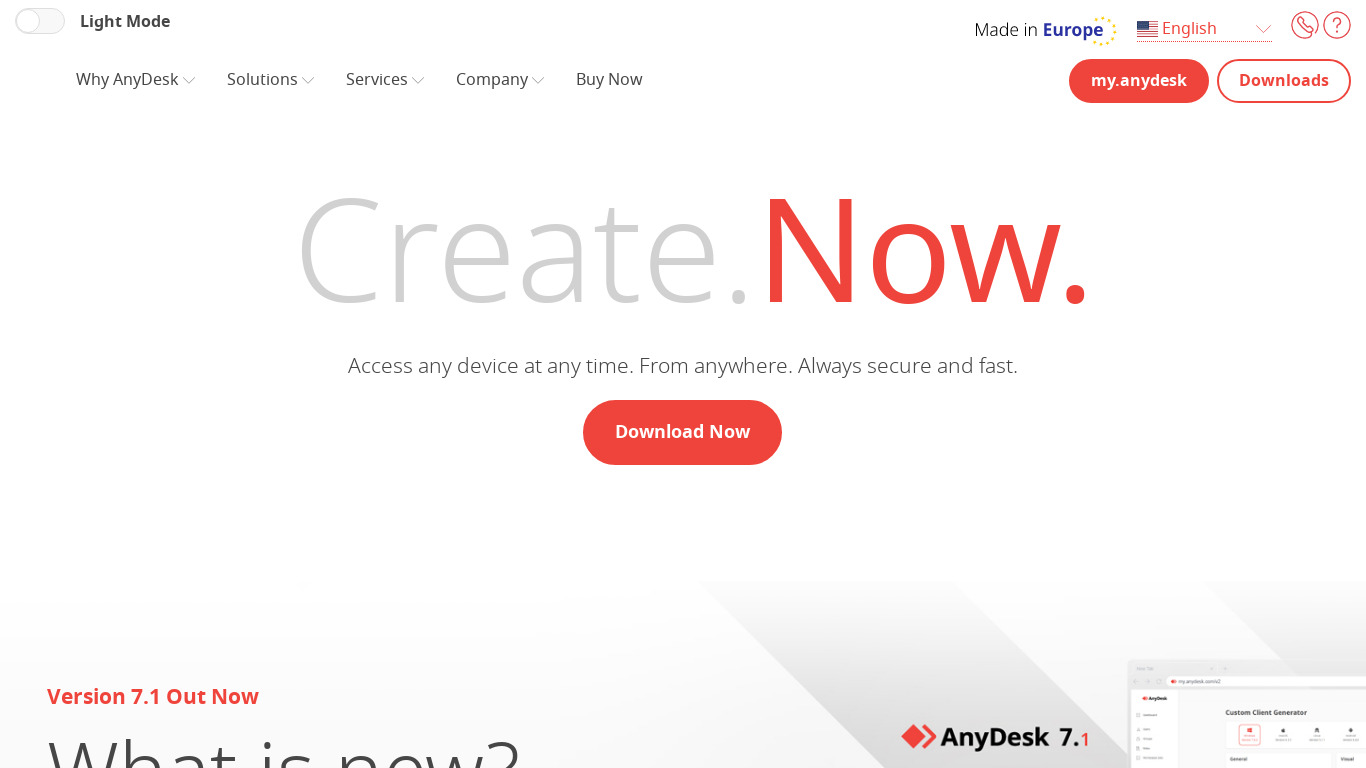
AnyDesk vs. its alternatives
| AnyDesk |  join.me join.me |  TeamViewer TeamViewer |  Remmina Remmina |  TightVNC TightVNC | |
|---|---|---|---|---|---|
| Pricing | — | — | — | Open source | — |
| Platforms | — | — | |||
| Listed features | 6 | 5 | 7 | 5 | 6 |
Frequently asked questions
What is AnyDesk used for?
AnyDesk is used as a remote desktop application to access all your programs, documents, and files from anywhere without having to entrust your data to a cloud service.
How much does AnyDesk cost?
Pricing details are not listed in the provided facts, so check their pricing page for current plans.
Which operating systems are supported by AnyDesk?
AnyDesk provides Cross-Platform Support for Windows, macOS, Linux, Android, and iOS.
What security features does AnyDesk include?
AnyDesk employs Strong Security measures such as TLS 1.2 encryption and RSA 2048 key exchange to ensure data protection.
Is AnyDesk resource-heavy?
No, AnyDesk is lightweight and requires minimal system resources, which helps in maintaining overall system performance.
Can businesses customize AnyDesk?
Yes, AnyDesk offers customization options for businesses to tailor the interface and functionalities according to their brand and operational needs.
What are the best alternatives to AnyDesk?
Some known alternatives to AnyDesk include TeamViewer, Remmina, and VNC Connect. You might explore these options depending on your specific remote access preferences and workflow requirements.
Alternatives to AnyDesk
Read the full comparison →join.me
Instant screen sharing. Instant Aha!
TeamViewer
TeamViewer lets you establish a connection to any PC or server within just a few seconds.
Remmina
Remmina is a remote desktop client written in GTK+, aiming to be useful for system administrators and travellers, who need to work with lots of remote computers in front of either large monitors or tiny netbooks.
TightVNC
TightVNC - VNC-Compatible Remote Control / Remote Desktop Software. Download TightVNCDownload TightVNC 1. 3. 10 - TightVNC Server - F. A. Read more about TightVNC.
VNC Connect
VNC is remote access and control software which allows you to view and fully interact with one...

LogMeIn
LogMeIn gives you fast, easy remote access to your PC or Mac from your browser, desktop and mobile...
UltraVNC
VNC remote access software, support server and viewer software for on demand remote computer support. Remote desktop support software for remote PC control. Free
mRemoteNG
mRemoteNG is a fork of mRemote, an open source, tabbed, multi-protocol, remote connections manager.