
Tool profile
OneNote
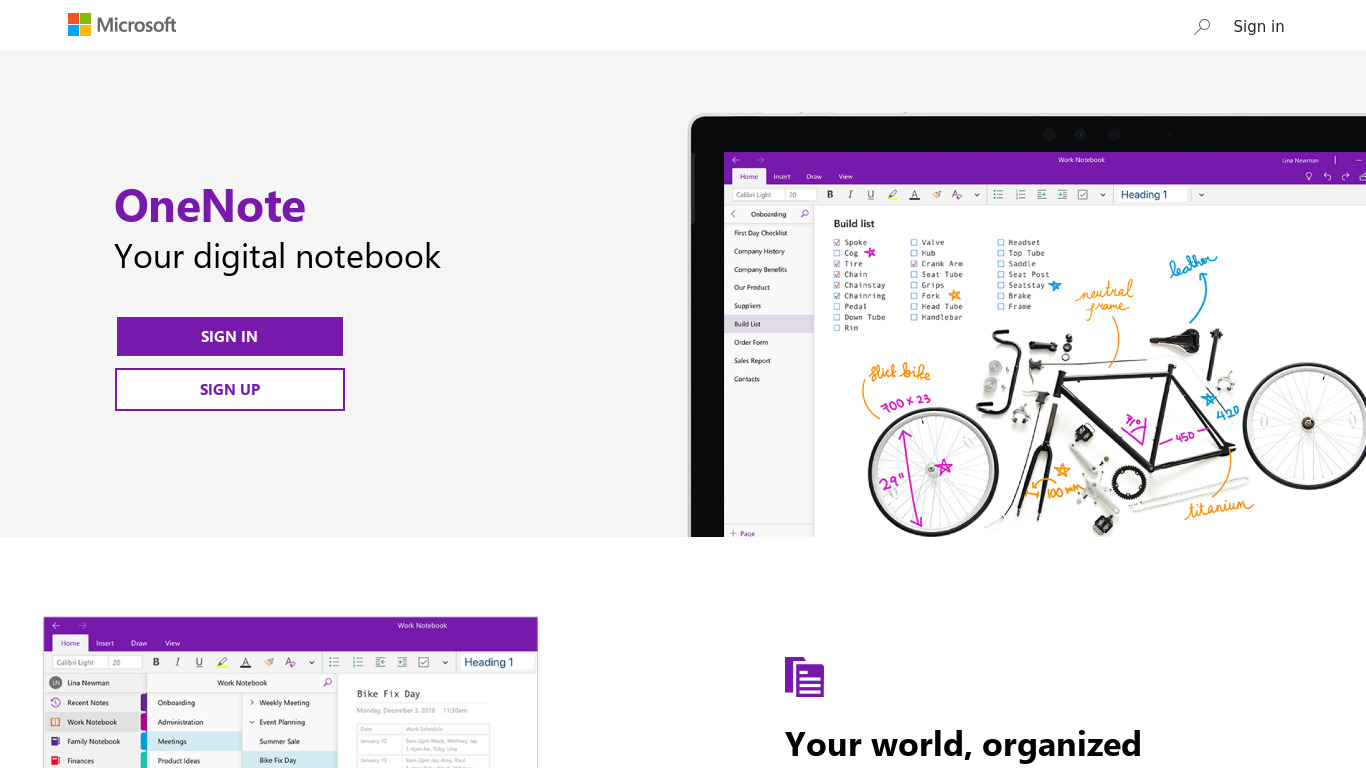
Get the OneNote app for free on your tablet, phone, and computer, so you can capture your ideas and to-do lists in one place wherever you are. Or try OneNote with Office for free.
Categories
Pricing
What is OneNote?
OneNote is built for users who need a Note Taking tool with Cross-Platform Accessibility across Windows, Mac, iOS, Android, and web browsers. It stands out with Flexible Organization using notebooks, sections, and individual pages, alongside Rich Media Support for inserting images, audio recordings, video clips, and web links. Real-time collaboration allows multiple users to work on the same notebook simultaneously, while Handwriting and Drawing Support caters to touchscreen and stylus users. Integration with Microsoft Office Suite products like Word, Excel, and Outlook further enhances productivity.
Because exact pricing details are not listed in the facts, check their pricing page for current plans. The known alternatives for this tool include Workflowy, Simplenote, Evernote, Notezilla, and Standard Notes.
Features
Cross-Platform Accessibility
OneNote is available on various platforms including Windows, Mac, iOS, Android, and through web browsers, providing seamless access to notes from any device.
Collaboration Features
OneNote allows real-time collaboration, enabling multiple users to work on the same notebook simultaneously and see changes in real-time.
Integration with Microsoft Ecosystem
As part of the Microsoft Office Suite, OneNote integrates well with other Microsoft products like Word, Excel, and Outlook, enhancing productivity.
Flexible Organization
OneNote offers a flexible structure for organizing notes, including notebooks, sections, and individual pages, allowing for customizable workflows.
Rich Media Support
Users can insert various types of media into their notes, including images, audio recordings, video clips, and even web links.
Handwriting and Drawing Support
OneNote supports handwriting and drawing using touchscreens and stylus pens, which is particularly useful for tablet and touch device users.
Screenshots
OneNote vs. its alternatives
| OneNote |  Workflowy Workflowy |  Simplenote Simplenote |  Evernote Evernote |  Notezilla Notezilla | |
|---|---|---|---|---|---|
| Pricing | — | $4.99/mo | Open source | — | $29.95/mo |
| Platforms | — | ||||
| Listed features | 6 | 16 | 6 | 5 | 13 |
Frequently asked questions
How much does OneNote cost?
Exact pricing details are not listed in the facts, so please check their pricing page for current plans.
What is OneNote used for?
OneNote is used for note taking, capturing ideas, and managing to-do lists across devices in one place.
What platforms is OneNote available on?
OneNote is available on Windows, Mac, iOS, Android, and through web browsers.
Does OneNote support handwriting and drawing?
Yes, OneNote supports handwriting and drawing using touchscreens and stylus pens, which is useful for tablet and touch device users.
Can multiple people collaborate on notes in OneNote?
OneNote allows real-time collaboration so multiple users can work on the same notebook simultaneously and see changes immediately.
What are the best alternatives to OneNote?
Alternatives to OneNote include Workflowy, Simplenote, Evernote, Notezilla, and Standard Notes, which you might prefer depending on your specific note-taking and workflow requirements.
Alternatives to OneNote
Read the full comparison →Workflowy
A better way to organize your mind.
Simplenote
The simplest way to keep notes. Light, clean, and free. Simplenote is now available for iOS, Android, Mac, and the web.
Evernote
Bring your life's work together in one digital workspace. Evernote is the place to collect inspirational ideas, write meaningful words, and move your important projects forward.
Notezilla
Colorful & powerful sticky notes app for Windows & Phones.

Standard Notes
A safe place for your notes, thoughts, and life's work



Notion
All-in-one workspace. One tool for your whole team. Write, plan, and get organized.

