
Tool profile
Joplin
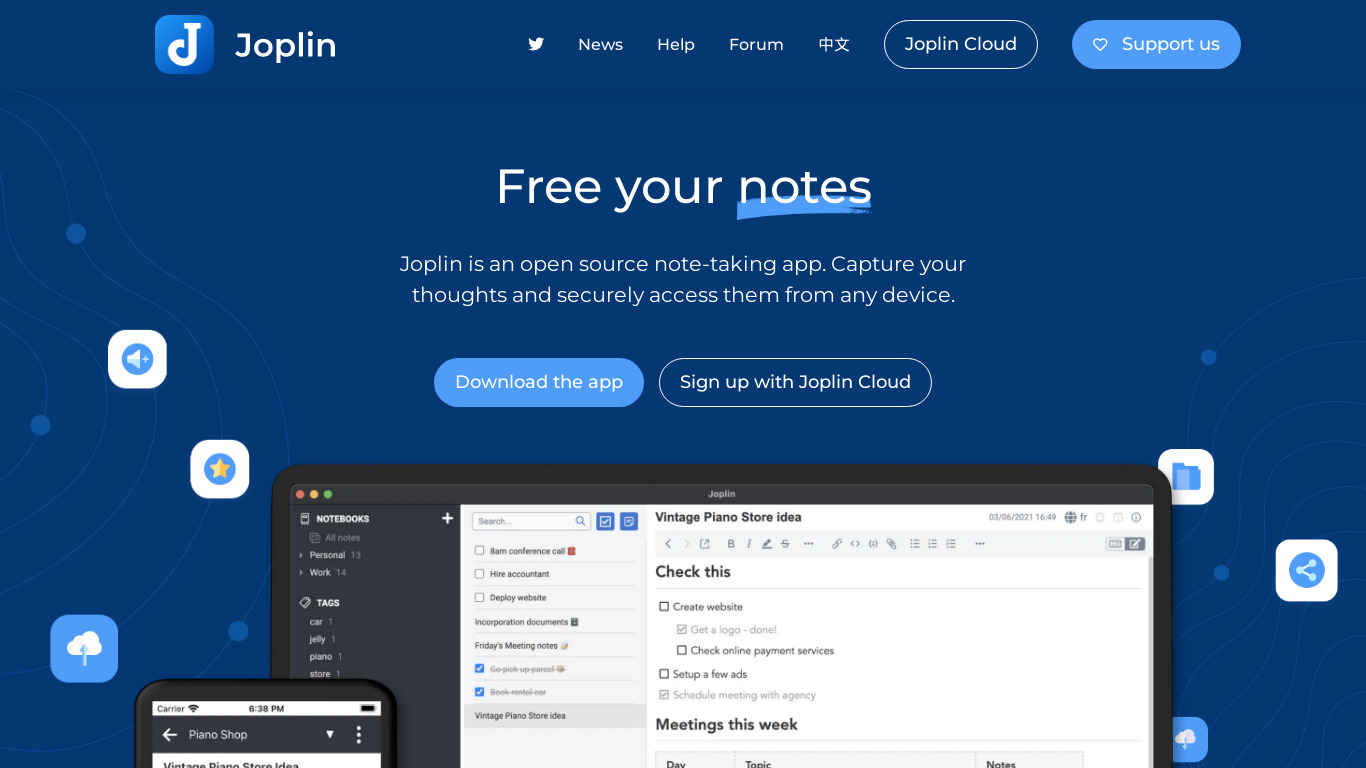
Joplin is a free, open source note taking and to-do application, which can handle a large number of notes organised into notebooks. The notes are searchable, tagged and modified either from the applications directly or from your own text editor.
What is Joplin?
Joplin is a free, open-source note-taking and to-do application that suits users who want to handle a large number of notes organized into notebooks. It stands out with features like End-to-End Encryption, Markdown-based Rich Text Support, and Resource Management for attaching files and images. Users can modify notes directly from the applications or their own text editor, and keep data in sync using cloud services like Dropbox, OneDrive, and Nextcloud.
While Joplin provides multiple synchronization options and cross-platform access across Windows, macOS, Linux, Android, and iOS, check their pricing page at https://joplinapp.org/plans/ for current details on their plans and services. If you are comparing it to other tools, you may want to evaluate known alternatives such as Simplenote, OneNote, Evernote, Standard Notes, and Boostnote.
Features
Open Source
Joplin is open source, which means the source code is freely available and can be modified or studied by anyone. This ensures transparency and provides the community with the ability to contribute to its development.
Cross-Platform
Joplin is available on multiple platforms including Windows, macOS, Linux, Android, and iOS, which allows users to access their notes and to-dos across different devices.
End-to-End Encryption
Joplin offers end-to-end encryption, ensuring that your notes and data are securely encrypted and only accessible by you.
Rich Text Support
Joplin supports Markdown, which allows users to create notes with rich text formatting, including headers, lists, checkboxes, images, links, and more.
Synchronization Options
Joplin provides multiple options for synchronization, including cloud services like Dropbox, OneDrive, and Nextcloud, enabling users to keep their data in sync across devices.
Resource Management
Joplin allows users to attach files, images, and other resources to their notes, making it a versatile tool for managing different types of information.
Screenshots
Joplin vs. its alternatives
| Joplin |  Simplenote Simplenote |  OneNote OneNote |  Evernote Evernote |  Standard Notes Standard Notes | |
|---|---|---|---|---|---|
| Pricing | Open source, Free | Open source | — | — | Open source |
| Platforms | — | ||||
| Listed features | 6 | 6 | 6 | 5 | 4 |
Frequently asked questions
Is Joplin free?
Yes, Joplin is tagged as free and open source. You can check their pricing page at https://joplinapp.org/plans/ for current plans.
What is Joplin used for?
Joplin is a note-taking and to-do application used to handle a large number of notes organized into notebooks, with searchable and tagged entries.
What platforms is Joplin available on?
Joplin is available cross-platform on Windows, macOS, Linux, Android, and iOS, as well as listing Web compatibility.
Does Joplin support Markdown?
Yes, Joplin features Rich Text Support through Markdown, allowing you to create notes with headers, lists, checkboxes, images, and links.
How does Joplin handle data synchronization?
Joplin provides multiple synchronization options including cloud services like Dropbox, OneDrive, and Nextcloud to keep your data in sync across devices.
What are the best alternatives to Joplin?
Known alternatives to Joplin include Simplenote, OneNote, Evernote, Standard Notes, and Boostnote. You might prefer these depending on your specific requirements for note-taking and synchronization.
Alternatives to Joplin
Read the full comparison →Simplenote
The simplest way to keep notes. Light, clean, and free. Simplenote is now available for iOS, Android, Mac, and the web.
OneNote
Get the OneNote app for free on your tablet, phone, and computer, so you can capture your ideas and to-do lists in one place wherever you are. Or try OneNote with Office for free.
Evernote
Bring your life's work together in one digital workspace. Evernote is the place to collect inspirational ideas, write meaningful words, and move your important projects forward.
Standard Notes
A safe place for your notes, thoughts, and life's work

Boostnote
Boostnote is an open-source note-taking app.

Notion
All-in-one workspace. One tool for your whole team. Write, plan, and get organized.

Trilium Notes
Trilium Notes is a hierarchical note taking application.

Google Keep
Capture notes, share them with others, and access them from your computer, phone or tablet. Free with a Google account.

