
Tool profile
DWService
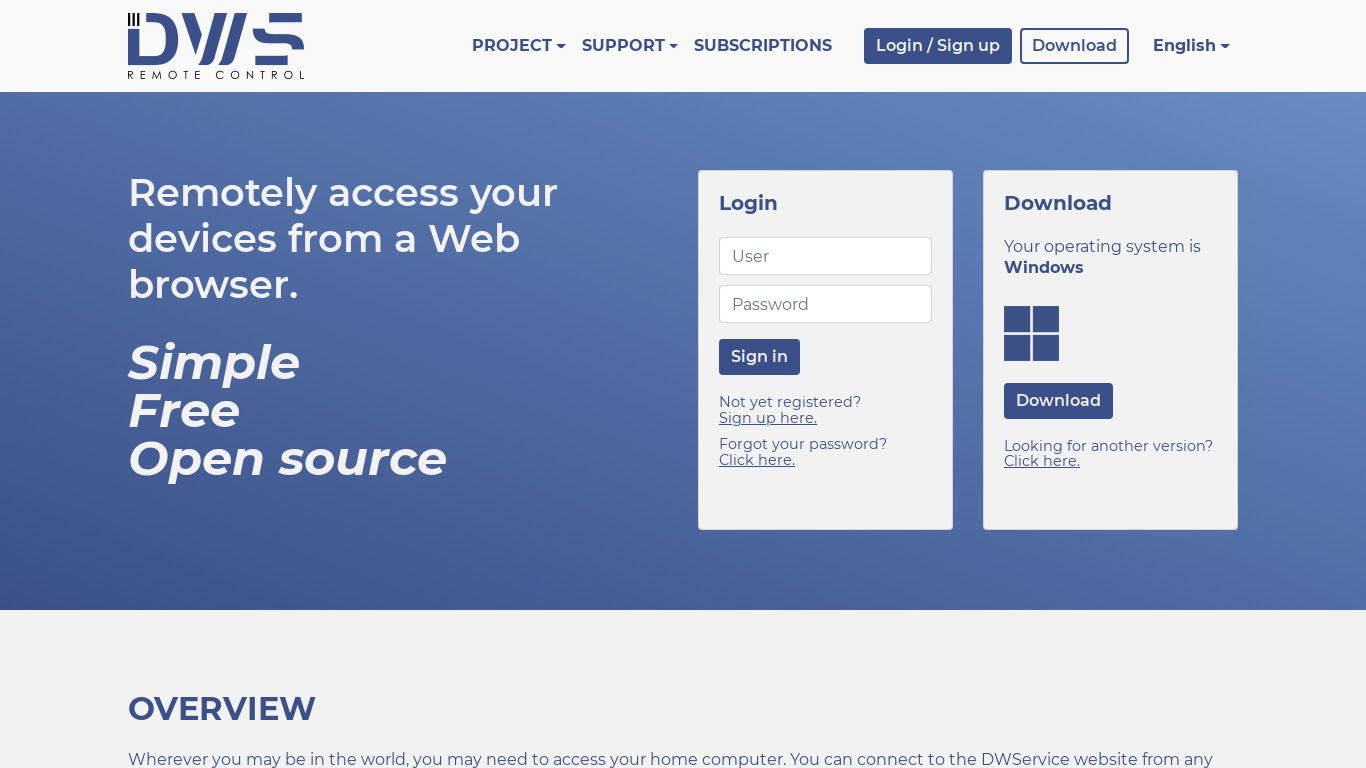
DWService offers a service that allows access to remote systems using a standard web browser.
What is DWService?
DWService is well-suited for individuals and small teams looking for a cost-effective remote system access solution. Its standout attributes include a web-based architecture that requires only a standard web browser and an internet connection, alongside cross-platform support for Windows, macOS, and various Linux distributions. Users also benefit from an open-source platform, multi-language support, and a user-friendly interface that simplifies managing remote connections.
While the platform provides a free option, exact pricing tiers beyond this are not listed in the provided details, so check their pricing page for current plans. Additionally, users needing specific mobile support will find it available on Web and Android platforms.
Features
Accessibility
DWService is web-based, allowing you to access your machines from any device with an internet connection and a web browser.
Open Source
The platform is open-source, offering transparency and the potential for community-driven improvements.
Cross-Platform
Supports multiple operating systems, including Windows, macOS, and various Linux distributions.
Ease of Use
The interface is user-friendly, making it simple for users to set up and manage remote connections.
Cost
DWService provides a free option, making it a cost-effective choice for individuals and small teams.
Multi-language Support
The platform supports multiple languages, making it accessible to a global audience.
Screenshots
DWService vs. its alternatives
| DWService |  join.me join.me |  TeamViewer TeamViewer |  AnyDesk AnyDesk |  Remmina Remmina | |
|---|---|---|---|---|---|
| Pricing | — | — | — | — | Open source |
| Platforms | — | — | |||
| Listed features | 6 | 5 | 7 | 6 | 5 |
Frequently asked questions
Is DWService free?
Yes, DWService provides a free option, making it a cost-effective choice for individuals and small teams.
How much does DWService cost?
Exact pricing details beyond the free option are not listed in the facts, so check their pricing page for current plans.
What is DWService used for?
DWService is used to access remote systems using a standard web browser from any device with an internet connection.
What platforms does DWService support?
DWService is accessible via Web and Android platforms, and supports operating systems including Windows, macOS, and various Linux distributions.
Is DWService open-source?
Yes, the platform is open-source, offering transparency and the potential for community-driven improvements.
What are the best alternatives to DWService?
Known alternatives include TeamViewer, AnyDesk, and Remmina. You might prefer these tools depending on your specific remote access and operating system requirements.
Alternatives to DWService
Read the full comparison →join.me
Instant screen sharing. Instant Aha!
TeamViewer
TeamViewer lets you establish a connection to any PC or server within just a few seconds.
AnyDesk
AnyDesk is the world's most comfortable remote desktop application. Access all your programs, documents and files from anywhere, without having to entrust your data to a cloud service.
Remmina
Remmina is a remote desktop client written in GTK+, aiming to be useful for system administrators and travellers, who need to work with lots of remote computers in front of either large monitors or tiny netbooks.

TightVNC
TightVNC - VNC-Compatible Remote Control / Remote Desktop Software. Download TightVNCDownload TightVNC 1. 3. 10 - TightVNC Server - F. A. Read more about TightVNC.

Remote Desktop Manager
Remote Desktop Manager is a remote connection and password management platform for IT pros trusted by more than 300 000 users in 130 countries.Add-ons - Remote Desktop .

X2Go
Get X2Go. Installing X2Go (client/server). Download X2Go Client (Windows installer (XP and Later), OS X 10. 9 and higher DMG, OS X 10. 10 and higher DMG or macOS 10.

mRemoteNG
mRemoteNG is a fork of mRemote, an open source, tabbed, multi-protocol, remote connections manager.