
Tool profile
Zim Wiki
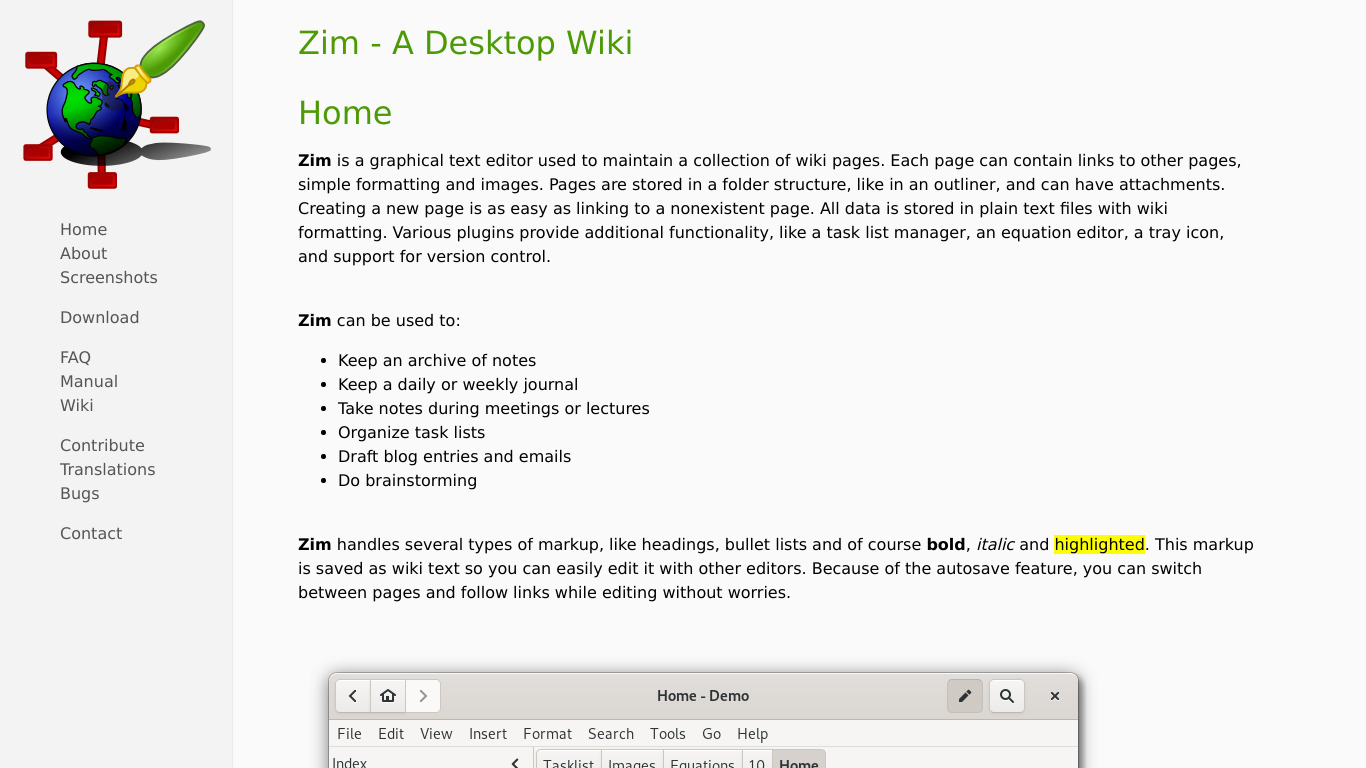
Zim is a graphical text editor used to maintain a collection of wiki pages. Each page can contain links to other pages, simple formatting and images.
What is Zim Wiki?
Zim Wiki is a graphical text editor designed for maintaining collections of wiki pages. It is well-suited for users who want a desktop application that stores all data locally, allowing for offline access and editing without an internet connection. Key features include backlinking to build a personal knowledge base, a simple interface with keyboard shortcuts, and rich formatting options that support images, links, and media.
The application is open source and available across Windows, macOS, and Linux operating systems. While the facts note it is a desktop application with local data storage, check their pricing page for any additional details regarding current plans if applicable.
Features
Offline Accessibility
Zim Wiki is a desktop application, which means all your data is stored locally on your computer. This allows you to access and edit your notes without needing an internet connection.
Simple Interface
The interface of Zim Wiki is clean and simple, making it easy to use even for beginners. It also supports keyboard shortcuts for more efficient note-taking.
Rich Formatting Options
Zim Wiki provides extensive formatting options, including rich text, images, links, and various forms of media. This makes it flexible for different types of note-taking.
Backlinking
Zim Wiki supports backlinks, which allows you to easily create a network of interconnected notes, similar to a personal knowledge base or a personal wiki.
Cross-Platform
Zim Wiki is available on multiple operating systems, including Windows, macOS, and Linux, making it a versatile option for users on different platforms.
Screenshots
Zim Wiki vs. its alternatives
| Zim Wiki |  Simplenote Simplenote |  OneNote OneNote |  Evernote Evernote |  CherryTree CherryTree | |
|---|---|---|---|---|---|
| Pricing | Open source | Open source | — | — | — |
| Platforms | — | ||||
| Listed features | 5 | 6 | 6 | 5 | 7 |
Frequently asked questions
Is Zim Wiki free?
Zim Wiki is tagged as open source. For exact pricing details or additional plans, check their pricing page.
What is Zim Wiki used for?
Zim Wiki is used as a graphical text editor to maintain a collection of wiki pages where each page can contain links, simple formatting, and images.
What platforms is Zim Wiki available on?
Zim Wiki is a desktop application available on multiple operating systems including Windows, macOS, and Linux, and is also listed under the Web platform category.
How does Offline Accessibility work in Zim Wiki?
Because Zim Wiki is a desktop application, all your data is stored locally on your computer so you can access and edit notes without an internet connection.
What formatting options are available?
Zim Wiki provides extensive formatting options including rich text, images, links, and various forms of media.
Does Zim Wiki support backlinks?
Yes, Zim Wiki supports backlinks, allowing you to create a network of interconnected notes similar to a personal knowledge base or personal wiki.
What are the best alternatives to Zim Wiki?
Some known alternatives include Simplenote, OneNote, Evernote, CherryTree, and RedNotebook. You might prefer these if you are looking for alternative note-taking and task management environments.
Alternatives to Zim Wiki
Read the full comparison →Simplenote
The simplest way to keep notes. Light, clean, and free. Simplenote is now available for iOS, Android, Mac, and the web.
OneNote
Get the OneNote app for free on your tablet, phone, and computer, so you can capture your ideas and to-do lists in one place wherever you are. Or try OneNote with Office for free.
Evernote
Bring your life's work together in one digital workspace. Evernote is the place to collect inspirational ideas, write meaningful words, and move your important projects forward.


TiddlyWiki
a non-linear personal web notebook


Trilium Notes
Trilium Notes is a hierarchical note taking application.

