Tool profile
CherryTree
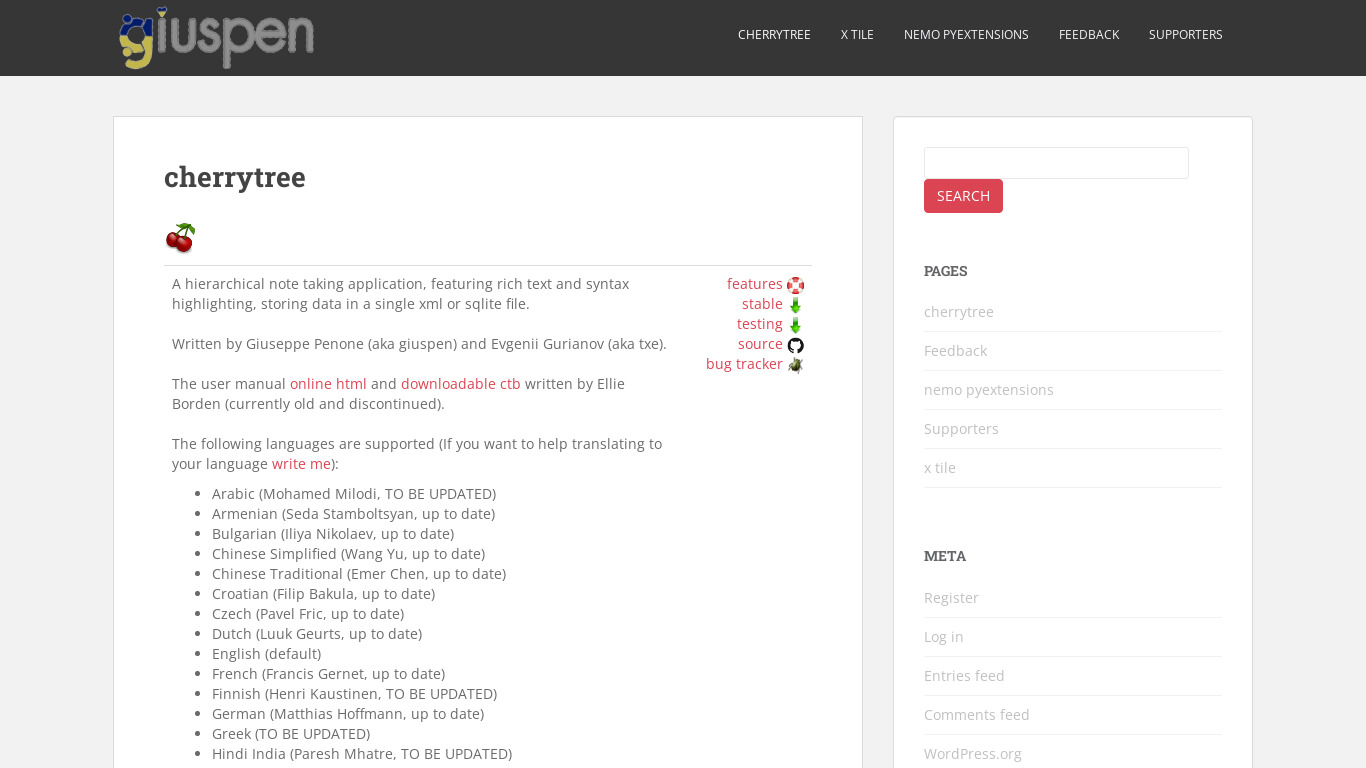
A hierarchical note taking application, featuring rich text and syntax highlighting, storing data in a single xml or sqlite file.
What is CherryTree?
CherryTree is a note taking application suited for users who need a hierarchical note structure combined with rich text formatting, syntax highlighting for various programming languages, and password protection. It stores data in a single xml or sqlite file and offers multiple export options including PDF, HTML, and plain text. These capabilities make it a strong option for developers and anyone managing complex sets of information who wants to keep their data organized in a local file format.
Specific pricing details are not listed in the facts, so check their pricing page for current plans. While the application is available for Windows, Mac, and Linux, the provided platform data also lists Web access. Users looking for alternatives will find options such as Simplenote, OneNote, and Evernote, which provide different ecosystems for managing notes.
Features
Rich Text Formatting
CherryTree supports rich text formatting, allowing users to customize their notes with different fonts, colors, and styles. This makes it easier to organize and highlight important information.
Hierarchical Note Structure
CherryTree offers a hierarchical structure for organizing notes, which is ideal for users who need to maintain complex sets of information in an easily navigable format.
Cross-Platform Support
CherryTree is available for Windows, Mac, and Linux, making it accessible to users regardless of their operating system.
Syntax Highlighting
The tool supports syntax highlighting for various programming languages, which is useful for developers who want to include code snippets in their notes.
Export Options
CherryTree offers multiple export options, including PDF, HTML, and plain text, which makes it easy to share and backup notes in different formats.
Password Protection
Users can protect their notes with a password, adding an extra layer of security for sensitive information.
Regular Updates
The application is regularly updated with new features and bug fixes, ensuring that users have access to the latest improvements.
Screenshots
CherryTree vs. its alternatives
| CherryTree |  Simplenote Simplenote |  OneNote OneNote |  Evernote Evernote |  Standard Notes Standard Notes | |
|---|---|---|---|---|---|
| Pricing | — | Open source | — | — | Open source |
| Platforms | — | ||||
| Listed features | 7 | 6 | 6 | 5 | 4 |
Frequently asked questions
How much does CherryTree cost?
Exact pricing details are not listed in the facts, so check their pricing page for current plans.
What is CherryTree used for?
CherryTree is used as a hierarchical note taking application for organizing complex sets of information, featuring rich text, syntax highlighting, and password protection.
What platforms is CherryTree available on?
CherryTree provides cross-platform support for Windows, Mac, and Linux, and the platform data also lists Web.
Does CherryTree support syntax highlighting?
Yes, CherryTree supports syntax highlighting for various programming languages, allowing developers to include code snippets in their notes.
How are notes stored in CherryTree?
CherryTree stores all user data in a single xml or sqlite file.
What export options does CherryTree offer?
CherryTree offers multiple export options, allowing users to export their notes to PDF, HTML, and plain text formats.
What are the best alternatives to CherryTree?
Known alternatives include Simplenote, OneNote, and Evernote. You might prefer these depending on your preferred note-taking ecosystem and syncing requirements.
Alternatives to CherryTree
Read the full comparison →Simplenote
The simplest way to keep notes. Light, clean, and free. Simplenote is now available for iOS, Android, Mac, and the web.
OneNote
Get the OneNote app for free on your tablet, phone, and computer, so you can capture your ideas and to-do lists in one place wherever you are. Or try OneNote with Office for free.
Evernote
Bring your life's work together in one digital workspace. Evernote is the place to collect inspirational ideas, write meaningful words, and move your important projects forward.
Standard Notes
A safe place for your notes, thoughts, and life's work



Zim Wiki
Zim is a graphical text editor used to maintain a collection of wiki pages. Each page can contain links to other pages, simple formatting and images.


Trilium Notes
Trilium Notes is a hierarchical note taking application.
