Tool profile
Notesnook
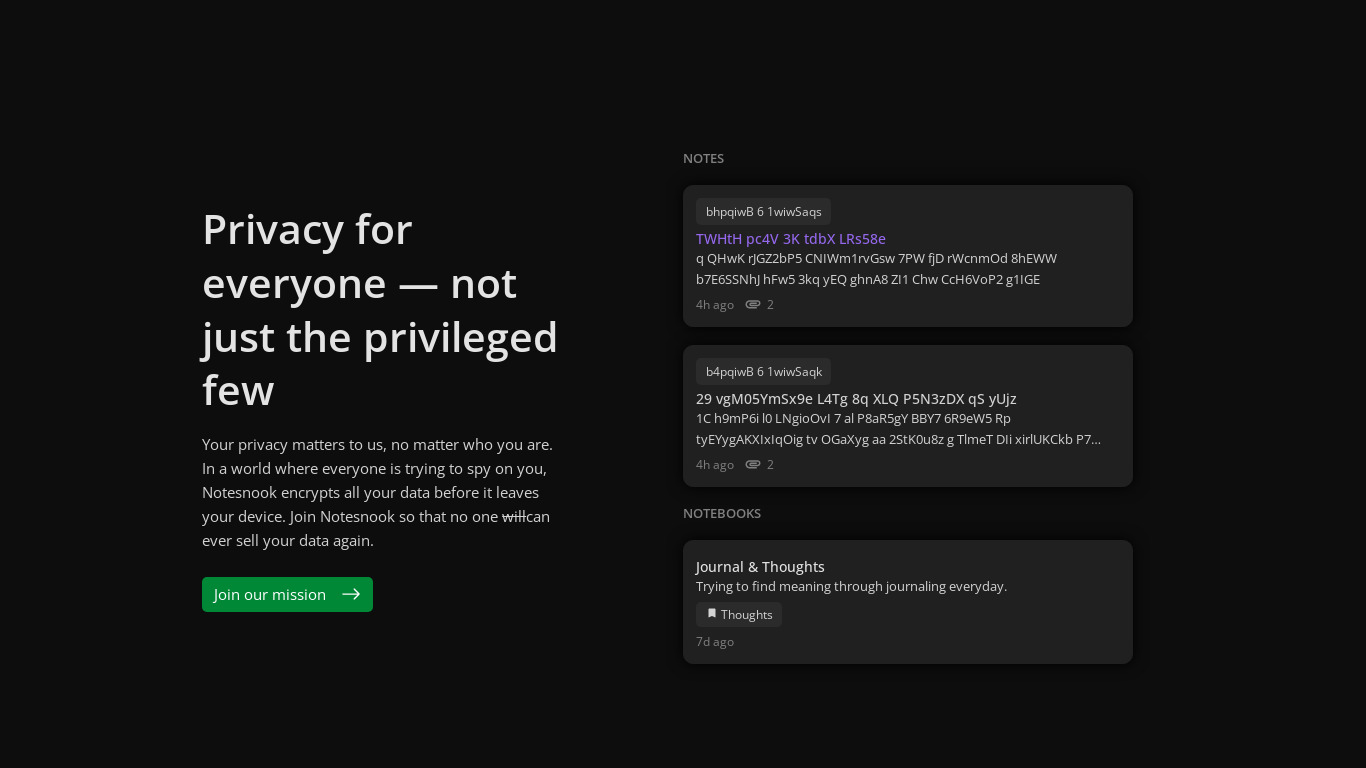
Notesnook is a simple and private note taking app that keeps your notes organized and synced on your phone, tablet and computer.
Categories
Pricing
What is Notesnook?
Notesnook is a note taking app for users who want to keep their notes organized and synced across Android, iOS, Desktop, and Web. It stands out with features like a Secure Private Vault, Notebooks & Tags, Tables & Lists, a Rich Text Editor, Timely Backup, and the ability to Prioritise by Colors. The pricing model includes a freemium tag with a monthly option at $4.49 for UI Themes & accents, plus a free trial and an open source designation.
Because exact details are limited beyond the listed features and the $4.49 monthly plan for UI Themes & accents, check their pricing page for current plans if you need more comprehensive tier breakdowns. If you are comparing it to other tools in the Note Taking category, you might also look at known alternatives like CherryTree, Standard Notes, Joplin, Zim Wiki, and Cryptee.
Features
Notebooks & Tags
Prioritise by Colors
Rich Text Editor
Tables & Lists
Secure Private Vault
Timely Backup
Screenshots
Notesnook vs. its alternatives
| Notesnook |  CherryTree CherryTree |  Standard Notes Standard Notes |  Joplin Joplin |  Zim Wiki Zim Wiki | |
|---|---|---|---|---|---|
| Pricing | $4.49/mo | — | Open source | Open source, Free | Open source |
| Platforms | |||||
| Listed features | 6 | 7 | 4 | 6 | 5 |
Frequently asked questions
How much does Notesnook cost?
Notesnook is listed as freemium and open source with a free trial available. A specific monthly plan is priced at $4.49, which includes UI Themes & accents.
What platforms is Notesnook available on?
Notesnook syncs your notes on Android, iOS, Desktop, and Web.
What is Notesnook used for?
Notesnook is a note taking app used to keep your notes organized and synced across your phone, tablet, and computer.
Does Notesnook have a Secure Private Vault?
Yes, Notesnook includes a Secure Private Vault feature alongside Notebooks & Tags, Timely Backup, and a Rich Text Editor.
How can I organize my notes in Notesnook?
You can organize notes using Notebooks & Tags, Tables & Lists, and Prioritise by Colors.
What are the best alternatives to Notesnook?
Known alternatives to Notesnook include CherryTree, Standard Notes, Joplin, Zim Wiki, and Cryptee. You might prefer one of these depending on your preferred note-taking workflow and open-source preferences.
Alternatives to Notesnook
Read the full comparison →Standard Notes
A safe place for your notes, thoughts, and life's work
Zim Wiki
Zim is a graphical text editor used to maintain a collection of wiki pages. Each page can contain links to other pages, simple formatting and images.


Trilium Notes
Trilium Notes is a hierarchical note taking application.

Obsidian
A second brain, for you, forever. Obsidian is a powerful knowledge base that works on top of a local folder of plain text Markdown files.