
Tool profile
Zoho Meeting
Free video conferencing, online meeting, desktop sharing solution from Zoho.
What is Zoho Meeting?
Zoho Meeting is a video conferencing and desktop sharing solution that is well-suited for businesses looking for browser-based meetings without software downloads. Its user-friendly interface supports scheduling and joining meetings easily, making it accessible for users with varying technical expertise. It features robust security measures including end-to-end encryption, role-based access, and meeting lock features.
For teams already utilizing the Zoho suite, the application offers seamless integration with other products like CRM, Projects, and Calendar. While exact dollar figures are not specified, it provides competitive pricing plans including a freemium model with essential features and a free trial. Users seeking specific pricing details should check their pricing page for current plans.
Features
Ease of Use
Zoho Meeting offers a user-friendly interface that simplifies the process of scheduling and joining meetings, making it accessible to users with varying levels of technical expertise.
Integration with Zoho Suite
Being a part of the Zoho suite, it integrates seamlessly with other Zoho applications like CRM, Projects, and Calendar, providing a cohesive user experience for those already using Zoho products.
Browser-Based
Zoho Meeting is entirely browser-based, eliminating the need for software downloads and installations. This makes it convenient and reduces potential compatibility issues.
Security Features
It offers robust security measures including end-to-end encryption, role-based access, and meeting lock features to ensure that meetings are secure.
Affordable Pricing
Zoho Meeting offers competitive pricing plans, including a free tier with essential features, making it a cost-effective choice for businesses of varying sizes.
Screenshots
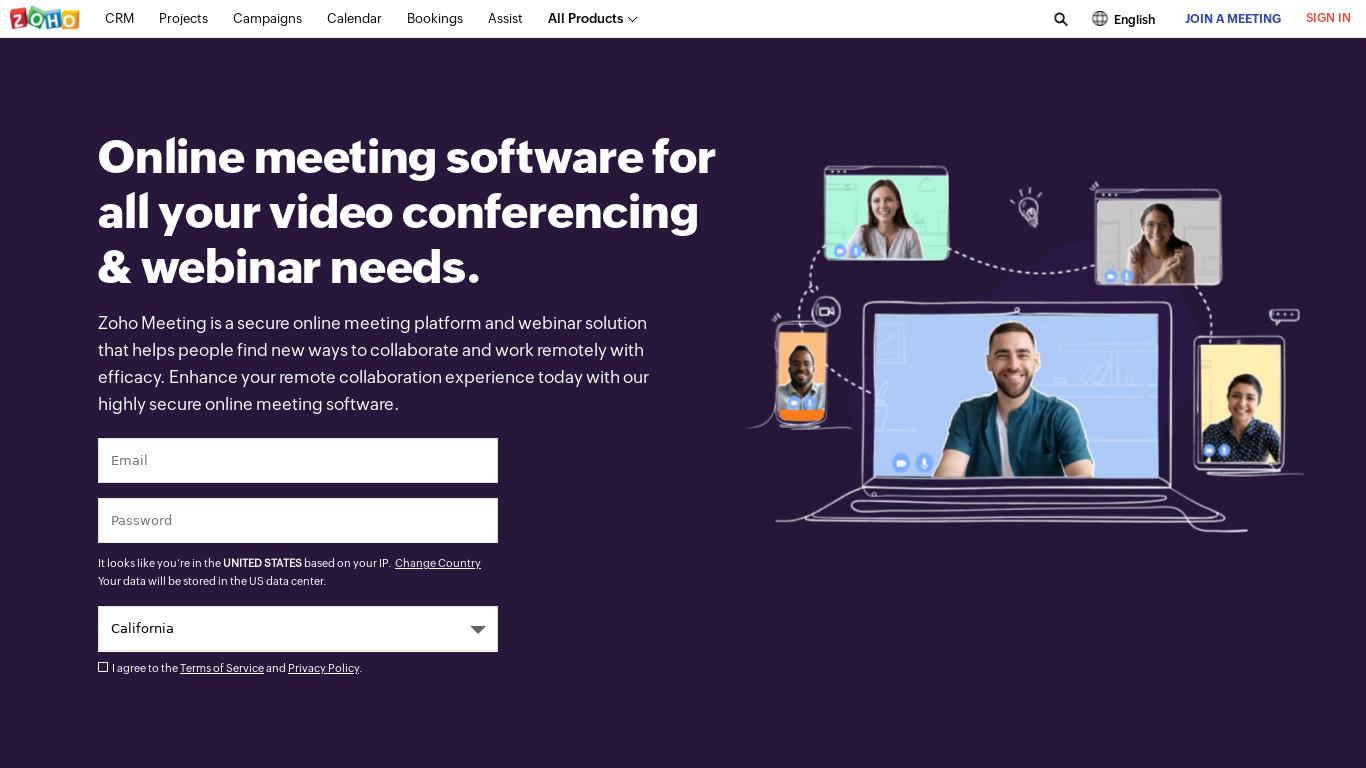
Zoho Meeting vs. its alternatives
| Zoho Meeting |  WebEx WebEx |  GoToWebinar GoToWebinar |  Microsoft Teams Microsoft Teams |  join.me join.me | |
|---|---|---|---|---|---|
| Pricing | Freemium, Free trial | — | — | — | — |
| Platforms | — | — | — | ||
| Listed features | 5 | 5 | 6 | 5 | 5 |
Frequently asked questions
What is Zoho Meeting used for?
Zoho Meeting is used for video conferencing, online meetings, and desktop sharing solutions.
Is Zoho Meeting free?
Zoho Meeting offers a free tier with essential features alongside competitive pricing plans. It also includes a free trial, though exact cost details require checking their pricing page.
What platforms does Zoho Meeting support?
Zoho Meeting is entirely browser-based on the web and also supports Android and iOS platforms.
Does Zoho Meeting require software downloads?
No, Zoho Meeting is entirely browser-based, which eliminates the need for software downloads and installations.
What security features does Zoho Meeting offer?
Zoho Meeting provides robust security measures including end-to-end encryption, role-based access, and meeting lock features.
How does Zoho Meeting integrate with other software?
As part of the Zoho suite, it integrates seamlessly with other Zoho applications such as CRM, Projects, and Calendar.
What are the best alternatives to Zoho Meeting?
The known alternatives to Zoho Meeting include Microsoft Teams, WebEx, and GoToMeeting. You might prefer these alternatives if you require different ecosystem integrations or platform capabilities.
Alternatives to Zoho Meeting
Read the full comparison →WebEx
Cisco WebEx Web Conferencing, Online Meetings, Desktop Sharing, Video Conferencing
Microsoft Teams
Microsoft Teams provides the enterprise-level security, compliance and management features you expect from Office 365, including broad support for compliance standards, and eDiscovery and legal hold for channels, chats, and files.
join.me
Instant screen sharing. Instant Aha!


Zoom
Equip your team with tools designed to collaborate, connect, and engage with teammates and customers, no matter where you’re located, all in one platform.