
Tool profile
Microsoft Teams
Microsoft Teams provides the enterprise-level security, compliance and management features you expect from Office 365, including broad support for compliance standards, and eDiscovery and legal hold for channels, chats, and files.
What is Microsoft Teams?
Microsoft Teams is suited for organizations needing Project Management tools with enterprise-level security, compliance, and management features. It stands out with features like Integration with Microsoft 365, Collaboration Features, Video Conferencing, Security and Compliance, and Customizability.
Regarding pricing and platform support, the facts do not list specific pricing details, so check their pricing page for current plans. The platform is available on the Web.
Features
Integration with Microsoft 365
Microsoft Teams seamlessly integrates with other Microsoft 365 applications such as Word, Excel, PowerPoint, and Outlook, allowing for a unified work environment and enhanced productivity.
Collaboration Features
Robust features for team collaboration such as channels for different projects, threaded conversations, file sharing, and real-time co-authoring of documents.
Video Conferencing
High-quality video conferencing capabilities, including screen sharing, meeting recordings, and the ability to host large meetings or webinars.
Security and Compliance
Comprehensive security and compliance features, including data encryption, multi-factor authentication, and compliance with various industry standards.
Customizability
Supports a variety of third-party app integrations and custom bots, allowing teams to tailor the platform to their specific workflows and preferences.
Screenshots
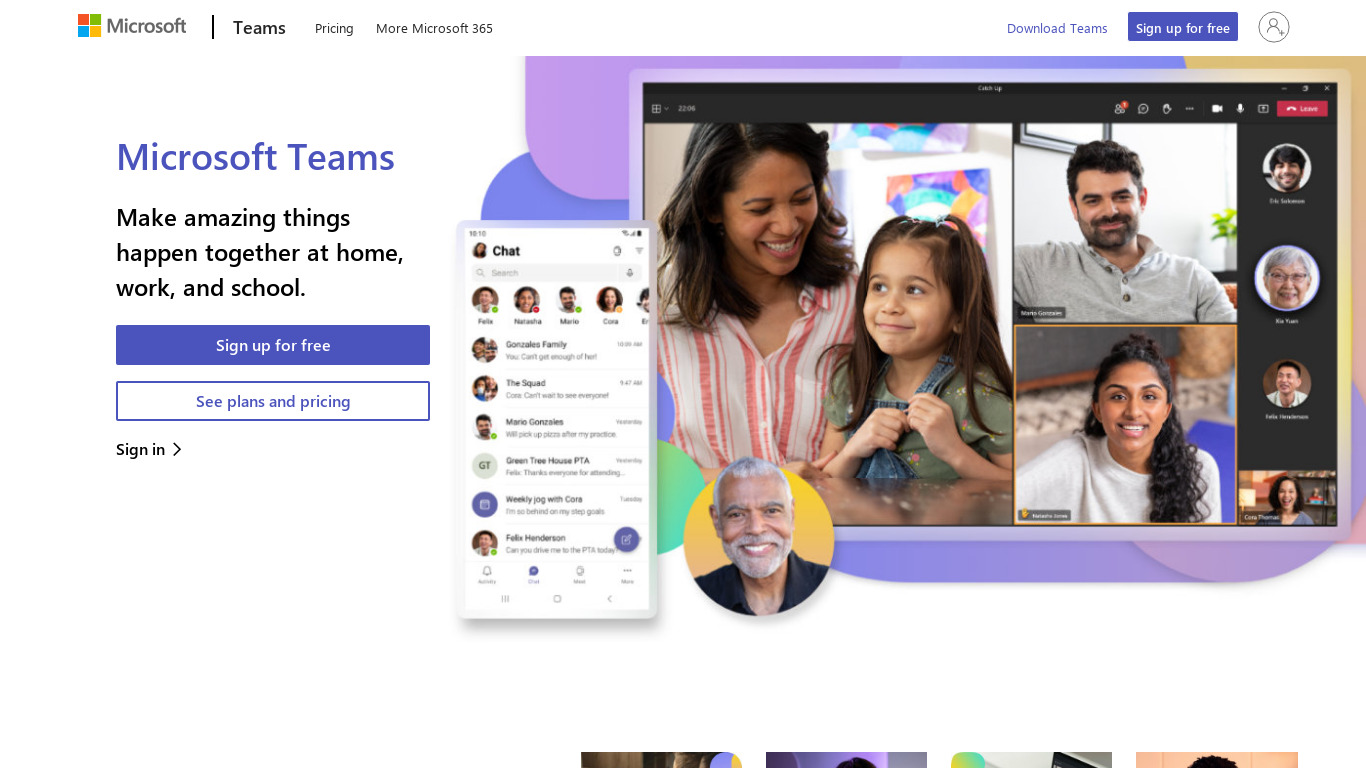
Microsoft Teams vs. its alternatives
| Microsoft Teams |  RingCentral Video RingCentral Video |  Slack Slack |  Airtable Airtable |  Zoom Zoom | |
|---|---|---|---|---|---|
| Pricing | — | — | — | — | $12/mo |
| Platforms | |||||
| Listed features | 5 | 6 | 6 | 6 | 6 |
Frequently asked questions
How much does Microsoft Teams cost?
Specific pricing details are not listed in the available facts, so check their pricing page for current plans.
What is Microsoft Teams used for?
Microsoft Teams is used for project management, team collaboration through channels and threaded conversations, video conferencing, and document co-authoring.
What platforms is Microsoft Teams available on?
Microsoft Teams is available on the Web platform.
Does Microsoft Teams support video conferencing?
Yes, it includes high-quality video conferencing capabilities with screen sharing, meeting recordings, and the ability to host large meetings or webinars.
How does Microsoft Teams integrate with other tools?
It seamlessly integrates with Microsoft 365 applications like Word, Excel, PowerPoint, and Outlook, and also supports a variety of third-party app integrations and custom bots.
What are the best alternatives to Microsoft Teams?
Known alternatives include RingCentral Video, Slack, Airtable, Zoom, and Niice. You might prefer these depending on your specific collaboration, video conferencing, or project management needs.
Alternatives to Microsoft Teams
Read the full comparison →RingCentral Video
Live life unlimited. Free video meetings and team messaging in one app that works the way you do.
Slack
A messaging app for teams who see through the Earth!
Airtable
Airtable works like a spreadsheet but gives you the power of a database to organize anything. Sign up for free.
Zoom
Equip your team with tools designed to collaborate, connect, and engage with teammates and customers, no matter where you’re located, all in one platform.

Niice
Show what your brand is made of - Niice helps in-house creative teams create, grow and manage their brand.

YellowAnt
YellowAnt is a AI-driven virtual assistant that helps manage all workplace application.

Creativity 365
Cross-device content creation suite

SquidHub
SquidHub is a simple and intuitive productivity app for teams. Get the job done - for free! - Todo list, Messages, and File sharing

PukkaTeam
PukkaTeam is an online workplace for the remote team to work together throughout the day and feel more connected.

Plutio
Run your entire business from one intuitive platform