
Tool profile
Adobe Connect
Adobe Connect web conferencing software service offers online meetings for collaboration, virtual classrooms and more.
What is Adobe Connect?
Adobe Connect is a communication software service suited for users who need to host webinars, virtual classrooms, and standard web conferencing. It stands out with rich interactive features like polls, Q&A, whiteboards, breakout rooms, and chat to enhance participant engagement. Users can also utilize customizable layouts and persistent virtual rooms that retain content and layouts for recurring sessions across desktops, laptops, tablets, and smartphones.
Specific pricing details and plans are not listed in the available facts, so check their official pricing page for current subscription options. Those looking to compare this web conferencing service against other options can review known alternatives such as WebEx, ClickMeeting, and GoToWebinar.
Features
Versatile Meeting Platforms
Adobe Connect allows hosting a variety of meeting types including webinars, virtual classrooms, and standard web conferencing, making it suitable for various industries and needs.
Rich Interactive Features
The platform offers an extensive array of interactive tools such as polls, Q&A, whiteboards, breakout rooms, and chat, which can enhance participant engagement.
Customizable Interface
Users can design and customize layouts and meeting rooms to meet specific visual and functional needs, ensuring a tailored experience for presenters and participants.
Persistent Virtual Rooms
Adobe Connect rooms can be set up in advance and reused for multiple sessions, retaining content and layout, which saves time on preparation for recurring meetings.
Compatible with Multiple Devices
The platform supports a variety of devices including desktops, laptops, tablets, and smartphones, which allows greater flexibility and accessibility for users.
Screenshots
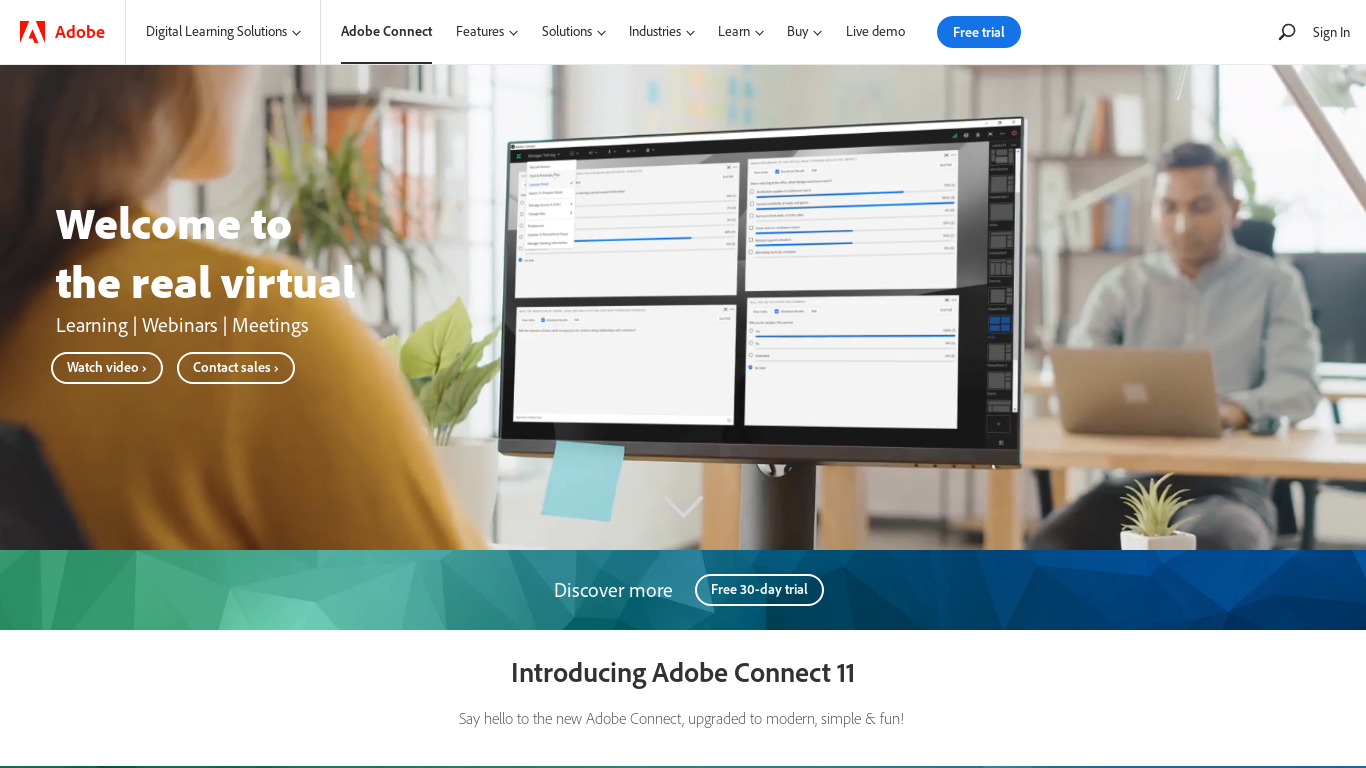
Adobe Connect vs. its alternatives
| Adobe Connect |  WebEx WebEx |  ClickMeeting ClickMeeting |  GoToWebinar GoToWebinar |  UberConference UberConference | |
|---|---|---|---|---|---|
| Pricing | — | — | — | — | — |
| Platforms | — | — | — | ||
| Listed features | 5 | 5 | 8 | 6 | 5 |
Frequently asked questions
How much does Adobe Connect cost?
Exact pricing details are not currently listed in the available facts, so you should check their official pricing page for current plans.
What is Adobe Connect used for?
Adobe Connect is used as a web conferencing software service to host online meetings for collaboration, webinars, and virtual classrooms.
What platforms does Adobe Connect support?
Adobe Connect is available on the Web, and it supports a variety of devices including desktops, laptops, tablets, and smartphones.
How do persistent virtual rooms work in Adobe Connect?
Rooms can be set up in advance and reused for multiple sessions, saving preparation time by retaining content and layouts for recurring meetings.
What interactive features are included in Adobe Connect?
The platform offers tools such as polls, Q&A, whiteboards, breakout rooms, and chat to enhance participant engagement.
Can you customize the meeting interface in Adobe Connect?
Yes, users can design and customize layouts and meeting rooms to meet specific visual and functional needs for presenters and participants.
What are the best alternatives to Adobe Connect?
Known alternatives to Adobe Connect include WebEx, ClickMeeting, GoToWebinar, UberConference, and join.me, which you might prefer depending on your specific web conferencing and virtual classroom requirements.
Alternatives to Adobe Connect
Read the full comparison →WebEx
Cisco WebEx Web Conferencing, Online Meetings, Desktop Sharing, Video Conferencing

join.me
Instant screen sharing. Instant Aha!


Zoom
Equip your team with tools designed to collaborate, connect, and engage with teammates and customers, no matter where you’re located, all in one platform.