
Tool profile
yEd
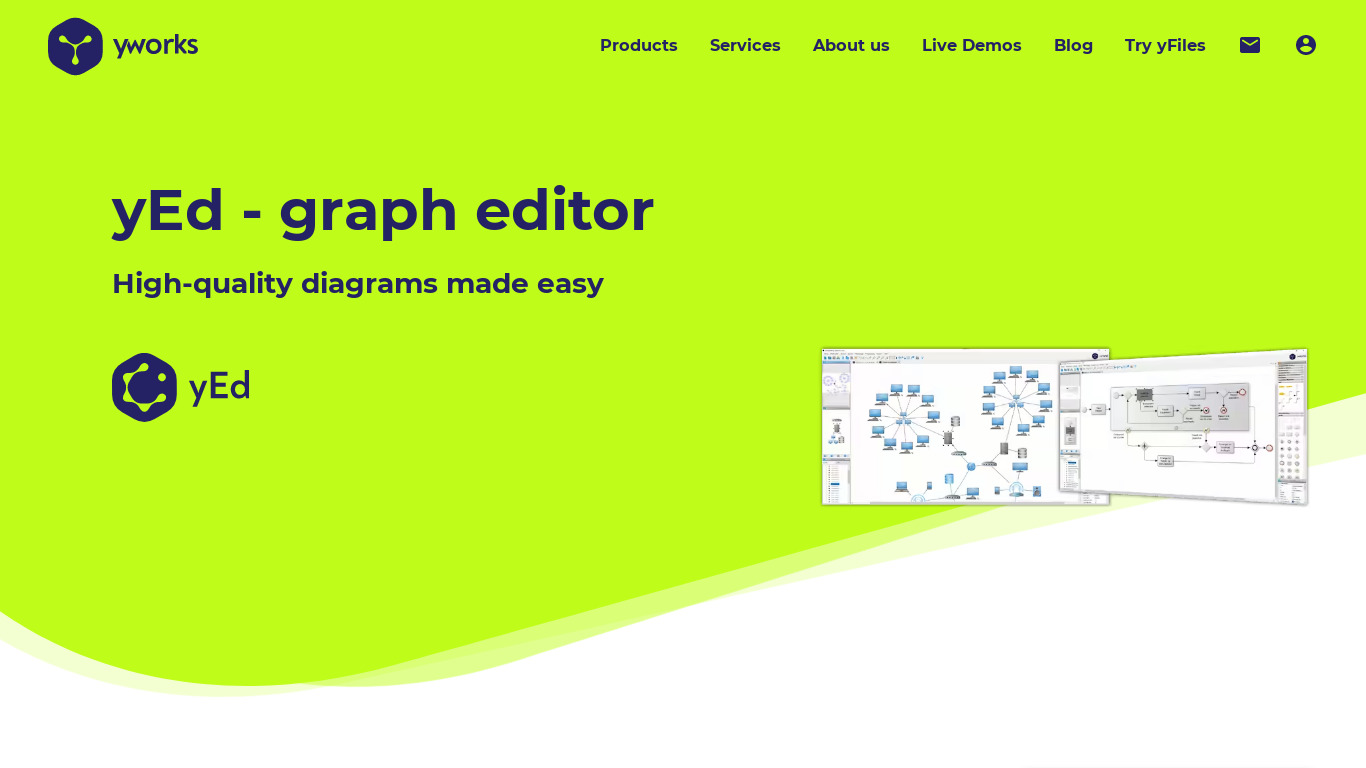
yEd is a free desktop application to quickly create, import, edit, and automatically arrange diagrams. It runs on Windows, Mac OS X, and Unix/Linux.
What is yEd?
yEd is a free desktop application well-suited for individuals and organizations working within budget constraints who need to create, import, edit, and automatically arrange diagrams. It stands out with a user-friendly interface that minimizes the learning curve, alongside powerful automatic layout algorithms designed to quickly organize complex structures into clear diagrams. The software supports versatile diagram types such as flowcharts, UML diagrams, and network diagrams to accommodate a wide variety of documentation needs.
Because yEd is a desktop application compatible with Windows, macOS, and Linux (Unix/Linux), users should note that web-based access is not listed in its platform details. Specific pricing details beyond it being free to download and use are not provided in the facts, so check their official resources for any additional requirements.
Features
User-Friendly Interface
yEd offers a clean, intuitive interface that makes it easy for users to get started and create diagrams without a steep learning curve.
Versatile Diagram Types
The software supports a wide range of diagram types including flowcharts, UML diagrams, network diagrams, and more, making it versatile for different needs.
Automatic Layouts
yEd provides several powerful automatic layout algorithms that can quickly arrange complex diagrams into clear structures.
Cross-Platform
yEd is compatible with multiple operating systems such as Windows, macOS, and Linux, providing flexibility for users across different platforms.
Free to Use
yEd is free to download and use, which makes it an attractive option for individuals and organizations with budget constraints.
Screenshots
yEd vs. its alternatives
| yEd |  LucidChart LucidChart |  Gliffy Gliffy |  Dia Dia |  OmniGraffle OmniGraffle | |
|---|---|---|---|---|---|
| Pricing | — | — | — | — | — |
| Platforms | — | — | |||
| Listed features | 5 | 6 | 5 | 5 | 5 |
Frequently asked questions
Is yEd free?
Yes, yEd is free to download and use, making it an attractive option for individuals and organizations with budget constraints.
What is yEd used for?
yEd is used to quickly create, import, edit, and automatically arrange diagrams like flowcharts, UML diagrams, and network diagrams.
What operating systems does yEd run on?
yEd is a cross-platform desktop application compatible with Windows, Mac OS X, and Unix/Linux.
What does the Automatic Layouts feature do?
The automatic layout algorithms quickly arrange complex diagrams into clear structures.
What diagram types are supported by yEd?
yEd supports a wide range of diagram types including flowcharts, UML diagrams, and network diagrams.
What are the best alternatives to yEd?
Known alternatives to yEd include LucidChart, Gliffy, and OmniGraffle, which you might prefer if you are looking for different interface styles or cloud-based capabilities.
Alternatives to yEd
Read the full comparison →
PlantUML
PlantUML is an open-source tool that uses simple textual descriptions to draw UML diagrams.

draw.io
Online diagramming application