
Tool profile
Dia
Dia is a GTK+ based diagram creation program for GNU/Linux, MacOS X, Unix, and Windows, and is released under the GPL license.
Categories
Pricing
What is Dia?
Dia is a GTK+ based diagram creation program suited for users who need a free and open-source tool released under the GPL license. It provides support for a wide range of diagram types such as flowcharts, network diagrams, and UML diagrams. Users can also utilize a customizable toolset to create custom shapes and objects for specific projects, backed by extensive documentation and an active user community.
While exact pricing details are not listed in the facts, the software is open-source and free to use without any cost, with the added flexibility to modify the source code. It runs across GNU/Linux, MacOS X, Unix, and Windows operating systems. Those considering other options can look at known alternatives like LucidChart, OmniGraffle, PlantUML, yEd, and draw.io.
Features
Open Source
Dia is free and open-source software, which means you can use it without any cost and even modify the source code to fit your needs.
Cross-Platform
Dia is available for multiple operating systems including Windows, Linux, and macOS, providing flexibility for users on different platforms.
Versatile Diagram Types
Supports a wide range of diagram types such as flowcharts, network diagrams, UML diagrams, and many more, making it a versatile tool for various purposes.
Customizable Toolset
Users can create custom shapes and objects, allowing for detailed and specific diagram creation tailored to unique needs.
User Community and Documentation
There is an active user community and extensive documentation available to help users troubleshoot and get the most out of the software.
Screenshots
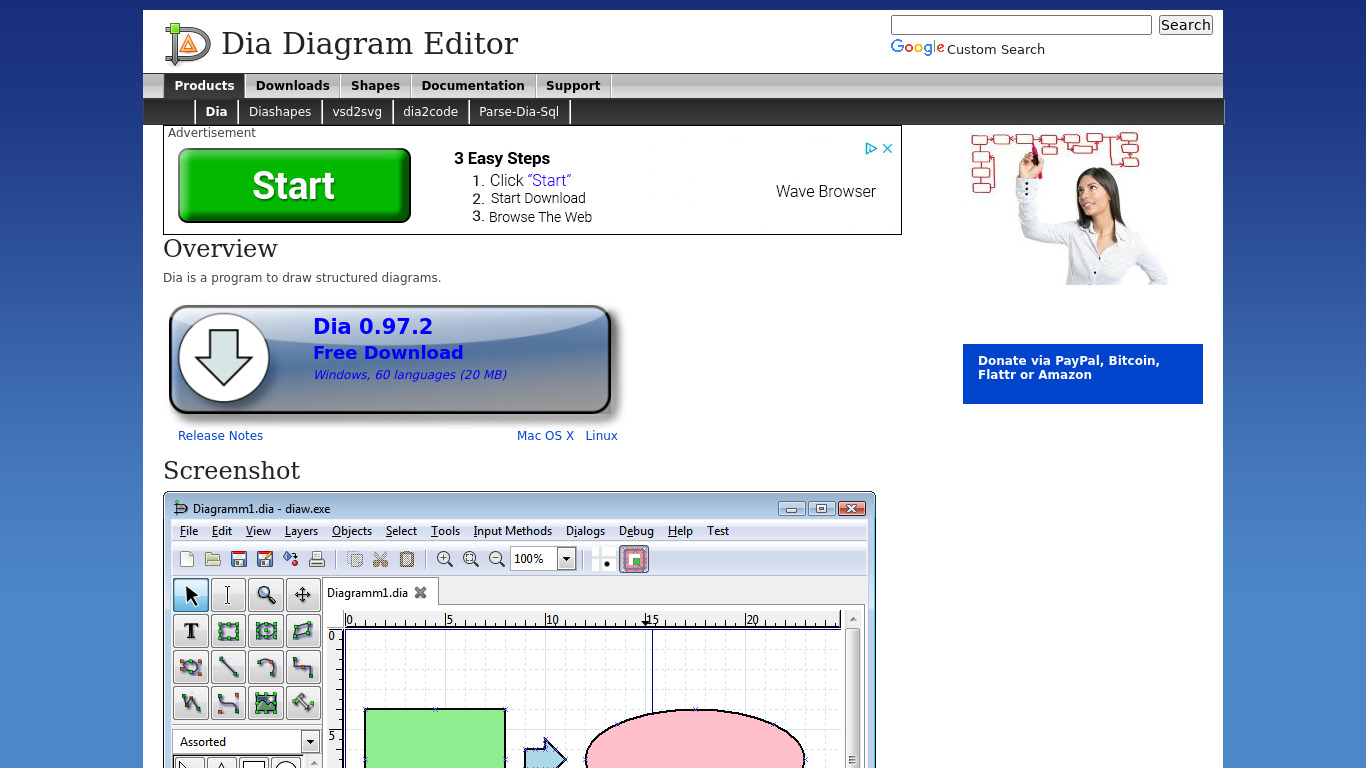
Dia vs. its alternatives
| Dia |  LucidChart LucidChart |  OmniGraffle OmniGraffle |  PlantUML PlantUML |  yEd yEd | |
|---|---|---|---|---|---|
| Pricing | — | — | — | Open source | — |
| Platforms | — | — | |||
| Listed features | 5 | 6 | 5 | 6 | 5 |
Frequently asked questions
Is Dia free?
Yes, Dia is free and open-source software released under the GPL license, meaning you can use it without any cost and even modify the source code.
What operating systems does Dia run on?
Dia is available for multiple platforms including GNU/Linux, MacOS X, Unix, and Windows.
What types of diagrams can you create with Dia?
Dia supports versatile diagram types such as flowcharts, network diagrams, and UML diagrams.
How does the Customizable Toolset feature work?
The customizable toolset allows users to create custom shapes and objects, enabling detailed and specific diagram creation tailored to unique needs.
What support is available for Dia users?
There is an active user community and extensive documentation available to help users troubleshoot and get the most out of the software.
What are the best alternatives to Dia?
Some known alternatives to Dia include LucidChart, OmniGraffle, PlantUML, yEd, and draw.io, which you might prefer depending on your specific platform and diagramming requirements.
Alternatives to Dia
Read the full comparison →PlantUML
PlantUML is an open-source tool that uses simple textual descriptions to draw UML diagrams.

draw.io
Online diagramming application