Tool profile
MyPaint
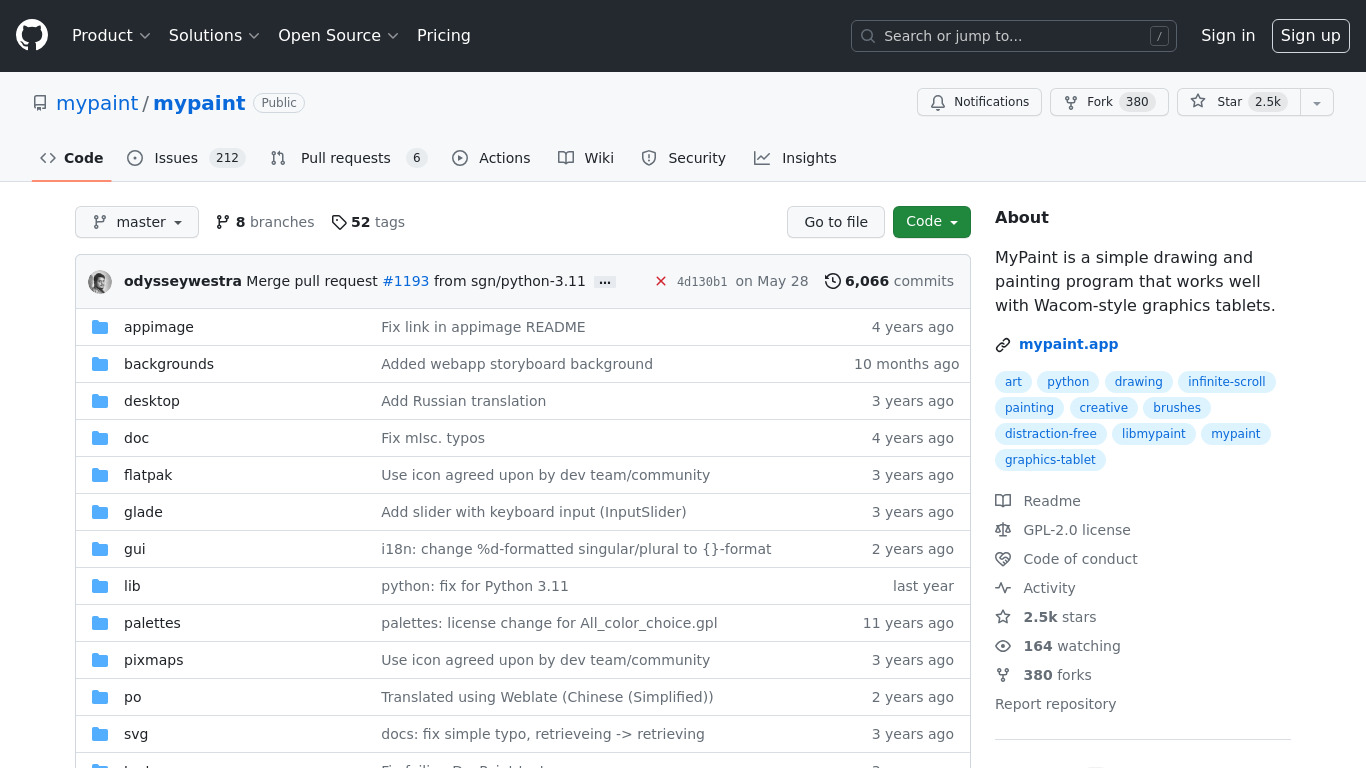
MyPaint is a fast, distraction-free, and easy painting tool for digital artists.
What is MyPaint?
MyPaint is built for digital artists looking for a fast, distraction-free painting tool with a minimalistic interface. It stands out with an unlimited digital canvas, high-performance optimization for complex brushes, and advanced tools that mimic real-world art media. Because it is open-source, users can access the source code and benefit from community contributions.
While the facts do not list exact pricing plans, the software is noted as free to use via its open-source model. Users should check official resources for current pricing details and complete system requirements.
Features
Open Source
MyPaint is open-source software, which means it is free to use, and the source code is accessible for anyone to inspect, modify, and distribute. This fosters community contributions and continuous improvements.
Cross-Platform Compatibility
MyPaint is available on multiple operating systems, including Windows, macOS, and Linux. This makes it accessible to a broad range of users.
Unlimited Canvas
MyPaint offers an unlimited digital canvas, allowing artists to work without worrying about running out of space, which is especially useful for creating large artworks.
Focus on Digital Painting
The software is specifically designed for digital painting, featuring a minimalistic interface and an array of advanced brushes and tools that mimic real-world art media.
High Performance
MyPaint is optimized for performance, capable of handling complex brushes and large canvases without significant lag, which is crucial for a smooth workflow.
Screenshots
MyPaint vs. its alternatives
| MyPaint |  Adobe Photoshop Adobe Photoshop |  GIMP GIMP |  Pixelmator Pixelmator |  Krita Krita | |
|---|---|---|---|---|---|
| Pricing | — | — | Open source | — | — |
| Platforms | — | — | |||
| Listed features | 5 | 5 | 4 | 5 | 5 |
Frequently asked questions
Is MyPaint free?
Yes, MyPaint is open-source software, which means it is free to use.
What is MyPaint used for?
MyPaint is specifically designed for digital painting, featuring a minimalistic interface and an array of advanced brushes that mimic real-world art media.
What operating systems are supported by MyPaint?
MyPaint offers cross-platform compatibility and is available on multiple operating systems, including Windows, macOS, and Linux.
How does the Unlimited Canvas feature work?
The unlimited digital canvas allows artists to work without worrying about running out of space, making it especially useful for creating large artworks.
How much does MyPaint cost?
Exact pricing details are not listed in the facts, but the software is open-source and free to use.
What are the best alternatives to MyPaint?
Known alternatives include Adobe Photoshop, GIMP, Pixelmator, Krita, and Paint.NET. Artists might prefer options like Adobe Photoshop or GIMP depending on their specific image editing and workflow needs.
Alternatives to MyPaint
Read the full comparison →Adobe Photoshop
Adobe Photoshop is a webtop application for editing images and photos online.
GIMP
GIMP is a multiplatform photo manipulation tool.