Tool profile
Google Calendar
Spend less time managing your day & more time enjoying it
What is Google Calendar?
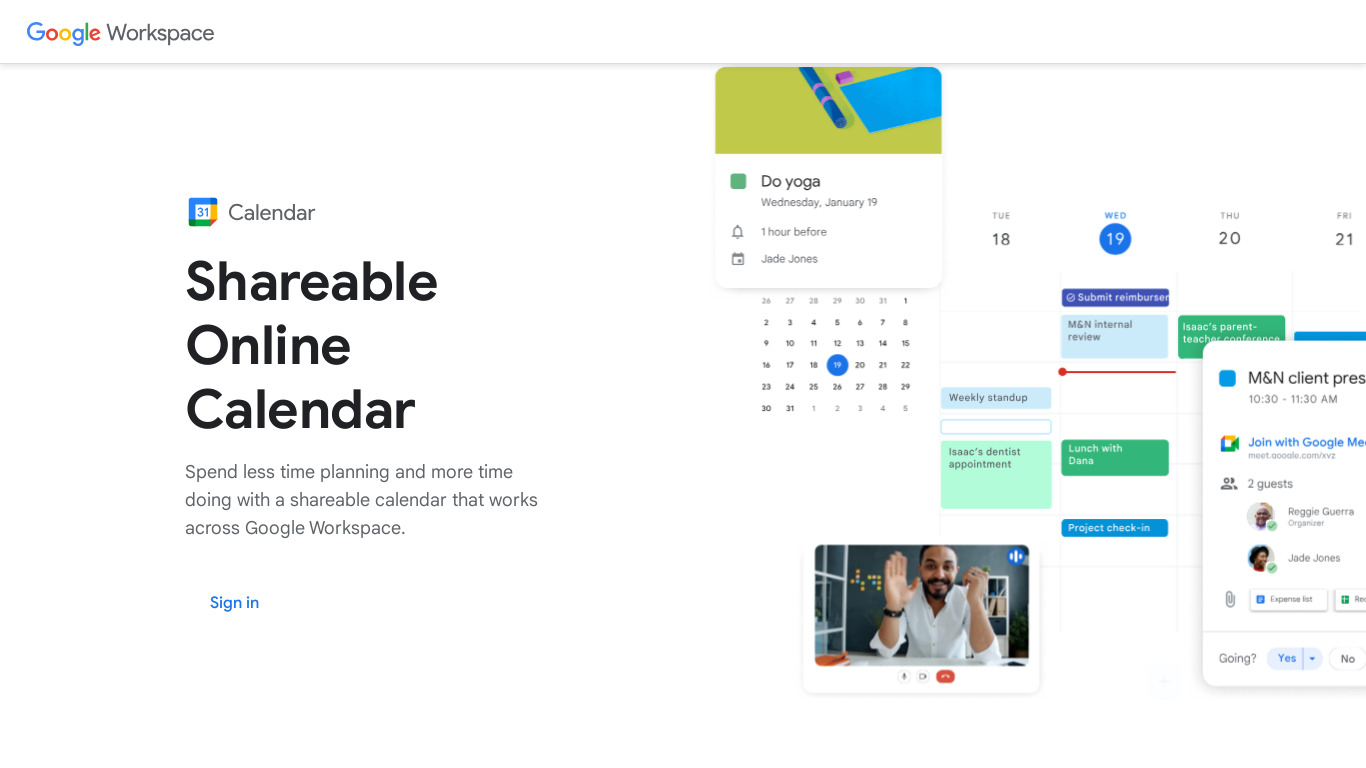
Google Calendar is a strong choice for users needing Cross-Platform Accessibility across web, iOS, Android, and desktop devices, alongside a User-Friendly Interface featuring drag-and-drop scheduling. It excels at collaboration by allowing users to share calendars, create events with multiple participants, and assign tasks. It also integrates smoothly with Google services like Gmail, Google Meet, and Google Drive, plus third-party applications including Slack, Zoom, and Trello.
Specific pricing details are not provided in the available facts, so check their pricing page for current plans. Users managing multiple schedules can utilize Multiple Calendar Support for personal, work, or family purposes within a single account, and stay organized using customizable Event Notifications via email or push notifications and a powerful Search Functionality.
Features
Cross-Platform Accessibility
Google Calendar is available on various platforms (web, iOS, Android), allowing users to access their calendar from any device with an internet connection.
Integration with Other Google Services
Seamless integration with other Google services like Gmail, Google Meet, and Google Drive, providing a cohesive experience for users and enhancing productivity.
Collaborative Features
Users can easily share their calendars with others, create events with multiple participants, and assign tasks, making it ideal for teams and organizations.
Event Notifications
Customizable event reminders and notifications through email or push notifications help users stay on top of their schedule.
User-Friendly Interface
The interface is intuitive and easy to navigate, with drag-and-drop functionality for event scheduling and a clean design that simplifies calendar management.
Multiple Calendar Support
Users can create and manage multiple calendars for different purposes, such as personal, work, or family, all within a single account.
Third-Party Integration
Google Calendar supports integration with third-party applications like Slack, Zoom, and Trello, enhancing its utility in various workflows.
Search Functionality
Powerful search feature that allows users to quickly find events and appointments from past, present, and future dates.
Screenshots
Google Calendar vs. its alternatives
| Google Calendar |  Calendly Calendly |  Fantastical 2 Fantastical 2 |  Microsoft Outlook Microsoft Outlook |  Todoist Todoist | |
|---|---|---|---|---|---|
| Pricing | — | — | — | — | — |
| Platforms | |||||
| Listed features | 8 | — | — | — | 7 |
Frequently asked questions
How much does Google Calendar cost?
Specific pricing details are not listed in the facts, so check their pricing page for current plans.
Who is Google Calendar for and what is it used for?
It is used for scheduling and managing appointments, featuring Multiple Calendar Support for personal, work, or family purposes within a single account.
What platforms is Google Calendar available on?
Google Calendar is available on Android, Desktop, Web, and iOS platforms.
Does Google Calendar offer third-party integrations?
Yes, Google Calendar supports integration with third-party applications like Slack, Zoom, and Trello.
How does Google Calendar support team collaboration?
Through Collaborative Features, users can easily share calendars, create events with multiple participants, and assign tasks.
What are the best alternatives to Google Calendar?
Alternatives include Calendly, Microsoft Outlook, and Todoist. You might prefer these depending on your specific workflow or scheduling preferences.
Alternatives to Google Calendar
Todoist
Todoist is a to-do list that helps you get organized, at work and in life.

Morgen.so
All-in-one Calendar, Tasks & Scheduler. Morgen is the single hub for everything that revolves around time management.