
Tool profile
Foam
Personal knowledge management and sharing on VSCode & GitHub
Categories
Pricing
What is Foam?
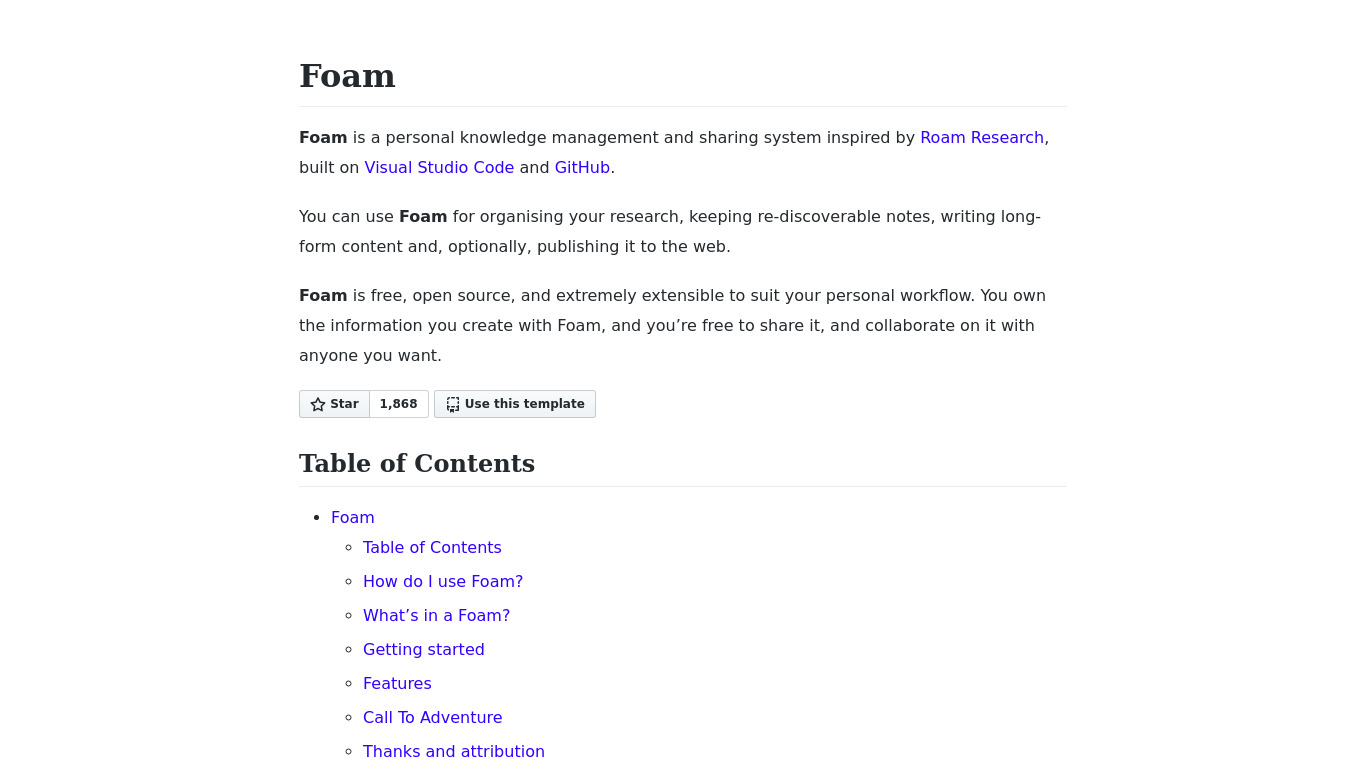
Foam is a task management and personal knowledge management tool built for users who want to organize notes using Visual Studio Code and GitHub. It stands out by utilizing Markdown support, bidirectional links, and a graph visualization feature that maps the relationships between notes. Because it is an open-source tool, users can modify the source code to fit their specific needs and benefit from community-driven development.
While Foam integrates seamlessly with Visual Studio Code to provide a familiar text editor environment, its platform options are tied specifically to VS Code and GitHub. Users seeking alternative task management platforms can look to options like Nuclino, CherryTree, Tomboy, Turtl, and TiddlyWiki depending on their preferred workflows and editing environments.
Features
Open Source
Foam is an open-source tool, which means it is free to use and allows for community-driven development and contributions. Users can modify the source code to fit their specific needs.
Markdown Support
Foam uses Markdown, a lightweight and easy-to-read syntax, making it simple to create and manage notes. This also allows for easy integration with other Markdown-based tools and platforms.
Integration with Visual Studio Code
Foam is designed to work seamlessly with Visual Studio Code (VS Code). This provides users with a powerful and familiar text editor environment, complete with extensions and customization options.
Graph View
Foam includes a graph visualization feature that helps users see and navigate the relationships between their notes, making it easier to understand and manage complex information.
Bidirectional Links
Foam supports bidirectional links, allowing users to create connections between notes in both directions. This enhances the note-taking experience by enabling a more interconnected and dynamic information structure.
Community and Documentation
Foam has a growing community of users and contributors, as well as comprehensive documentation. This support network helps users troubleshoot issues, share tips, and improve their knowledge of the tool.
Screenshots
Foam vs. its alternatives
| Foam |  Nuclino Nuclino |  CherryTree CherryTree |  Tomboy Tomboy |  Turtl Turtl | |
|---|---|---|---|---|---|
| Pricing | Open source | $5/mo | — | — | $3/mo |
| Platforms | — | ||||
| Listed features | 6 | 6 | 7 | 7 | 5 |
Frequently asked questions
Is Foam free?
Yes, Foam is an open-source tool, which means it is free to use.
What is Foam used for?
Foam is used for personal knowledge management and sharing, allowing users to create, connect, and manage notes.
What text editor does Foam integrate with?
Foam is designed to work seamlessly with Visual Studio Code (VS Code), providing a familiar text editor environment complete with extensions and customization options.
How does Foam handle note connections?
Foam supports bidirectional links and includes a graph visualization feature, making it simple to create and navigate relationships between your notes.
What file format does Foam use for notes?
Foam uses Markdown, a lightweight and easy-to-read syntax that enables simple note creation and integration with other Markdown-based tools.
What are the best alternatives to Foam?
Known alternatives to Foam include Nuclino, CherryTree, and TiddlyWiki. You might prefer these alternatives if you are looking for different interfaces or distinct ecosystem features outside of Visual Studio Code.
Alternatives to Foam
Read the full comparison →Nuclino
Nuclino works like a collective brain, helping teams bring all their knowledge, docs, and projects together in one place. It's a modern, simple, and blazingly fast way to collaborate.
Tomboy
Apps/Tomboy - GNOME Wiki!
Turtl
The secure, collaborative notebook

TiddlyWiki
a non-linear personal web notebook

Zim Wiki
Zim is a graphical text editor used to maintain a collection of wiki pages. Each page can contain links to other pages, simple formatting and images.

Trilium Notes
Trilium Notes is a hierarchical note taking application.

Roam Research
A note-taking tool for networked thought

