
Tool profile
Airtable
Airtable works like a spreadsheet but gives you the power of a database to organize anything. Sign up for free.
What is Airtable?
Airtable functions like a spreadsheet while providing the power of a database to organize anything, falling under the Project Management category. It stands out with a user-friendly interface that lets users navigate complex data sets without technical knowledge, alongside robust customizability featuring various field types, multiple views, and linked records. Users also benefit from real-time collaboration, version history tracking, pre-built templates, and third-party integrations with tools like Slack, Google Drive, and Zapier.
While the source data does not list exact pricing plans—you must check their pricing page for current details—Airtable does offer a free option as noted in its tagline. The platform is accessible via Web and an Android mobile application for on-the-go management, though users needing other specific platforms should verify availability. Teams evaluating this tool can also consider alternatives such as Trello, Asana, and Smartsheet depending on their specific workflow needs.
Features
User-Friendly Interface
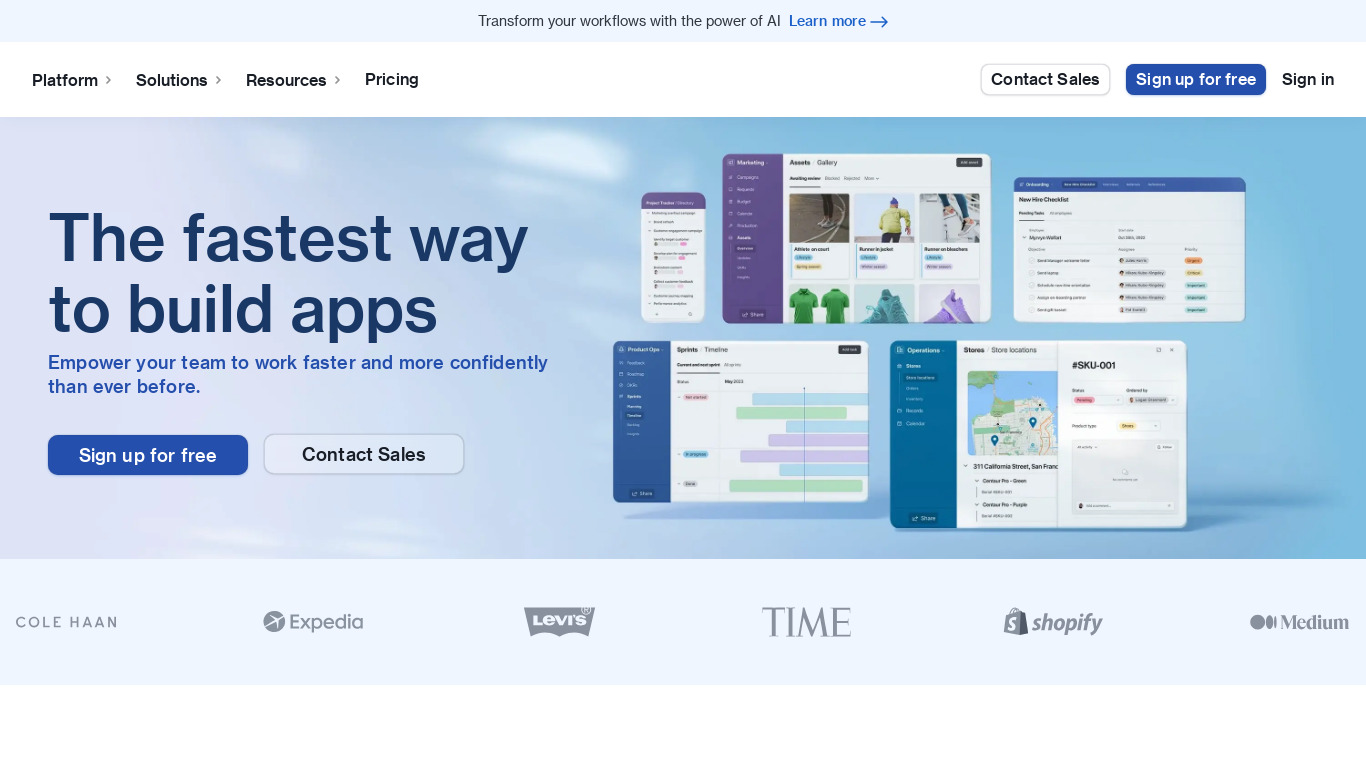
Airtable provides an intuitive, visually appealing interface that makes it easy for users to create, manage, and navigate complex data sets without extensive technical knowledge.
Customizability
Airtable offers robust customization options, allowing users to tailor databases and views to their specific needs, including various field types, multiple views, and linked records.
Collaboration Features
Airtable supports real-time collaboration, enabling multiple users to work on the same database simultaneously while tracking changes and maintaining version history.
Integrations
Airtable integrates with various third-party applications and services such as Slack, Google Drive, and Zapier, allowing for seamless workflow automation and enhanced productivity.
Templates
Airtable offers a wide range of pre-built templates for different use cases, which helps users get started quickly without having to build everything from scratch.
Mobile App
Airtable's mobile application allows users to access and manage their databases on the go, ensuring flexibility and continuous productivity.
Screenshots
Airtable vs. its alternatives
| Airtable |  Trello Trello |  RingCentral Video RingCentral Video |  Asana Asana |  Wrike Wrike | |
|---|---|---|---|---|---|
| Pricing | — | $12.5/mo | — | $11.99/mo | — |
| Platforms | |||||
| Listed features | 6 | 6 | 6 | 7 | 5 |
Frequently asked questions
Is Airtable free?
Yes, you can sign up for free, though you should check their pricing page for current details on paid plans.
What is Airtable used for?
Airtable is used for project management to organize anything by combining spreadsheet ease of use with the power of a database.
What platforms is Airtable available on?
Airtable is available on the Web and through its Android mobile application for managing databases on the go.
Does Airtable support third-party integrations?
Yes, Airtable integrates with applications such as Slack, Google Drive, and Zapier to automate workflows and enhance productivity.
How does Airtable handle collaboration?
Airtable supports real-time collaboration so multiple users can work on the same database simultaneously while tracking changes and viewing version history.
What are the best alternatives to Airtable?
Some known alternatives include Trello, Asana, and Smartsheet, which you might prefer depending on your specific project management requirements.
Alternatives to Airtable
Read the full comparison →Trello
Infinitely flexible. Incredibly easy to use. Great mobile apps. It's free. Trello keeps track of everything, from the big picture to the minute details.
RingCentral Video
Live life unlimited. Free video meetings and team messaging in one app that works the way you do.
Asana
Asana project management is an effort to re-imagine how we work together, through modern productivity software. Fast and versatile, Asana helps individuals and groups get more done.
Wrike
Wrike is a flexible, scalable, and easy-to-use collaborative work management software that helps high-performance teams organize and accomplish their work. Try it now.

Smartsheet
Smartsheet is an intuitive online project management tool enabling teams to increase productivity using cloud, collaboration, & mobile technologies.

Basecamp
A simple and elegant project management system.

Microsoft Teams
Microsoft Teams provides the enterprise-level security, compliance and management features you expect from Office 365, including broad support for compliance standards, and eDiscovery and legal hold for channels, chats, and files.

monday.com
The most intuitive platform to manage projects and teamwork

Creativity 365
Cross-device content creation suite