
Tool profile
WebWave CMS
Ditch the grids, create websites like you design graphics!
What is WebWave CMS?
WebWave CMS is a design tool built for users who want to place elements anywhere on a page without using any coding skills. It stands out by offering a user-friendly interface alongside integrated tools for SEO optimization and e-commerce functionalities, which reduces the need for additional plugins. The platform also includes a responsive design feature that automatically adapts websites to different screen sizes, plus a white label option that lets agencies brand the CMS as their own.
Specific pricing plans and exact costs are not listed in the provided details, so check their pricing page directly for current plans. Because the known alternatives include Webflow, STUDIO, Carrd, Unicorn Platform, and Dorik, you have several other platforms to consider if WebWave CMS does not fit your specific project requirements.
Features
Ease of Use
WebWave CMS provides a user-friendly interface that does not require any coding skills, making it accessible to users of all technical backgrounds.
Design Flexibility
It offers a high degree of design flexibility allowing users to place elements anywhere on the page, providing a truly customizable website building experience.
Integrated Tools
WebWave includes various integrated tools such as SEO optimization and e-commerce functionalities, reducing the need for additional plugins.
White Label Option
WebWave provides a white label option, enabling users to brand the CMS as their own, which is particularly beneficial for agencies.
Responsive Design
WebWave ensures that all websites created are responsive, automatically adapting to different screen sizes and devices.
Screenshots
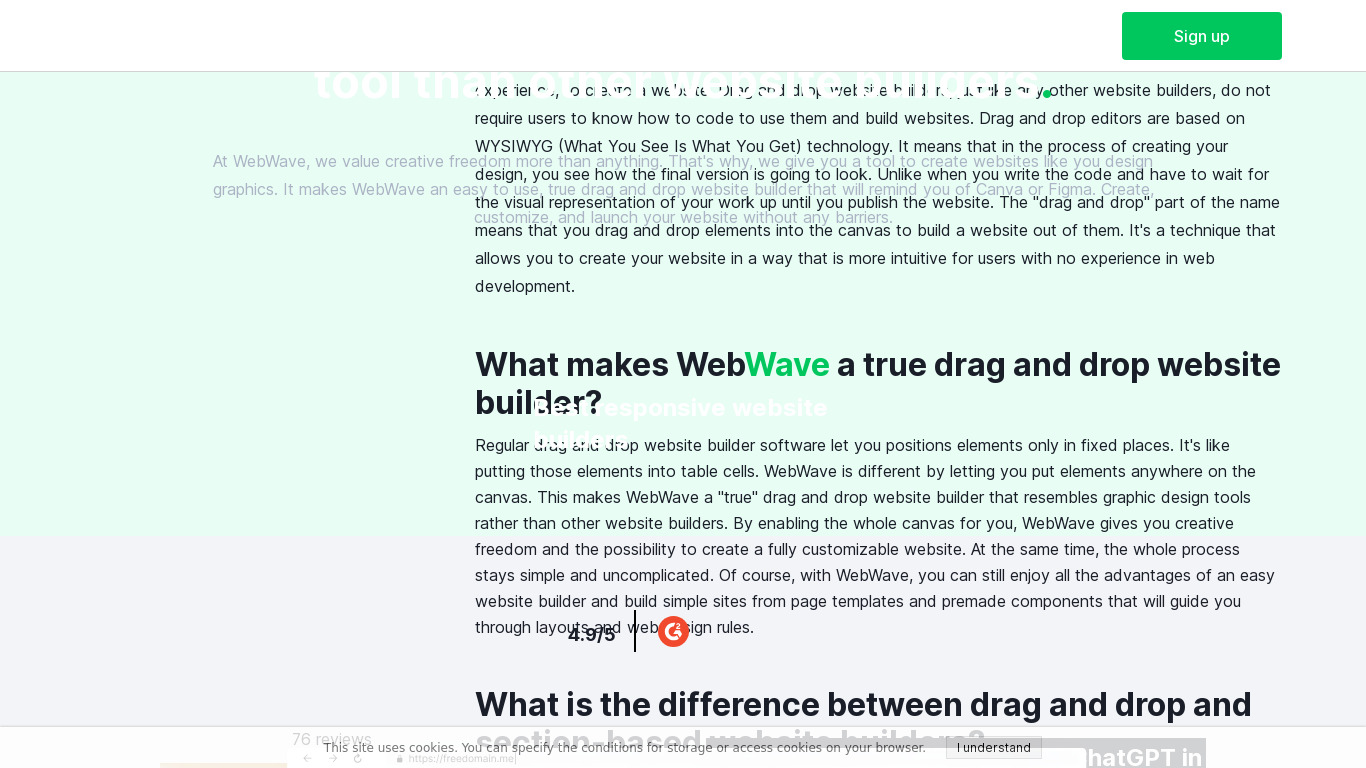
WebWave CMS vs. its alternatives
| WebWave CMS |  Webflow Webflow |  STUDIO STUDIO |  Carrd Carrd |  Unicorn Platform Unicorn Platform | |
|---|---|---|---|---|---|
| Pricing | — | — | $9/mo | $9/mo | $8/mo |
| Platforms | |||||
| Listed features | 5 | 7 | 3 | 6 | 13 |
Frequently asked questions
How much does WebWave CMS cost?
Exact pricing details are not provided in the facts, so check their pricing page at https://webwave.me/Pricing for current plans.
Who is WebWave CMS for?
WebWave CMS is for users of all technical backgrounds who want to create websites without coding skills, and it is particularly beneficial for agencies due to its white label option.
What platforms does WebWave CMS support?
WebWave CMS is available on the Web platform.
Does WebWave CMS require coding skills?
No, WebWave CMS provides a user-friendly interface that does not require any coding skills, making it accessible to users of all technical backgrounds.
What integrated tools does WebWave CMS include?
WebWave includes integrated tools such as SEO optimization and e-commerce functionalities, which reduces the need for additional plugins.
What are the best alternatives to WebWave CMS?
Some known alternatives to WebWave CMS include Webflow, STUDIO, Carrd, Unicorn Platform, and Dorik. You might prefer these alternatives depending on your specific design preferences and platform needs.
Alternatives to WebWave CMS
Read the full comparison →STUDIO
The site builder for designers. No code. All creative freedom.



Framer
🔥 Design real websites right on the canvas.