
Tool profile
STUDIO
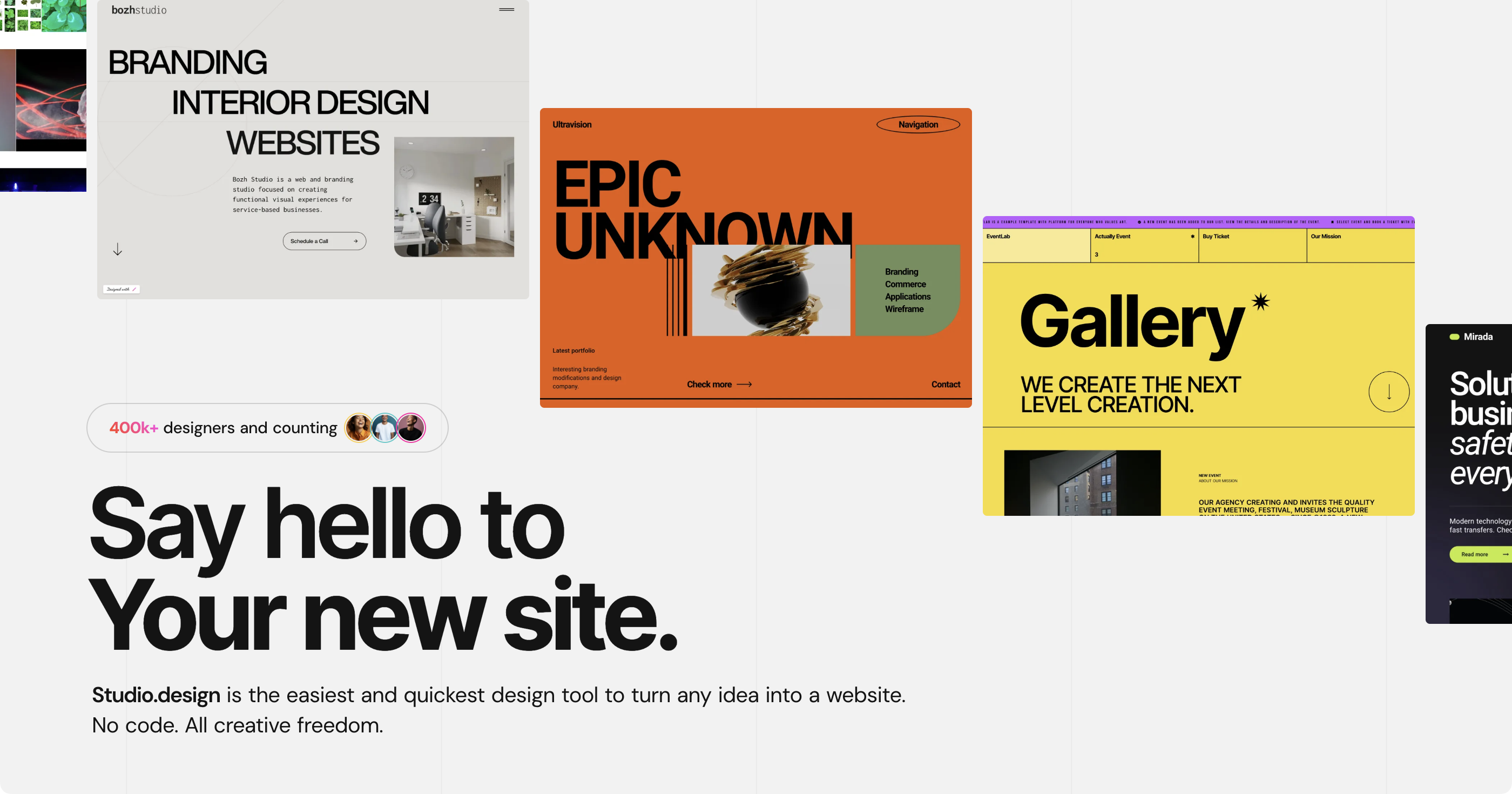
The site builder for designers. No code. All creative freedom.
What is STUDIO?
STUDIO is a website builder tailored for designers who want creative freedom without writing code. It features a Design Editor with Auto Layout tools and Figma import capabilities, a note-taking app-style CMS for scaling branded pages, and one-click publishing for responsive, SEO-optimized sites.
The platform operates on a Web availability model with a freemium offering, a free trial, and paid plans starting at $9 per month. While it provides a streamlined UI focused on design work, users comparing options should weigh its specific workflow against other tools in the website builder category.
Known alternatives include Webflow, Unicorn Platform, CHEMCAD, WebWave CMS, and teleportHQ. These options offer varying approaches to building web projects depending on your exact technical and design needs.
Features
Design Editor
Use familiar Auto Layout tools in a modern and minimalistic UI designed to let you focus on your work, voted to be more intuitive than Webflow and Framer. Or import directly from Figma.
CMS
CMS is now as simple as your note-taking app. Instantly generate branded pages from your entries to scale at speed.
Publish
Focus on design, and leave everything technical to the app. Your designs are a click away from a responsive, SEO-optimized website.
Screenshots
STUDIO vs. its alternatives
| STUDIO |  Webflow Webflow |  Unicorn Platform Unicorn Platform |  CHEMCAD CHEMCAD |  WebWave CMS WebWave CMS | |
|---|---|---|---|---|---|
| Pricing | $9/mo | — | $8/mo | — | — |
| Platforms | — | ||||
| Listed features | 3 | 7 | 13 | — | 5 |
Frequently asked questions
How much does STUDIO cost?
STUDIO starts at $9 per month and includes freemium options as well as a free trial. You can check their pricing page for current plans.
Who is STUDIO for?
STUDIO is designed for creators and designers looking for a no-code site builder that provides complete creative freedom.
What platforms is STUDIO available on?
STUDIO is available on the Web platform.
How does the Design Editor work in STUDIO?
The Design Editor uses familiar Auto Layout tools in a minimalistic UI, and it also lets you import designs directly from Figma.
What can I do with the STUDIO CMS?
The CMS is designed to be as simple as a note-taking app, allowing you to instantly generate branded pages from your entries to scale at speed.
What are the best alternatives to STUDIO?
Top alternatives to STUDIO include Webflow, Unicorn Platform, CHEMCAD, WebWave CMS, and teleportHQ. You might prefer Webflow or teleportHQ if you are looking for alternative no-code workflows, or Unicorn Platform for specific landing page needs.
Alternatives to STUDIO
Read the full comparison →



Framer
🔥 Design real websites right on the canvas.