
Tool profile
Framer
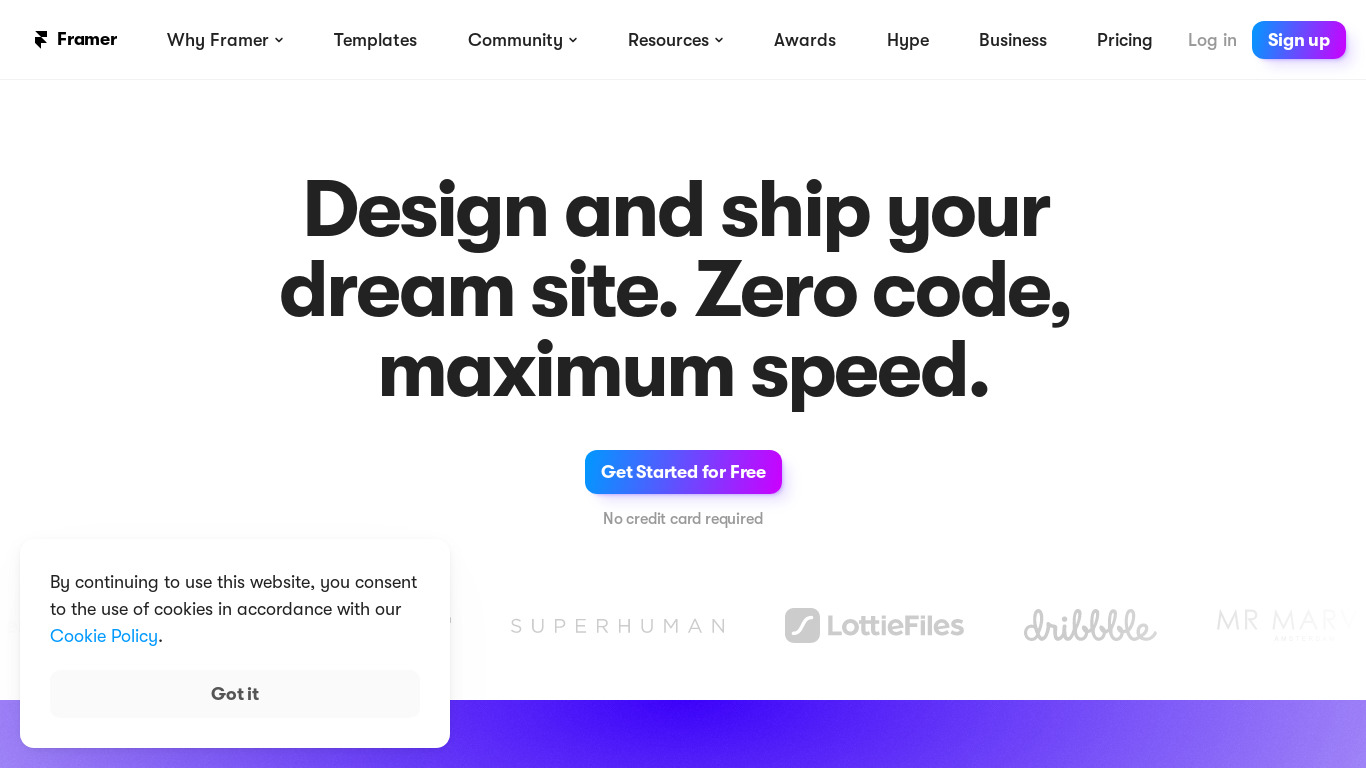
🔥 Design real websites right on the canvas.
What is Framer?
Framer is a design tool that lets users build real websites right on the canvas. It is well-suited for designers who need to create interactive prototypes, build custom animations and interactions using JavaScript and React with code-based design, and collaborate with teams in real-time. The platform includes responsive design support, a rich component library, and integrations with Figma, Sketch, and Photoshop to fit flexible workflows.
Regarding pricing, Framer is tagged as open source, though exact subscription tiers or paid plans are not listed in the available facts, so check their pricing page for current details. Additionally, specific platform availability is not explicitly specified in the data provided.
Features
Interactive Prototyping
Framer allows the creation of highly interactive and realistic prototypes, which can closely mimic the final product. This aids in user testing and feedback.
Code-based Design
Framer combines design tools with production-level code, enabling designers to create custom animations and interactions using JavaScript and React.
Real-time Collaboration
Teams can collaborate in real-time, making it easier to share ideas, review progress, and make adjustments on the fly.
Rich Component Library
Framer comes with a comprehensive library of pre-built components, speeding up the design process and ensuring consistency across projects.
Responsive Design
Framer supports responsive design, allowing prototypes to adjust seamlessly to different screen sizes and devices.
Third-party Integrations
It offers integration with tools like Figma, Sketch, and Photoshop, enabling a smooth workflow for designers who use multiple tools.
Animation Capabilities
Framer excels at creating complex animations and transitions, which can enhance the user experience and make the designs more engaging.
Flexible Workflows
It accommodates various workflows, from designing static UIs to building fully interactive prototypes, making it versatile for different project needs.
Screenshots
Framer vs. its alternatives



Frequently asked questions
How much does Framer cost?
Framer is tagged as open source in the provided facts, but exact pricing tiers are not listed here, so check their pricing page for current plans.
What is Framer used for?
Framer is used as a design tool to design real websites right on the canvas, ranging from designing static UIs to building fully interactive prototypes.
Does Framer support code-based design?
Yes, Framer combines design tools with production-level code, enabling designers to create custom animations and interactions using JavaScript and React.
What tools does Framer integrate with?
Framer offers third-party integrations with Figma, Sketch, and Photoshop to enable a smooth workflow.
Can teams collaborate in real-time on Framer?
Yes, Framer features real-time collaboration that allows teams to share ideas, review progress, and make adjustments on the fly.
What are the best alternatives to Framer?
Some known alternatives to Framer include Balsamiq, WiX, Webflow, Invision, and SquareSpace, which you might prefer depending on your specific project needs and preferred workflow.
Alternatives to Framer
Read the full comparison →
Invision
Prototyping and collaboration for design teams