
Tool profile
Origami Studio
Design interactive UI prototypes for modern interfaces.
What is Origami Studio?
Origami Studio is a design tool well-suited for designers looking to build interactive UI prototypes for modern interfaces. It stands out by offering native components, comprehensive animation tools, and a live preview feature that lets you test prototypes instantly on connected devices. Additionally, it includes logic and interactivity options like conditionals, loops, and variables, alongside integration with Sketch.
Because exact pricing details and specific platform installation requirements are not detailed in the available facts, you should check their official resources for current plan specifics and system compatibility. If you need different workflows, the tool can be compared against known alternatives like Balsamiq, Webflow, Invision, Moqups, and Proto.io.
Features
Native Components
Origami Studio offers native components that help designers create high-fidelity prototypes which closely mimic the behavior of final applications.
Free to Use
Origami Studio is completely free to use, making it accessible for individuals and teams regardless of their budget.
Comprehensive Animation Tools
It provides powerful animation tools, enabling designers to create complex animations and interactions with precision and ease.
Integration with Other Tools
Origami Studio can easily integrate with other design tools like Sketch, allowing for a seamless workflow between design and prototyping.
Logic & Interactivity
It includes features to add logic and interactivity to prototypes, such as conditionals, loops, and variables, enabling more dynamic and functional prototypes.
Live Preview
Offers a live preview feature that allows designers to test their prototypes instantly on connected devices, ensuring they work as expected.
Screenshots
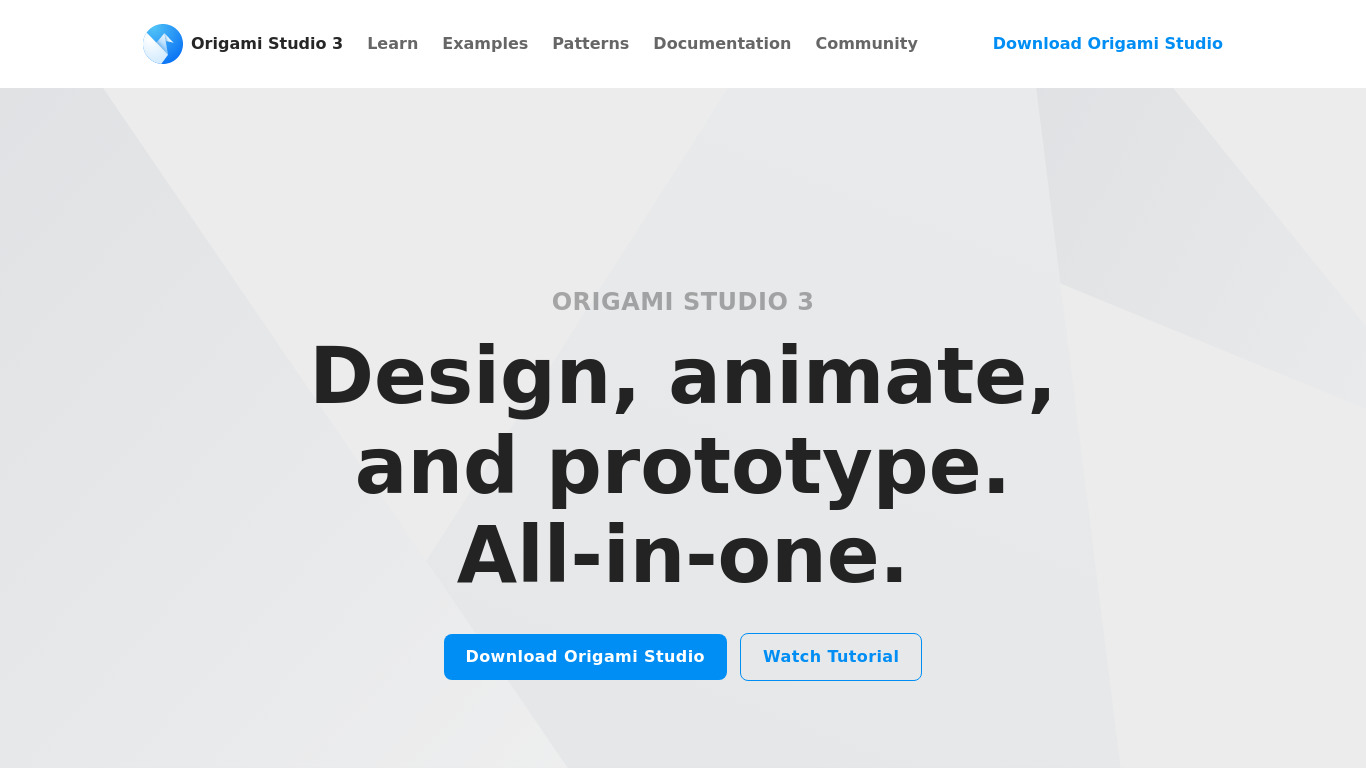
Origami Studio vs. its alternatives
| Origami Studio |  Balsamiq Balsamiq |  Webflow Webflow |  Invision Invision |  Moqups Moqups | |
|---|---|---|---|---|---|
| Pricing | — | — | — | — | — |
| Platforms | — | ||||
| Listed features | 6 | 7 | 7 | 6 | 5 |
Frequently asked questions
Is Origami Studio free?
Yes, Origami Studio is completely free to use, making it accessible for individuals and teams regardless of their budget.
What is Origami Studio used for?
Origami Studio is used to design interactive UI prototypes for modern interfaces with high fidelity.
How does Origami Studio handle animations?
It provides comprehensive animation tools that enable designers to create complex animations and interactions with precision and ease.
Can I integrate Origami Studio with other tools?
Yes, Origami Studio easily integrates with other design tools like Sketch to allow for a seamless workflow between design and prototyping.
How do I test my prototypes in Origami Studio?
Origami Studio offers a live preview feature that allows designers to test their prototypes instantly on connected devices.
What features are available for adding logic to prototypes?
It includes features like conditionals, loops, and variables to add logic and interactivity, enabling more dynamic and functional prototypes.
What are the best alternatives to Origami Studio?
Known alternatives to Origami Studio include Balsamiq, Webflow, Invision, Moqups, and Proto.io. You might prefer these options depending on your specific project requirements and workflow preferences.
Alternatives to Origami Studio
Read the full comparison →Invision
Prototyping and collaboration for design teams




ProtoPie
ProtoPie is the easiest tool used to turn your UI/UX design ideas into highly interactive prototypes for mobile, desktop, web, all the way to IoT.


Framer
🔥 Design real websites right on the canvas.