
Tool profile
Flinto
The prototyping tool designers have been waiting for.
What is Flinto?
Flinto is a design tool well-suited for designers who need to create high-fidelity prototypes featuring customizable transitions, interactive gestures like swipes and taps, and complex animations without requiring any coding skills. Its user-friendly interface allows for a quick learning curve, while instant previews on connected devices let designers view changes in real time. The software also offers seamless integration with Sketch to facilitate the import of design assets.
However, specific details regarding pricing are not listed in the provided facts, so check their pricing page for current plans. Additionally, platform availability is not specified in the source data, meaning users should verify system requirements directly with the provider before adopting it into their workflow.
Features
User-Friendly Interface
Flinto provides an intuitive and easy-to-use interface, allowing designers to quickly create interactive prototypes without a steep learning curve.
High-Fidelity Prototyping
Supports high-fidelity animations and transitions, enabling designers to create realistic prototypes that closely mimic the final product.
Interactive Gestures
Offers extensive support for interactive gestures, such as swipes and taps, which helps designers create more dynamic and engaging user experiences.
Instant Preview
Enables instant previews on connected devices, allowing designers to see changes in real time and make necessary adjustments quickly.
Integration with Sketch
Seamlessly integrates with Sketch, facilitating the import of design assets and ensuring consistency between design and prototyping stages.
No Coding Required
Flinto allows for the creation of complex animations and interactions without any need for coding, making it accessible to designers without programming skills.
Customizable Transitions
Offers customizable transitions and animations that designers can tailor to match their project’s specific needs.
Screenshots
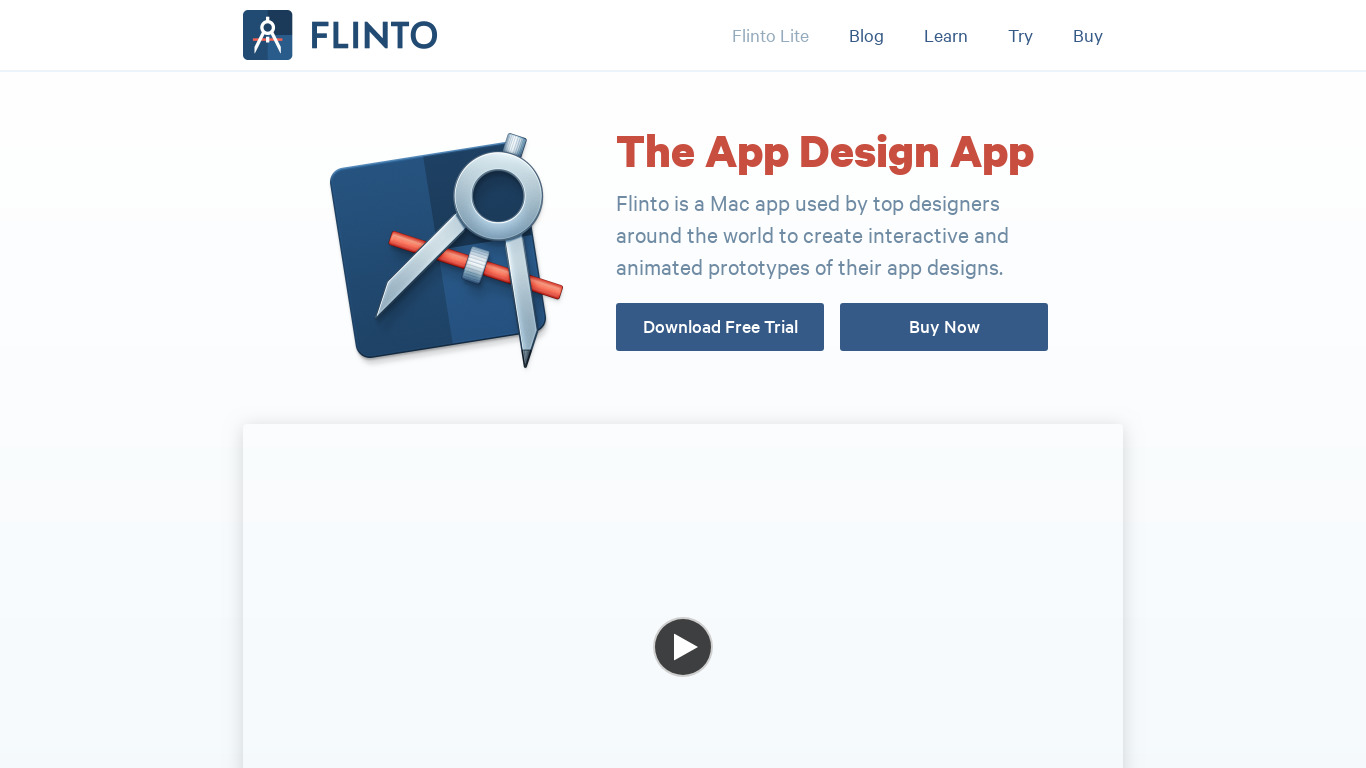
Flinto vs. its alternatives



Frequently asked questions
How much does Flinto cost?
Exact pricing details are not provided in the available facts, so you will need to check their pricing page for current plans.
What is Flinto used for?
Flinto is used as a prototyping tool within the Design Tools category to help designers create interactive prototypes with high-fidelity animations and transitions.
What platform availability does Flinto support?
Platform availability is not specified in the provided facts, so check the official site for supported operating systems and devices.
Does Flinto require coding skills?
No, Flinto allows for the creation of complex animations and interactions without any need for coding, making it accessible to designers without programming skills.
How does High-Fidelity Prototyping work in Flinto?
Flinto supports high-fidelity animations and transitions, enabling designers to create realistic prototypes that closely mimic the final product.
What are the best alternatives to Flinto?
Some known alternatives to Flinto include Fluid UI, Balsamiq, Invision, Moqups, and UXpin. You might prefer these tools depending on your specific project requirements and alternative feature sets.
Alternatives to Flinto
Read the full comparison →
Invision
Prototyping and collaboration for design teams

UXpin
Design is really about solving problems. UXPin is the UX Design Platform that gets that right.



ProtoPie
ProtoPie is the easiest tool used to turn your UI/UX design ideas into highly interactive prototypes for mobile, desktop, web, all the way to IoT.


Framer
🔥 Design real websites right on the canvas.