Tool profile
Day One
Profile in progressA simple journal application for the Mac, iPhone, and iPad. AboutTo learn more about Day One, see these two excellent reviews . PublishPublish is not available in Day One 2.
Features
User-friendly Interface
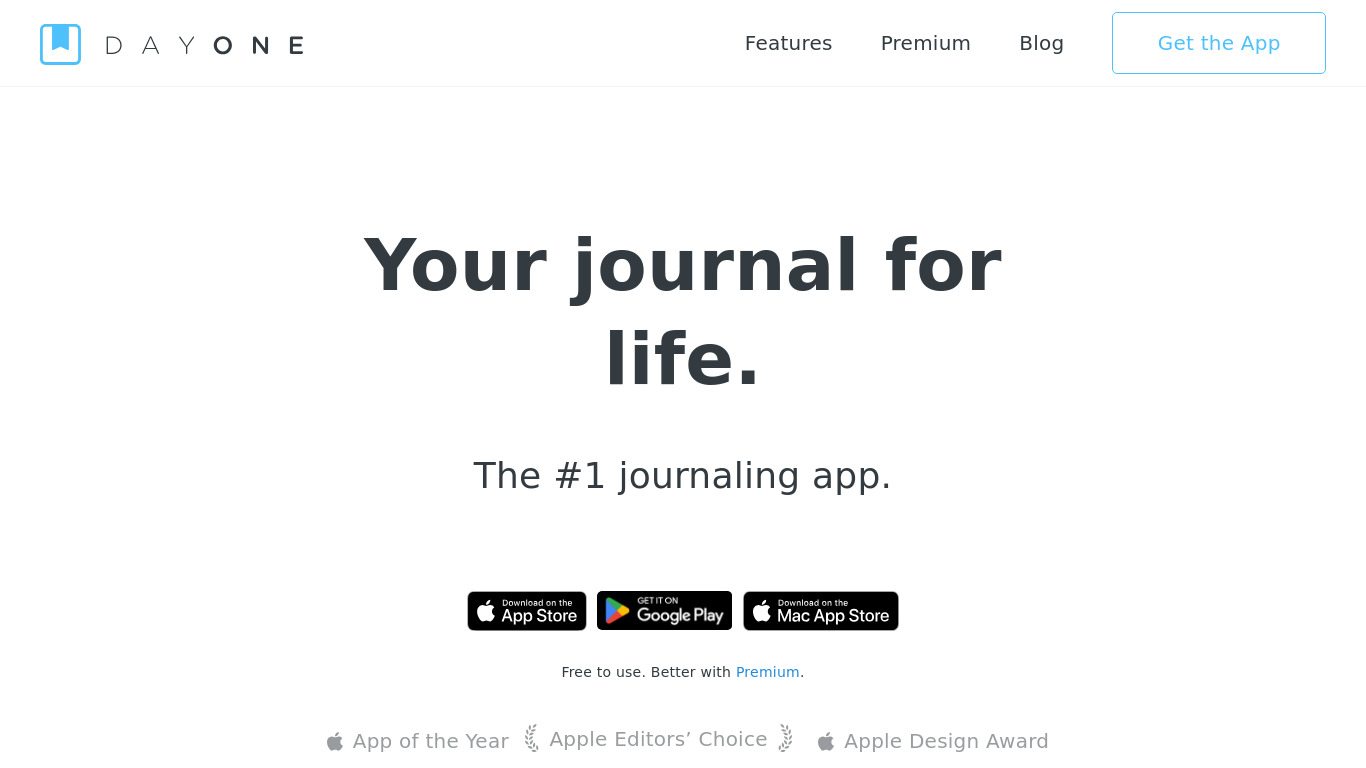
Day One features a clean and intuitive user interface, making it easy for users of all skill levels to navigate and use the app effectively.
Cross-Platform Availability
Available on iOS, macOS, and Android, allowing users to access their journal entries across multiple devices.
Rich Media Support
Supports various types of media, including photos, audio recordings, and videos, enriching journal entries beyond just text.
End-to-End Encryption
Provides robust security for journal entries with end-to-end encryption, ensuring user data privacy.
Synchronization
Automatic syncing across devices ensures that users always have the most up-to-date version of their journal.
Prompts and Templates
Offers writing prompts and templates to help users overcome writer's block and get inspiration for their entries.
Screenshots
Day One vs. its alternatives
| Day One |  OneNote OneNote |  Evernote Evernote |  RedNotebook RedNotebook |  Journey Journey | |
|---|---|---|---|---|---|
| Pricing | — | — | — | — | — |
| Platforms | — | ||||
| Listed features | 6 | 6 | 5 | 7 | — |
Alternatives to Day One
OneNote
Get the OneNote app for free on your tablet, phone, and computer, so you can capture your ideas and to-do lists in one place wherever you are. Or try OneNote with Office for free.
Evernote
Bring your life's work together in one digital workspace. Evernote is the place to collect inspirational ideas, write meaningful words, and move your important projects forward.