Tool profile
ClickMeeting
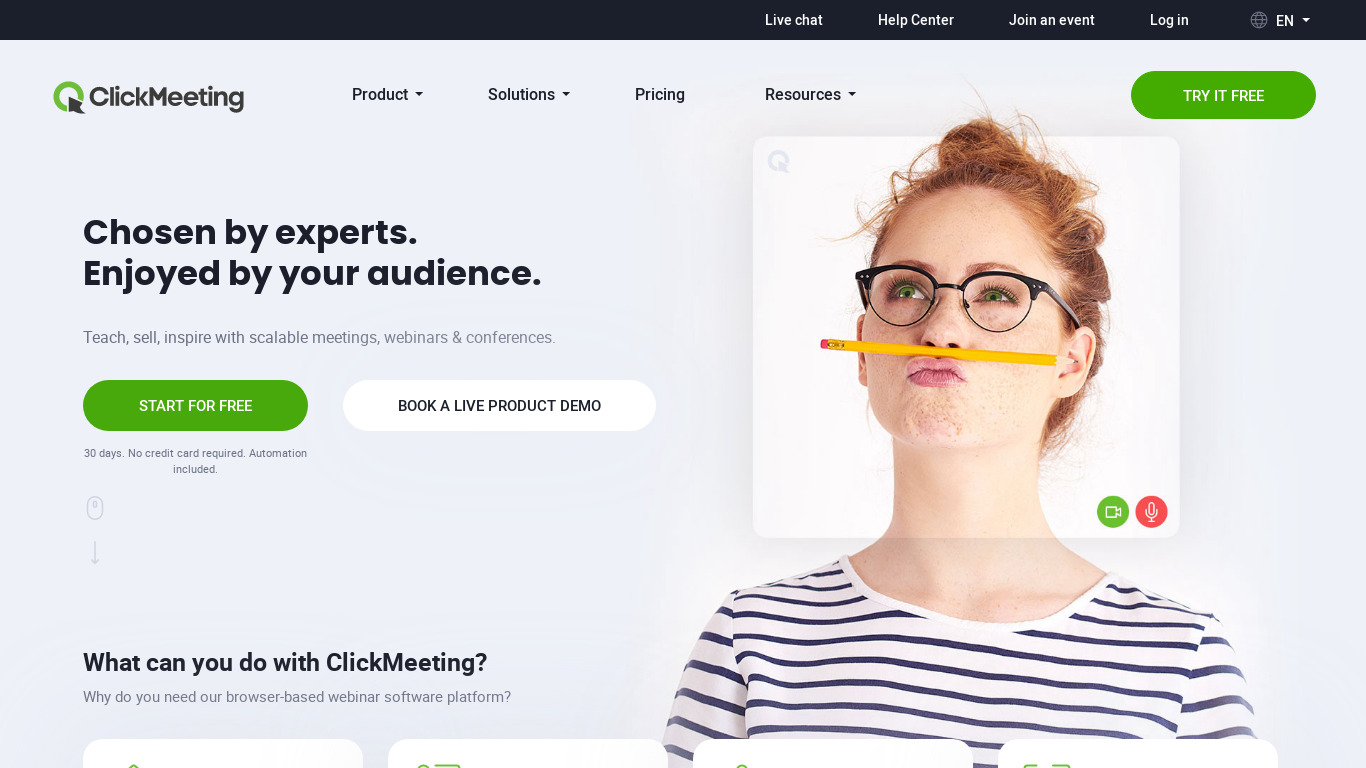
Collaborate with partners and clients using ClickMeeting professional web conferencing software. Try it now, FREE!
What is ClickMeeting?
ClickMeeting is web conferencing software designed for businesses looking to collaborate with partners and clients. It stands out with a user-friendly interface, web-based access that requires no downloads, and customizable branding that allows companies to add their own logos and colors to the meeting interface. Additional capabilities include webinar automation, interactive polls, surveys, Q&A sessions, detailed analytics, and multiple languages support.
Specific pricing details are not listed in the provided facts, so check their pricing page for current plans. The platform is accessible via Web, iOS, and Android platforms and integrates with third-party tools like marketing automation, CRM systems, and social media.
Features
User-Friendly Interface
ClickMeeting offers an intuitive and easy-to-navigate interface, making it accessible for users of all technical levels.
Customizable Branding
The platform allows businesses to fully customize the meeting interface with their own logos, colors, and branding, ensuring a professional appearance.
Webinar Automation
ClickMeeting provides options for automated webinars, enabling users to schedule and run events without being physically present all the time.
Interactive Features
The platform includes interactive tools such as polls, surveys, and Q&A sessions to engage participants and gather feedback.
Integration Capabilities
ClickMeeting integrates with various third-party tools and platforms, including marketing automation, CRM systems, and social media.
Detailed Analytics
The platform offers comprehensive analytics and reporting tools, which help users to measure the success of their webinars and understand participant engagement.
Web-Based Access
No need for downloads or installations; ClickMeeting runs entirely on the web, making it more accessible for participants.
Multiple Languages Support
ClickMeeting supports multiple languages, making it a versatile choice for international businesses.
Screenshots
ClickMeeting vs. its alternatives
| ClickMeeting |  WebEx WebEx |  GoToWebinar GoToWebinar |  UberConference UberConference |  GoToMeeting GoToMeeting | |
|---|---|---|---|---|---|
| Pricing | — | — | — | — | — |
| Platforms | — | — | — | — | |
| Listed features | 8 | 5 | 6 | 5 | 8 |
Frequently asked questions
How much does ClickMeeting cost?
Exact pricing details are not listed in the facts. You should check their pricing page for current plans.
What is ClickMeeting used for?
ClickMeeting is used as professional web conferencing software to collaborate with partners and clients, run automated webinars, and engage participants using interactive tools.
What platforms is ClickMeeting available on?
ClickMeeting provides web-based access without requiring downloads, and it is also available on iOS and Android platforms.
What features does the ClickMeeting User-Friendly Interface offer?
The User-Friendly Interface offers an intuitive and easy-to-navigate experience, making the platform accessible for users of all technical levels without requiring software installations.
Does ClickMeeting support customizable branding?
Yes, businesses can fully customize the meeting interface with their own logos, colors, and branding to ensure a professional appearance.
What are the best alternatives to ClickMeeting?
Known alternatives to ClickMeeting include Zoom, WebEx, and GoToMeeting. You might prefer these options depending on your specific web conferencing and collaboration needs.
Alternatives to ClickMeeting
Read the full comparison →WebEx
Cisco WebEx Web Conferencing, Online Meetings, Desktop Sharing, Video Conferencing

Zoom
Equip your team with tools designed to collaborate, connect, and engage with teammates and customers, no matter where you’re located, all in one platform.

BigBlueButton
Engage Your Online Students. BigBlueButton is a web conferencing system designed for online learning.

Zoho Cliq
Team chat that's built for work