Tool profile
Adobe Express
Adobe Express is an online and mobile design app. Easily create stunning social graphics, short videos, and web pages that make you stand out on social and beyond.
Categories
Pricing
What is Adobe Express?
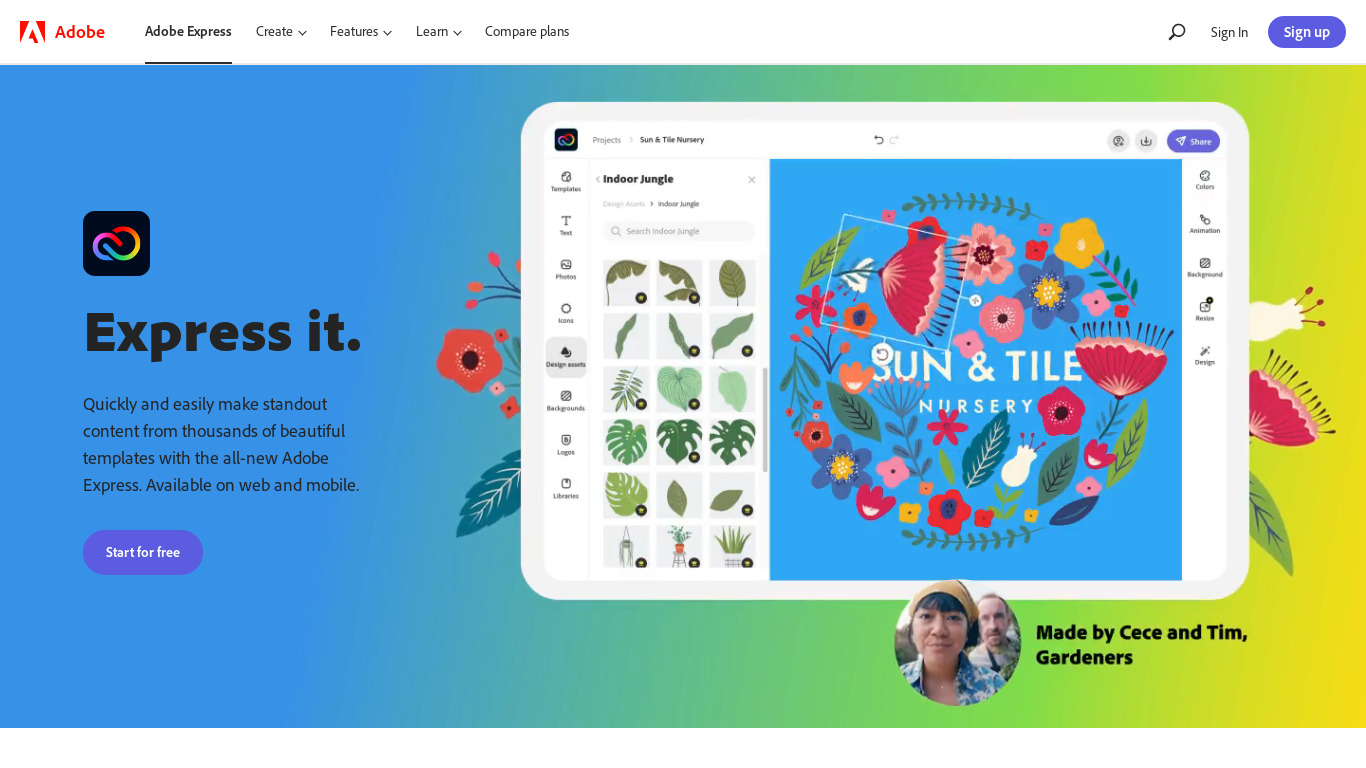
Adobe Express is an online and mobile design app suited for users who need to create social graphics, short videos, and web pages. It stands out with a simple drag-and-drop interface, professionally designed templates, and a library of royalty-free assets including stock photos, icons, and music. Real-time collaboration features and direct publishing to various social media platforms make it practical for team projects and social media managers looking to streamline their workflow.
Because exact pricing details are not listed in the available facts, you will need to check their official pricing page for current plans. The platform operates on a cloud-based system and integrates seamlessly with other Adobe Creative Cloud products like Photoshop, Illustrator, and Lightroom, which is especially useful for users already working within the Adobe ecosystem.
Features
Ease of Use
Adobe Express is designed to be user-friendly, with a simple drag-and-drop interface that makes it accessible even for beginners.
Templates and Assets
The platform offers a wide range of professionally designed templates and assets, which can save users time and effort in creating visuals.
Integration with Adobe Ecosystem
Adobe Express integrates seamlessly with other Adobe products like Photoshop, Illustrator, and Lightroom, providing a cohesive workflow for Adobe users.
Cloud-Based
Being cloud-based means that users can access their projects from anywhere, on any device, making it convenient for on-the-go editing.
Collaborative Features
The platform supports real-time collaboration, allowing multiple users to work on the same project simultaneously, which is great for team projects.
User-Friendly Interface
Adobe Spark Post offers an intuitive and easy-to-use interface, making it accessible for users of all skill levels.
Templates
A wide variety of customizable templates are available, allowing users to create professional graphics quickly and easily.
Cloud Integration
Being part of the Adobe suite, it offers seamless cloud integration, enabling users to save and access their work from anywhere.
Collaborative Tools
Supports sharing and collaboration, making it ideal for team projects and client reviews.
Direct Publishing
Allows for direct publishing to various social media platforms, streamlining the workflow for social media managers.
Built-in Templates
Provides a variety of professionally designed templates that help users kick-start their projects and maintain a consistent style.
Integration with Adobe Creative Cloud
Seamlessly integrates with other Adobe Creative Cloud applications, facilitating advanced workflows for users within the Adobe ecosystem.
Cloud-Based Access
Being cloud-based allows users to access and edit their projects from any device with an internet connection.
Royalty-Free Assets
Offers access to a library of stock photos, icons, and music that users can incorporate into their videos without additional fees.
Screenshots
Adobe Express vs. its alternatives
| Adobe Express |  WiX WiX |  Canva Canva |  Sketch Sketch |  Adobe Photoshop Adobe Photoshop | |
|---|---|---|---|---|---|
| Pricing | — | — | $12.99/mo | — | — |
| Platforms | — | — | — | ||
| Listed features | 14 | 6 | 9 | 6 | 5 |
Frequently asked questions
How much does Adobe Express cost?
Exact pricing details are not provided in the facts, so check their pricing page for current plans.
What is Adobe Express used for?
Adobe Express is used to create social graphics, short videos, and web pages that help users stand out on social media and beyond.
Does Adobe Express support real-time collaboration?
Yes, the platform supports real-time collaboration, allowing multiple users to work on the same project simultaneously for team projects and client reviews.
Can I publish content directly from Adobe Express to social media?
Yes, Adobe Express allows for direct publishing to various social media platforms to streamline the workflow for social media managers.
What Adobe products integrate with Adobe Express?
Adobe Express integrates seamlessly with other Adobe Creative Cloud applications, including Photoshop, Illustrator, and Lightroom.
What are the best alternatives to Adobe Express?
Known alternatives to Adobe Express include WiX, Canva, Sketch, Adobe Photoshop, and Inkscape. You might prefer these depending on your specific web design, vector editing, or graphic layout needs.
Alternatives to Adobe Express
Read the full comparison →Sketch
Professional digital design for Mac.
Adobe Photoshop
Adobe Photoshop is a webtop application for editing images and photos online.

Inkscape
Inkscape is a free, open source professional vector graphics editor for Windows, Mac OS X and Linux.

GIMP
GIMP is a multiplatform photo manipulation tool.