
Tool profile
IrfanView
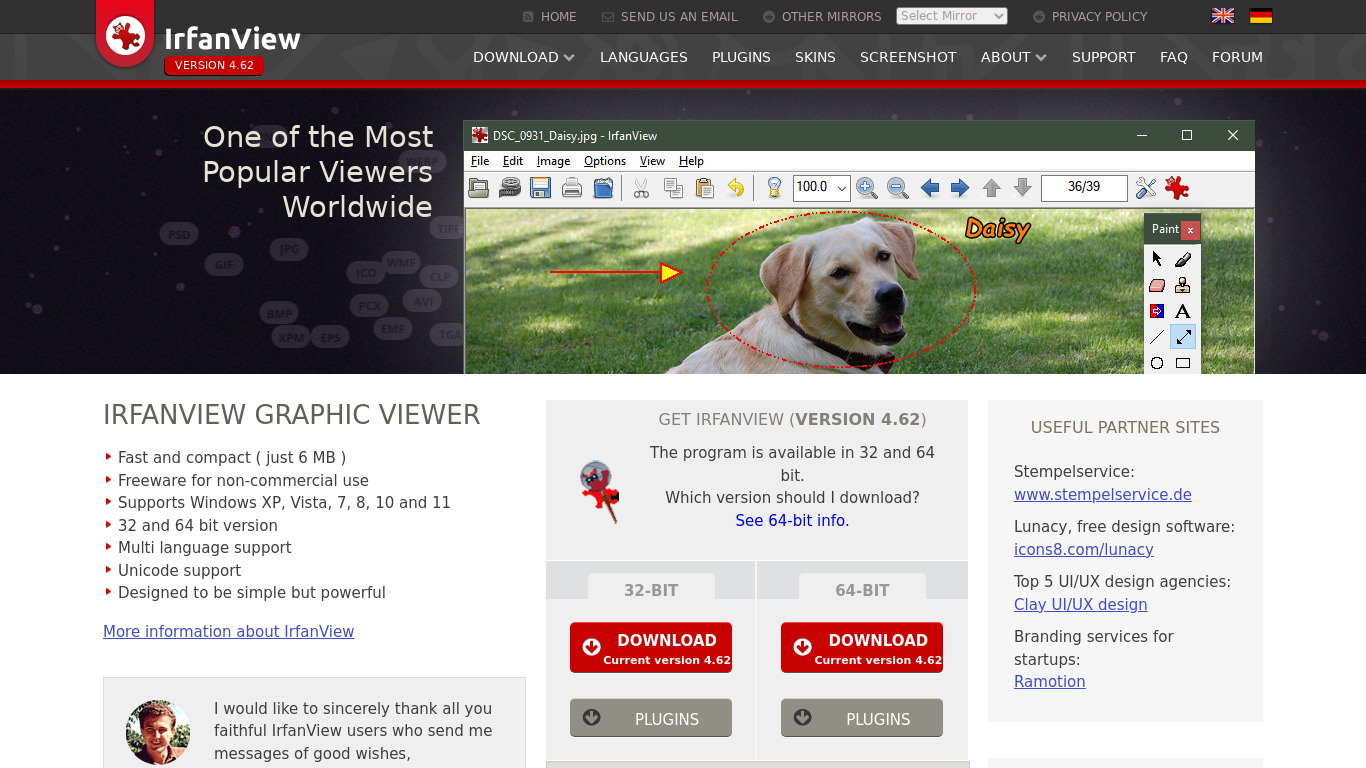
IrfanView ... one of the most popular viewers worldwide.
What is IrfanView?
IrfanView is a Photos & Graphics tool designed for users who need a lightweight viewer with a small size and low resource usage, running efficiently even on older systems. It stands out with wide format support for BMP, DIB, JPEG, GIF, PNG, PCX, TIFF, and multimedia formats, alongside powerful batch processing capabilities for converting and processing multiple images at once. The interface remains intuitive and straightforward for both beginners and advanced users.
For extended functionality, the software supports a variety of plugins that add features like additional file formats and enhanced editing tools. Regarding cost, exact commercial pricing is not detailed in the provided facts, but IrfanView is free for non-commercial use in personal projects. Check their pricing page for current commercial plans.
Features
Lightweight
IrfanView is known for its small size and low resource usage, making it fast and efficient even on older systems.
Wide Format Support
Supports a vast array of image formats, including BMP, DIB, JPEG, GIF, PNG, PCX, TIFF, and many more, along with some multimedia formats.
Batch Processing
Includes powerful batch processing capabilities for converting and processing multiple images at once.
Plugins
Supports a variety of plugins for extended functionality, allowing users to add features such as support for additional file formats and enhanced editing tools.
User-Friendly
Offers an intuitive and straightforward interface that is easy to navigate for both beginners and advanced users.
Free for Personal Use
IrfanView is free for non-commercial use, making it an excellent choice for personal projects.
Screenshots
IrfanView vs. its alternatives
| IrfanView |  Photoscape Photoscape |  Fotor Fotor |  Polarr Polarr |  JPEGView JPEGView | |
|---|---|---|---|---|---|
| Pricing | — | — | — | — | — |
| Platforms | — | ||||
| Listed features | 6 | 5 | 6 | 5 | 6 |
Frequently asked questions
Is IrfanView free?
IrfanView is free for non-commercial use, making it an excellent choice for personal projects. Check their pricing page for current commercial plans.
What is IrfanView used for?
IrfanView is used as a photo and graphics viewer that supports a vast array of image and multimedia formats. It also provides batch processing for converting and processing multiple images at once.
What platforms is IrfanView available on?
IrfanView is available on the Web platform according to the provided facts.
Does IrfanView support batch processing?
Yes, IrfanView includes powerful batch processing capabilities for converting and processing multiple images at once.
Can I add more features to IrfanView?
Yes, IrfanView supports a variety of plugins for extended functionality, allowing users to add support for additional file formats and enhanced editing tools.
What are the best alternatives to IrfanView?
Some known alternatives to IrfanView include Photoscape, Fotor, and FastStone Image Viewer. You might explore these options if you are looking for different interfaces or alternative feature sets in the Photos & Graphics category.
Alternatives to IrfanView
Read the full comparison →Photoscape
high quality photo editing software, that enables you to fix and enhance photos.
Polarr
MacOS, Windows, iOS, Android and online photo editing tools & free photo editors.
JPEGView
JPEGView is a small and fast viewer/editor for JPEG, BMP, PNG, GIF and TIFF images.

FastStone Image Viewer
FastStone Image Viewer is a fast, stable, user-friendly image browser, converter and editor.

XnView MP
XnView is a free software that allows you to view, resize and edit your images. It supports more than 500 different formats!