
Tool profile
SourceTree
Mac and Windows client for Mercurial and Git.
What is SourceTree?
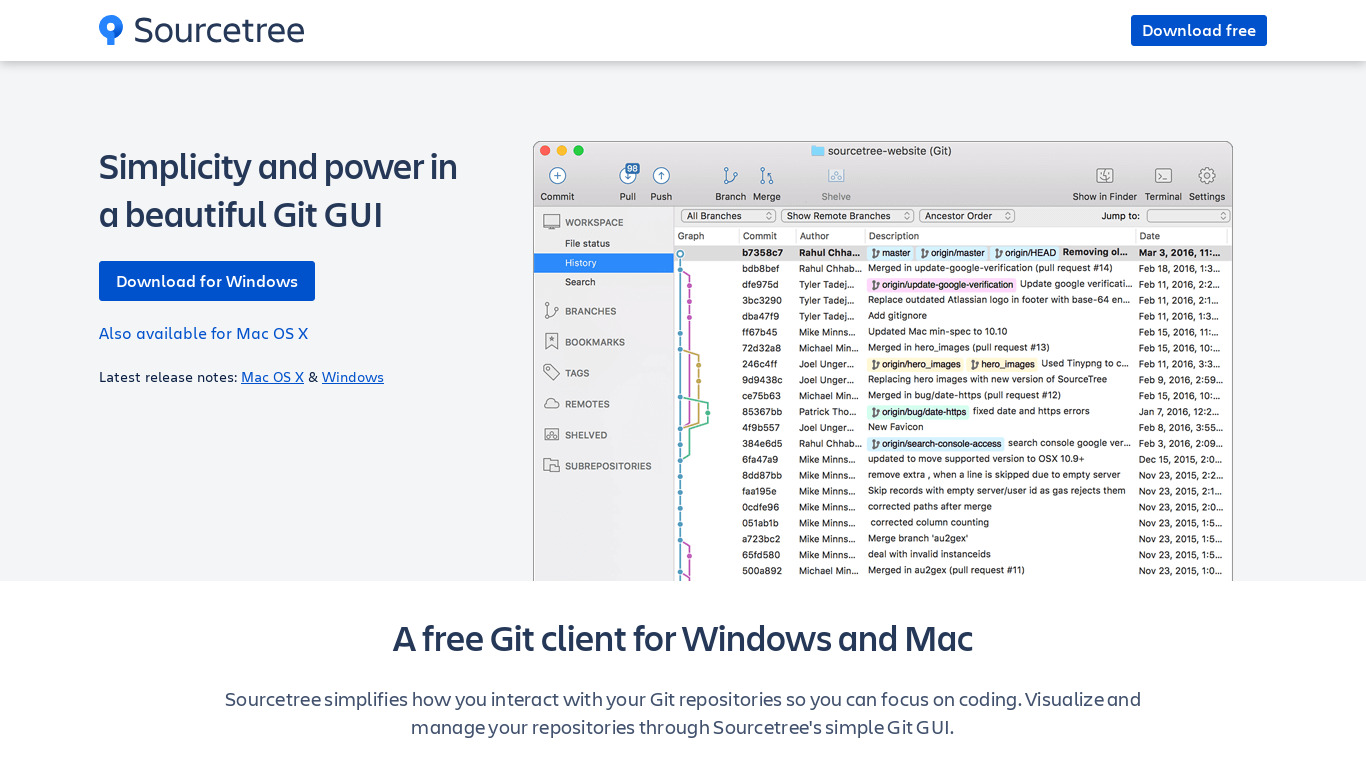
SourceTree is a cross-platform client for Git and Mercurial version control, available for both Windows and macOS. It is a strong fit for individual developers and small teams looking for a free tool that replaces command-line operations with an intuitive graphical user interface. Key capabilities include visualizing repository history, managing branches, merging, stashing, and rebasing, along with direct integration with GitHub and Bitbucket.
While the application is available for free, users should check their official channels for any specific current requirements or updates since detailed pricing plans are not explicitly listed beyond its free availability. Those exploring other choices in the code collaboration category can evaluate known alternatives like Tower, GitKraken, SmartGit, TortoiseGit, and Git itself depending on their specific version control preferences.
Features
User-Friendly Interface
SourceTree offers an intuitive GUI for Git and Mercurial version control, making it easier for users who may not be comfortable with command-line operations.
Rich Feature Set
Supports various Git functionalities like branching, merging, stash, rebase, and also offers visualizations of repository history and changes.
Integration with Bitbucket and GitHub
Seamlessly integrates with popular repositories like Bitbucket and GitHub, providing enhanced features for working within these platforms.
Free to Use
SourceTree is available for free, making it accessible for individual developers and small teams without any financial investment.
Cross-Platform
Available for both Windows and macOS, providing versatility for users across different operating systems.
Screenshots
SourceTree vs. its alternatives
| SourceTree |  Tower Tower |  Git Git |  GitKraken GitKraken |  SmartGit SmartGit | |
|---|---|---|---|---|---|
| Pricing | — | — | Open source | — | — |
| Platforms | — | ||||
| Listed features | 5 | — | 7 | 5 | — |
Frequently asked questions
How much does SourceTree cost?
SourceTree is free to use, making it accessible without financial investment for individual developers and small teams.
What operating systems are supported by SourceTree?
SourceTree is cross-platform, with applications available for both Windows and macOS.
What is SourceTree used for?
SourceTree is used as a Mac and Windows client for Mercurial and Git version control, offering an intuitive GUI for users who prefer it over command-line operations.
Does SourceTree support GitHub and Bitbucket?
Yes, SourceTree seamlessly integrates with both GitHub and Bitbucket to provide enhanced features for working within these platforms.
What Git functionalities does the User-Friendly Interface include?
The rich feature set supports Git functionalities like branching, merging, stash, and rebase, as well as visualizations of repository history and changes.
What are the best alternatives to SourceTree?
Common alternatives include Tower, GitKraken, SmartGit, TortoiseGit, and Git. You might explore these depending on your preferred interface and workflow requirements.
Alternatives to SourceTree
Read the full comparison →Git
Git is a free and open source version control system designed to handle everything from small to very large projects with speed and efficiency. It is easy to learn and lightweight with lighting fast performance that outclasses competitors.


GitHub Desktop
GitHub Desktop is a seamless way to contribute to projects on GitHub and GitHub Enterprise.