
Tool profile
JS Bin
Sample of the bin:
Categories
Pricing
What is JS Bin?
JS Bin is a programming tool well-suited for front-end teams and developers who need real-time collaboration on HTML, CSS, and JavaScript projects. It stands out with features like instant code previews without manual refreshing, built-in debugging tools such as console log inspection, and an embed feature for sharing code snippets in blogs or documentation. Users can also configure customizable environments using preferred templates, libraries, and preprocessors.
Because exact pricing details beyond its open source tag are not listed in the facts, check their official pricing page for current plan information. Additionally, the platform specifics are not detailed in the provided facts, so users should verify system compatibility directly.
Features
Real-time Collaboration
JS Bin allows multiple users to work on the same code simultaneously, making it easy for teams to collaborate on front-end projects in real-time.
Instant Preview
Changes to HTML, CSS, and JavaScript code are previewed instantly, allowing users to see the results of their work without manual refreshing or deploying.
Embed Feature
Users can easily embed their bins into other web pages, making it convenient to share examples or demonstrate code snippets in blogs or documentation.
Debugging Tools
JS Bin includes built-in debugging tools such as console log inspection, making it easier to identify and fix issues directly within the platform.
Customizable Environments
Users can set up their preferred coding environment with various settings, including templates, libraries, and preprocessors, to enhance productivity.
Screenshots
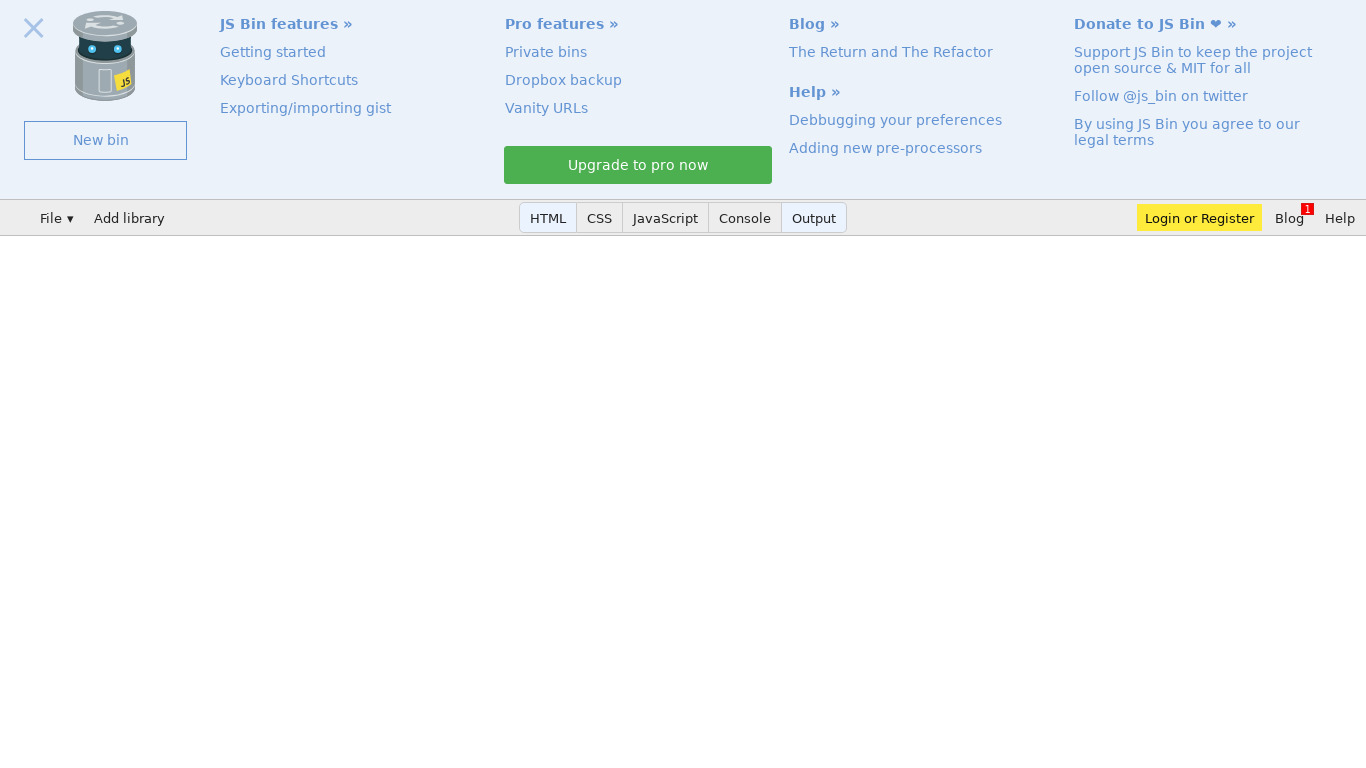
JS Bin vs. its alternatives
| JS Bin |  CodePen CodePen |  JSFiddle JSFiddle |  Pastebin.com Pastebin.com |  CodeSandbox CodeSandbox | |
|---|---|---|---|---|---|
| Pricing | Open source | — | — | — | Open source |
| Platforms | — | — | |||
| Listed features | 5 | 6 | 5 | 5 | 7 |
Frequently asked questions
How much does JS Bin cost?
JS Bin is tagged as open source in the available pricing details.
What is JS Bin used for?
JS Bin is used for front-end programming projects, allowing multiple users to collaborate on code simultaneously and preview changes instantly.
What are the debugging capabilities in JS Bin?
JS Bin includes built-in debugging tools such as console log inspection to help users identify and fix issues directly within the platform.
Can I share my JS Bin code on other web pages?
Yes, JS Bin features an embed option that lets you easily embed your bins into blogs, documentation, or other web pages to demonstrate code snippets.
What are the best alternatives to JS Bin?
Top alternatives to JS Bin include CodePen, JSFiddle, and CodeSandbox. You might prefer these depending on your specific front-end workflow and preference for online code editors.
Can I customize my coding environment in JS Bin?
Yes, JS Bin offers customizable environments where you can set up preferred templates, libraries, and preprocessors.
Alternatives to JS Bin
Read the full comparison →JSFiddle
Test your JavaScript, CSS, HTML or CoffeeScript online with JSFiddle code editor.
Pastebin.com
Pastebin.com is a website where you can store text for a certain period of time.
CodeSandbox
Online playground for React



StackBlitz
Online VS Code Editor for Angular and React