
Tool profile
CodePen
A front end web development playground.
Categories
Pricing
What is CodePen?
CodePen is a front end web development playground that fits developers looking for a text editor with Immediate Visual Feedback, letting you see results as you write code for easier learning and debugging. It includes an Integrated Development Environment (IDE) featuring syntax highlighting and autocomplete, plus Real-time Collaboration for working with teammates or the community.
Because exact pricing details are not listed in the available facts, you will need to check their pricing page for current plans. The platform offers Cross-Device Accessibility from any internet-connected device, along with a Community-Driven space to share work and extensive resources including templates and examples.
Features
Real-time Collaboration
Developers can collaborate with others in real-time, making it easy to work on projects with teammates or seek help from the community.
Immediate Visual Feedback
CodePen allows you to see the results of your code as you write it, which is highly beneficial for learning and debugging.
Integrated Development Environment (IDE)
CodePen provides a comfortable and feature-rich online IDE environment with syntax highlighting, autocomplete, and more.
Community-Driven
Users can share their work with the CodePen community, receive feedback, and explore a wide range of projects created by others.
Extensive Resources
CodePen offers a wealth of examples and templates for various web development tasks, making it a useful resource for learning and inspiration.
Cross-Device Accessibility
Being an online platform, CodePen can be accessed from any device with an internet connection, making it convenient for developers on the move.
Screenshots
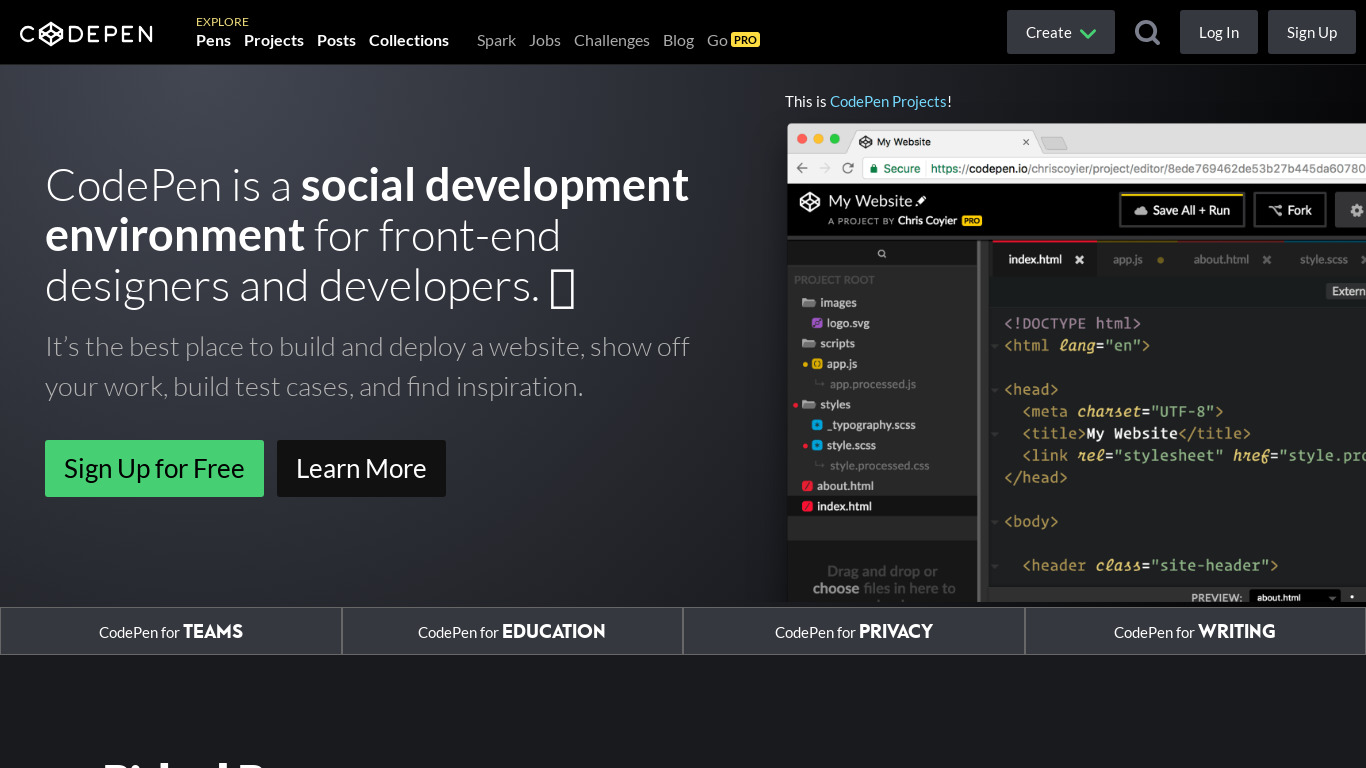
CodePen vs. its alternatives
Frequently asked questions
How much does CodePen cost?
Exact pricing details are not listed in the facts, so check their pricing page for current plans.
What is CodePen used for?
CodePen is used as a front end web development playground that provides immediate visual feedback, templates, and examples for learning and debugging.
What platforms can I use CodePen on?
Specific native platforms are not listed, but being an online platform, CodePen can be accessed from any device with an internet connection.
Does CodePen support Real-time Collaboration?
Yes, developers can collaborate with others in real-time, making it easy to work with teammates or seek help from the community.
What features are included in the CodePen IDE?
CodePen provides an online IDE environment equipped with syntax highlighting, autocomplete, and other feature-rich tools.
What are the best alternatives to CodePen?
Some known alternatives include GitHub, JS Bin, and JSFiddle, which you might prefer depending on your specific web development and code-sharing needs.
Alternatives to CodePen
Read the full comparison →
GitHub
Originally founded as a project to simplify sharing code, GitHub has grown into an application used by over a million people to store over two million code repositories, making GitHub the largest code host in the world.

JS Bin
Sample of the bin:

JSFiddle
Test your JavaScript, CSS, HTML or CoffeeScript online with JSFiddle code editor.

VS Code
Build and debug modern web and cloud applications, by Microsoft

Node.js
Node.js is a platform built on Chrome's JavaScript runtime for easily building fast, scalable network applications

Pastebin.com
Pastebin.com is a website where you can store text for a certain period of time.

CodeSandbox
Online playground for React


StackBlitz
Online VS Code Editor for Angular and React

Eloquent JavaScript
Free ebook for the JS Beginners