
Tool profile
Azure DevOps
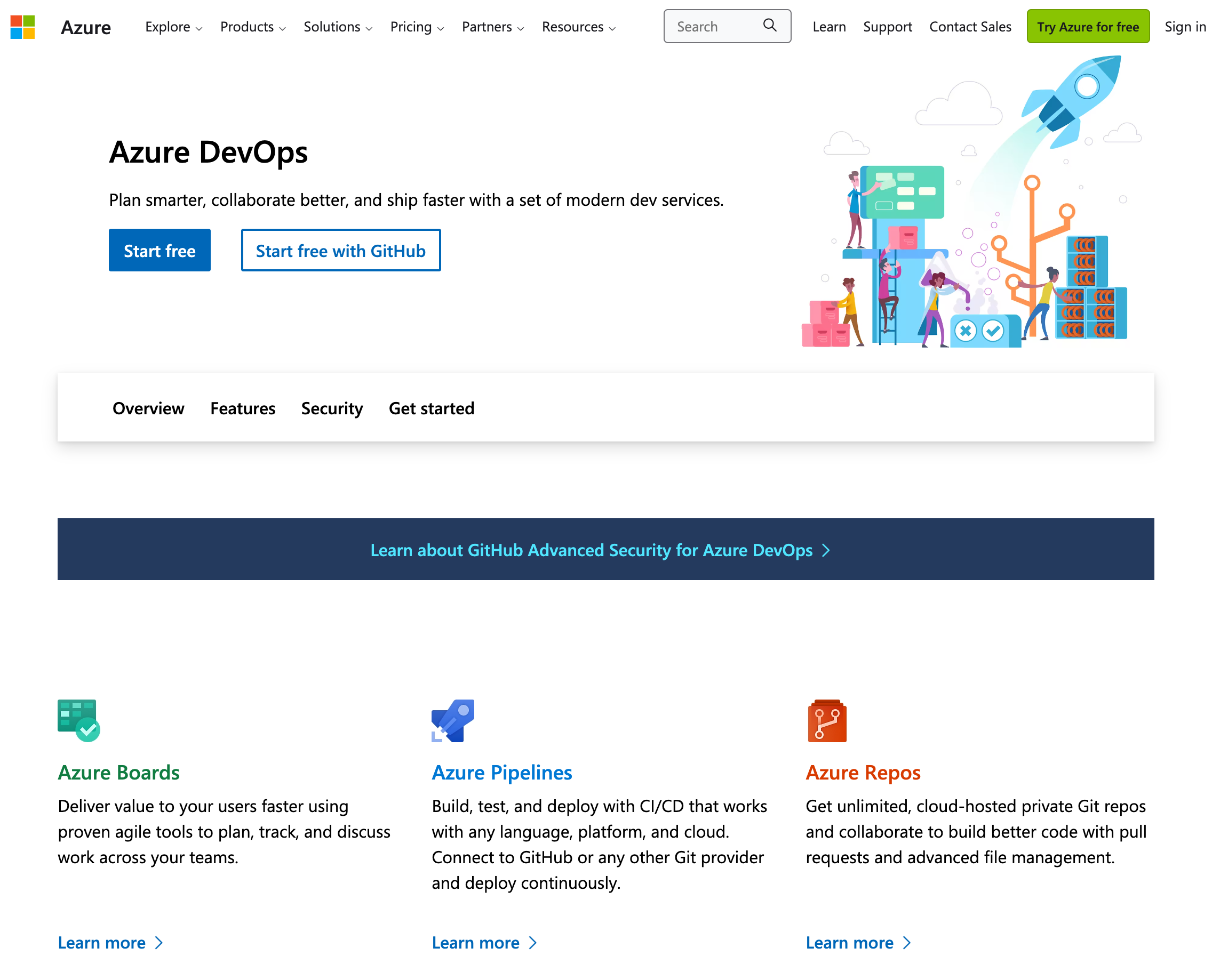
Visual Studio dev tools & services make app development easy for any platform & language. Try our Mac & Windows code editor, IDE, or Azure DevOps for free.
What is Azure DevOps?
Azure DevOps is a comprehensive suite designed for organizations of all sizes, from small startups to large enterprises. It includes Azure Repos, Azure Pipelines, Azure Boards, Azure Test Plans, and Azure Artifacts. The platform supports end-to-end continuous integration and continuous deployment processes, along with role-based access control, auditing, and compliance with various industry standards. It offers extensive customization options such as personalized dashboards and tailor-made workflows, plus integrations with third-party tools and Microsoft products like Azure.
Because it is a cloud-based service, it provides easy access, regular updates, and reduced maintenance needs. However, specific pricing details are not listed in the facts, so you will need to check their pricing page at https://azure.microsoft.com/vs/pricing for current plans.
Features
Comprehensive Suite
Azure DevOps offers a complete suite of tools for DevOps practices including Azure Repos, Azure Pipelines, Azure Boards, Azure Test Plans, and Azure Artifacts, making it a one-stop solution.
Scalability
Azure DevOps is highly scalable, catering to organizations of all sizes—from small startups to large enterprises.
Integrations
Seamlessly integrates with numerous third-party tools and services, as well as other Microsoft products like Azure, making it highly flexible.
Customization
Offers extensive customization options such as personalized dashboards, customized pipelines, and tailor-made workflows to suit specific project needs.
Cloud-Agility
Being a cloud-based service, it offers the benefits of easy access, regular updates, and reduced need for maintenance.
Security
Provides robust security features including role-based access control, auditing, and compliance with various industry standards.
Continuous Integration and Continuous Deployment (CI/CD)
Supports end-to-end CI/CD processes, making it easier to automate builds, tests, and deployments.
Community and Support
Large community of users and strong support from Microsoft, offering plenty of resources for troubleshooting and getting help.
Screenshots
Azure DevOps vs. its alternatives
| Azure DevOps |  CircleCI CircleCI |  GitHub GitHub |  Travis CI Travis CI |  Git Git | |
|---|---|---|---|---|---|
| Pricing | — | — | Open source | — | Open source |
| Platforms | |||||
| Listed features | 8 | 6 | 6 | — | 7 |
Frequently asked questions
How much does Azure DevOps cost?
Exact pricing details are not listed in the facts. Please check their pricing page at https://azure.microsoft.com/vs/pricing for current plans.
Who is Azure DevOps for?
Azure DevOps is built to cater to organizations of all sizes, ranging from small startups to large enterprises.
What platforms is Azure DevOps available on?
Azure DevOps is available as a cloud-based service on the Web platform.
What does the Comprehensive Suite feature include?
The Comprehensive Suite includes Azure Repos, Azure Pipelines, Azure Boards, Azure Test Plans, and Azure Artifacts as a one-stop solution.
What are the best alternatives to Azure DevOps?
Known alternatives include CircleCI, GitHub, Travis CI, Git, and GitLab. You might prefer these depending on your specific team workflows, CI/CD requirements, and ecosystem preferences.
Does Azure DevOps support CI/CD?
Yes, Azure DevOps supports end-to-end continuous integration and continuous deployment processes to make automating builds, tests, and deployments easier.
What security features does Azure DevOps provide?
It provides robust security features including role-based access control, auditing, and compliance with various industry standards.
Alternatives to Azure DevOps
Read the full comparison →GitHub
Originally founded as a project to simplify sharing code, GitHub has grown into an application used by over a million people to store over two million code repositories, making GitHub the largest code host in the world.
Git
Git is a free and open source version control system designed to handle everything from small to very large projects with speed and efficiency. It is easy to learn and lightweight with lighting fast performance that outclasses competitors.

GitLab
Create, review and deploy code together with GitLab open source git repo management software | GitLab
Jenkins
Jenkins is an open-source continuous integration server with 300+ plugins to support all kinds of software development