
Tool profile
WackoWiki
WackoWiki is a light and easy to install multilingual Wiki-engine.
What is WackoWiki?
WackoWiki is a light and easy to install multilingual wiki-engine suited for project management needs. As an open-source platform, it offers high customization so organizations can tailor the software to their specific needs. Key features include content management with robust version control and tracking, an integrated WYTIWYG editor for formatting text without HTML knowledge, syntax highlighting, permission management, a clean UI, and extensibility. WackoWiki is available on Desktop and Web platforms.
While the pricing is listed as open source and free with a download source URL available on their site, readers looking for specific advanced hosting details or enterprise deployment plans should check their download page for current details since no paid tier or proprietary hosting plans are listed in the facts.
Features
Customizable
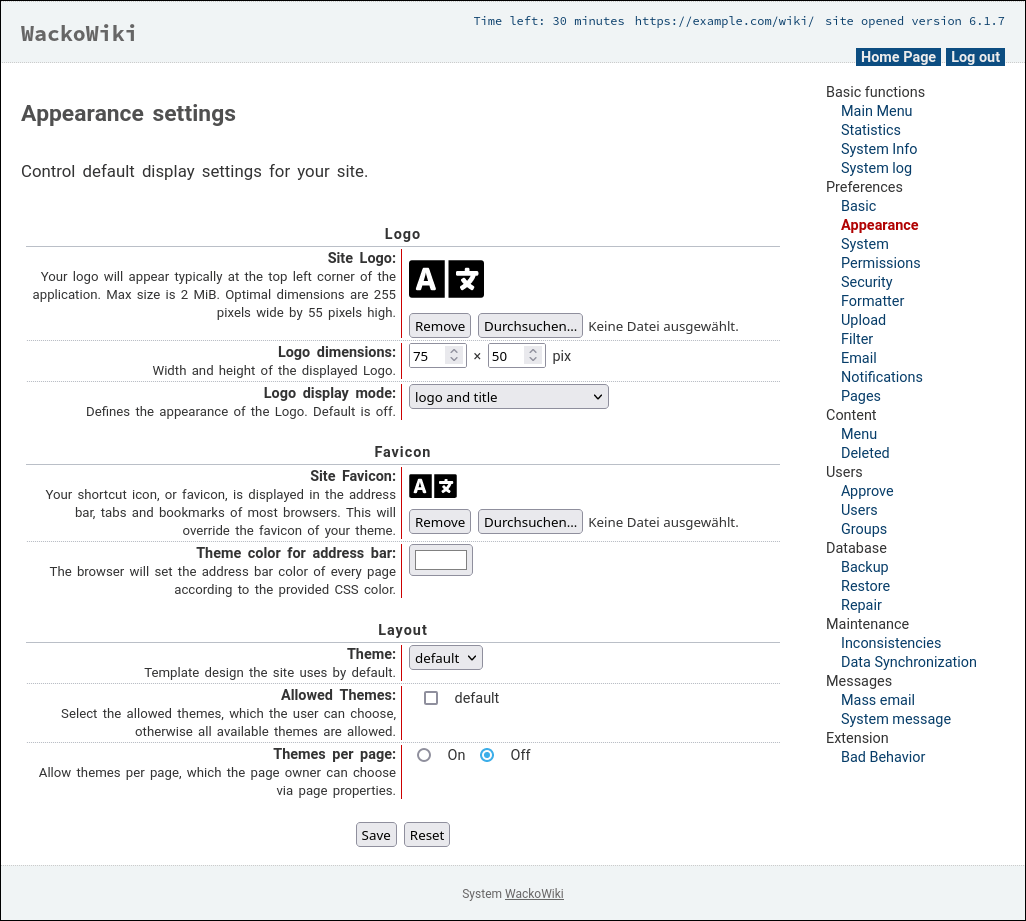
With open-source software, the level of customization available is high, allowing organizations to tailor the software to their specific needs.
Content Management
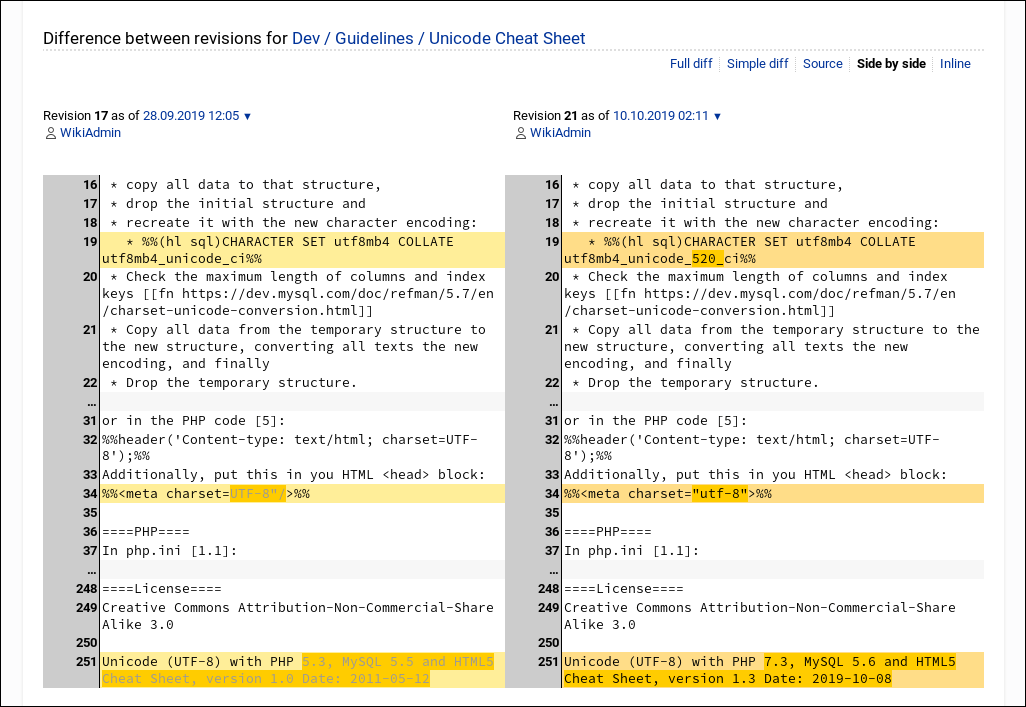
The platform includes robust version control and content management features, ensuring that all changes are tracked and reversible.
Integrated WYTIWYG Editor
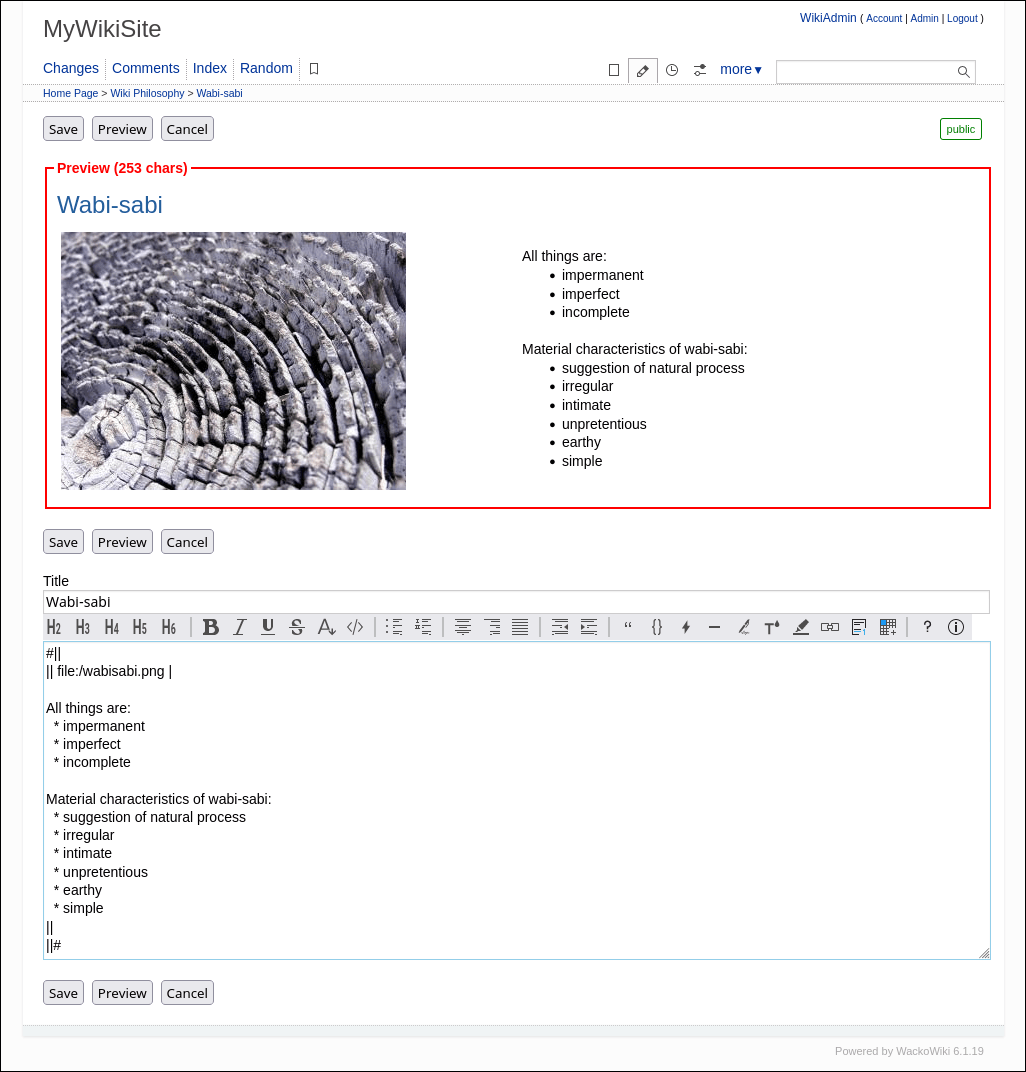
The application includes a built-in 'What You Think Is What You Get' editor, making it simple to format text without HTML knowledge.
Extensibility
Clean UI
Open Source
Syntax Highlighting
Permission Management
Multi-Language
Screenshots
WackoWiki vs. its alternatives
| WackoWiki |  TiddlyWiki TiddlyWiki |  DokuWiki DokuWiki |  MediaWiki MediaWiki |  Wiki.js Wiki.js | |
|---|---|---|---|---|---|
| Pricing | Open source, Free | Open source | — | — | Open source |
| Platforms | — | ||||
| Listed features | 9 | 5 | 6 | 6 | 9 |
Frequently asked questions
How much does WackoWiki cost?
WackoWiki is tagged as open source and free, with downloads available at https://wackowiki.org/doc/Download.
What platforms does WackoWiki support?
WackoWiki is available on both Desktop and Web platforms.
What is WackoWiki used for?
WackoWiki is a light and easy-to-install multilingual wiki-engine categorized under Project Management.
Does WackoWiki have a built-in WYSIWYG editor?
Yes, the application includes a built-in 'What You Think Is What You Get' editor that makes it simple to format text without requiring HTML knowledge.
What content management features does WackoWiki include?
The platform includes robust version control and content management features that ensure all changes are tracked and reversible.
What are the best alternatives to WackoWiki?
Top alternatives to WackoWiki include TiddlyWiki, DokuWiki, MediaWiki, Wiki.js, and XWiki. You might prefer one of these alternatives depending on your specific project management and wiki hosting requirements.
Alternatives to WackoWiki
Read the full comparison →TiddlyWiki
a non-linear personal web notebook
MediaWiki
MediaWiki is a free software wiki package written in PHP, originally for use on Wikipedia.
Wiki.js
An open source, modern and powerful wiki app built on Node.js, Git, and Markdown.

XWiki
A powerful Open Source collaborative platform enhancing collaboration and communication.


MoinMoin
MoinMoin is an advanced, easy to use and extensible WikiEngine with a large community of users.