
Tool profile
Tana
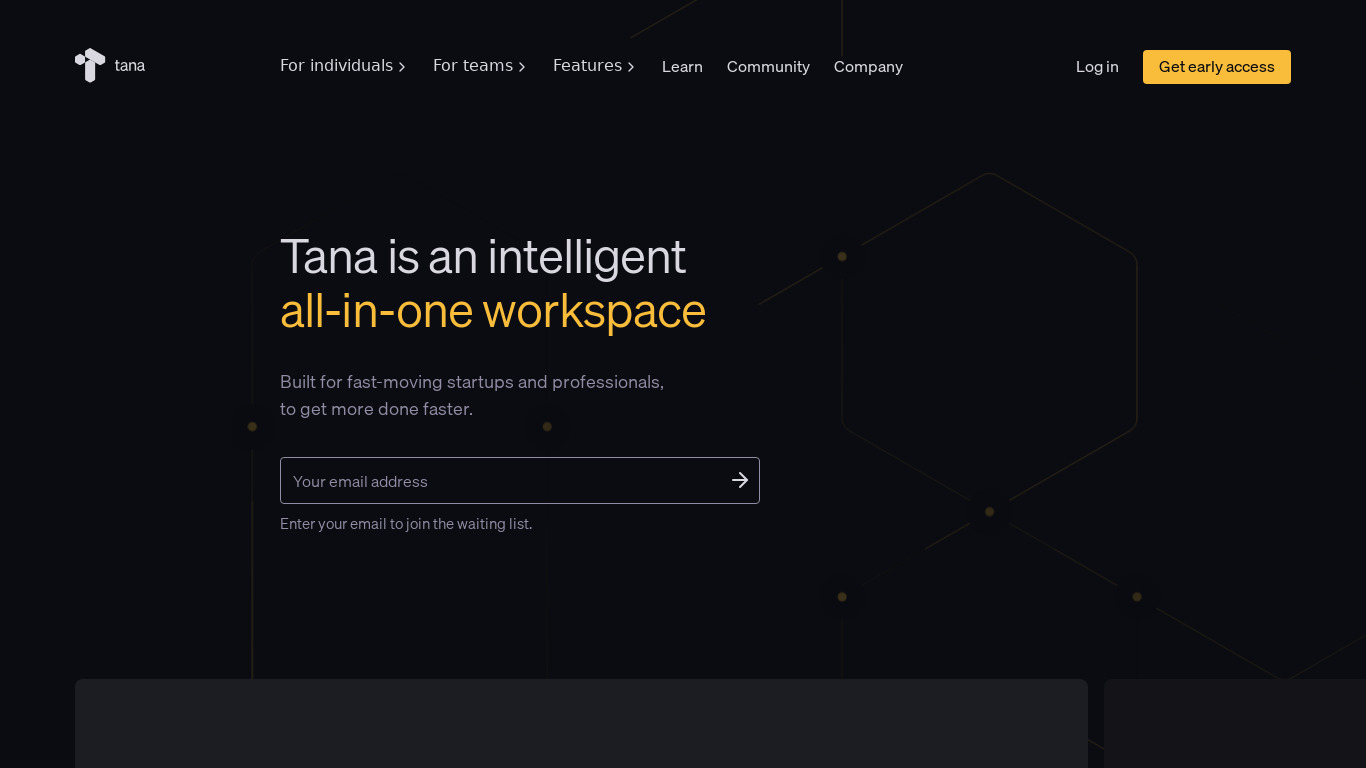
Welcome to the future of work. Build anything. Use it for everything. Kill your SaaS subscriptions.
What is Tana?
Tana is designed for users in the Task Management category who want a flexible structure for organizing information and interconnecting data. It features a clean, user-friendly interface, collaborative features for real-time teamwork, and advanced search capabilities for handling large datasets.
While the platform provides powerful tools for managing and linking related pieces of information, exact pricing is not listed in the facts, so check their pricing page at https://tana.inc/pricing for current plans. Additionally, Tana currently supports the Web platform, which is an important detail to consider depending on your workflow and device preferences.
Features
Flexibility
Tana provides a highly flexible structure for organizing information, allowing users to customize their workspace according to their unique needs and preferences.
Interconnectivity
The platform enables seamless interconnection of data, making it easier to link related pieces of information and navigate through them efficiently.
User-Friendly Interface
Tana offers a clean and intuitive interface that enhances user experience and makes it simple for both beginners and advanced users to organize and manage data.
Collaborative Features
It supports collaboration among multiple users, allowing teams to work together efficiently by sharing information and resources in real-time.
Advanced Search Capabilities
Tana includes advanced search features that help users quickly find the information they need, even in large datasets.
Screenshots
Tana vs. its alternatives
| Tana |  Notion Notion |  Roam Research Roam Research |  Obsidian Obsidian |  Logseq Logseq | |
|---|---|---|---|---|---|
| Pricing | — | — | — | — | Open source, Free |
| Platforms | |||||
| Listed features | 5 | 5 | 7 | 6 | 7 |
Frequently asked questions
How much does Tana cost?
Exact pricing details are not listed in the provided facts, so you will need to check their pricing page at https://tana.inc/pricing for current plans.
What is Tana used for?
Tana is used for task management, providing a flexible structure to organize information, interconnect data, and collaborate with teams in real-time.
What platforms does Tana run on?
Tana is available on the Web platform.
How do Tana's Advanced Search Capabilities work?
Tana includes advanced search features designed to help users quickly find the information they need, even when working with large datasets.
What are the best alternatives to Tana?
Top alternatives to Tana include Notion, Roam Research, and Obsidian. You might prefer these alternatives depending on your specific platform and workflow needs.
Does Tana support team collaboration?
Yes, Tana supports collaboration among multiple users, allowing teams to work together efficiently by sharing information and resources in real-time.
Alternatives to Tana
Read the full comparison →Notion
All-in-one workspace. One tool for your whole team. Write, plan, and get organized.
Roam Research
A note-taking tool for networked thought
Obsidian
A second brain, for you, forever. Obsidian is a powerful knowledge base that works on top of a local folder of plain text Markdown files.
Logseq
Logseq is a local-first, non-linear, outliner notebook for organizing and sharing your personal knowledge base.


Anytype.io
Anytype is a next generation software that breaks down barriers between applications, gives back privacy and data ownership to users.

Reflect
Reflect is a note-taking tool designed to mirror the way your brain works.

AFFiNE
All in one KnowledgeOS, Open alternative to Notion&Miro.

