
Tool profile
StreamYard
StreamYard is a live streaming studio in your browser.
What is StreamYard?
StreamYard is a browser-based live streaming studio suited for beginners who want to stream quickly without a steep learning curve or software downloads. It stands out with multi-streaming to platforms like YouTube, Facebook, and LinkedIn, guest invitations via shared links, and an integrated chat that manages comments from all platforms in one place. It also offers customizable branding with logos, overlays, and backgrounds, along with the ability to record live streams for repurposing.
Specific pricing details are not listed in the facts, so check their pricing page for current plans. The platform runs directly on the web, though users seeking different setups might look at known alternatives like OBS Studio, Restream, Twitch, and BeLive.
Features
Ease of Use
StreamYard has an intuitive user interface that makes it easy for beginners to start streaming quickly without a steep learning curve.
Browser-Based
No need to download or install any software; everything runs directly in your web browser.
Multi-Streaming
Allows you to stream to multiple platforms simultaneously, such as YouTube, Facebook, LinkedIn, and more.
Guest Invitations
Enables inviting guests just by sharing a link, making it straightforward for them to join your stream.
Customization Options
Offers customizable branding, including logos, overlays, and backgrounds to match your brand identity.
Reliable Performance
High-quality streaming with minimal latency or buffering issues, ensuring a smooth viewer experience.
Integrated Chat
Includes a built-in chat feature that lets you manage comments from all platforms in one place.
Recording
Ability to record live streams for later use or repurposing.
Screenshots
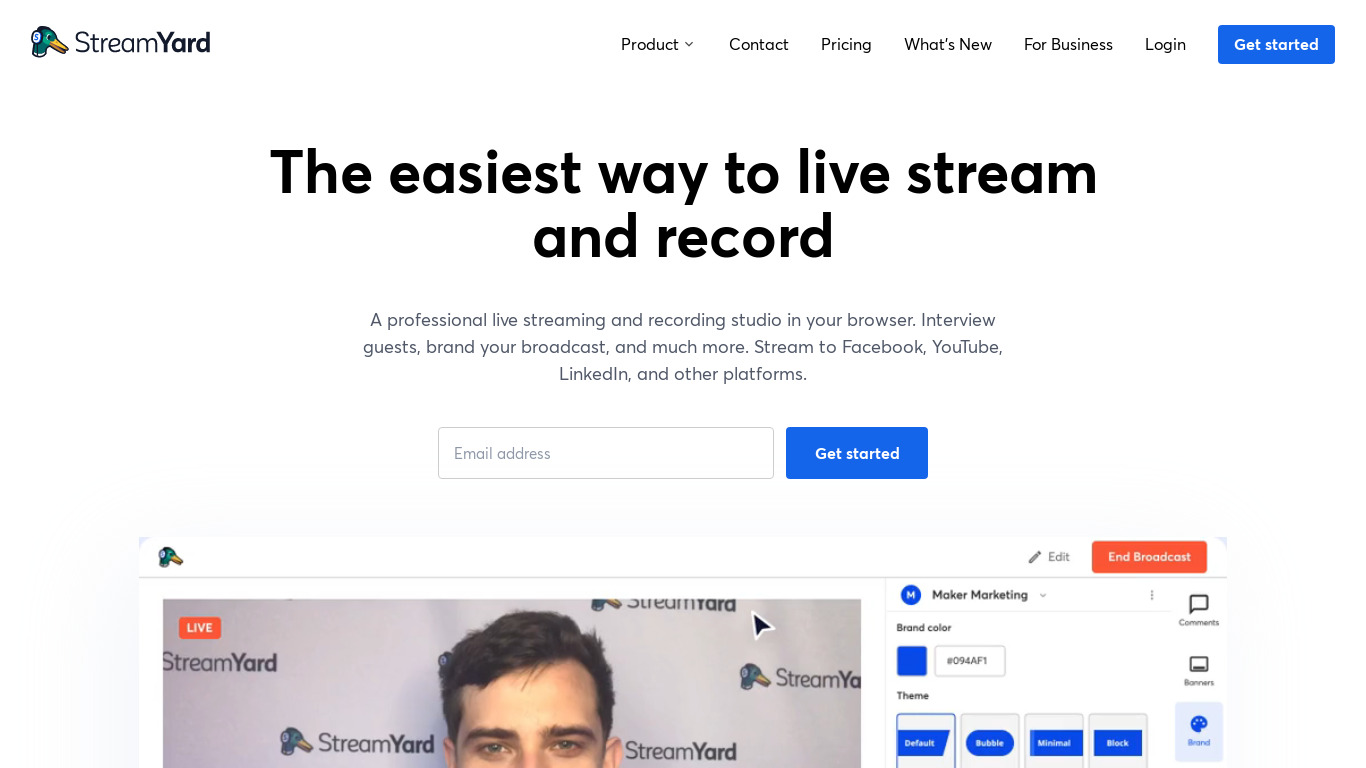
StreamYard vs. its alternatives
| StreamYard |  YouTube YouTube |  Twitch Twitch |  OBS Studio OBS Studio |  Restream Restream | |
|---|---|---|---|---|---|
| Pricing | — | — | — | — | Freemium |
| Platforms | |||||
| Listed features | 8 | 6 | 5 | — | 6 |
Frequently asked questions
How much does StreamYard cost?
Specific pricing details are not included in the provided facts, so check their pricing page for current plans.
What platforms is StreamYard available on?
StreamYard is available on the Web and runs directly in your web browser without requiring any software downloads or installations.
What is StreamYard used for?
StreamYard is used as a live streaming studio to broadcast to multiple platforms simultaneously, invite guests via a link, customize branding, and record sessions.
How does the Integrated Chat feature work?
The built-in chat feature lets you manage comments from all streaming platforms in one centralized place.
Can I invite guests to my stream easily?
Yes, StreamYard enables guest invitations simply by sharing a link, making it straightforward for guests to join.
What are the best alternatives to StreamYard?
Known alternatives include OBS Studio, Restream, Twitch, YouTube, and BeLive, which you might consider depending on your specific streaming and platform requirements.