
Tool profile
Skype Meetings
Click a button to start a free video call
Categories
Pricing
What is Skype Meetings?
Skype Meetings is suited for organizations looking for a Communication tool that includes high-quality video and audio, screen sharing for collaborative presentations, and integration with Microsoft Office applications. Its wide accessibility across mobile phones, tablets, and desktops makes it a practical option for teams needing global reach to communicate with international clients and team members.
While the facts note that Skype offers a free tier for certain functionalities and competitively priced paid versions, specific plan pricing details are not listed here, so check their pricing page for current plans. Additionally, exact supported operating system platforms are not explicitly detailed in the source facts.
Features
Wide Accessibility
Skype is available across various devices including mobile phones, tablets, and desktops, making it highly accessible for users.
Integration with Microsoft Office
Skype integrates well with Microsoft Office applications which can streamline workflows for organizations using the Office suite.
High-Quality Video and Audio
Skype offers high-quality video and audio, which is essential for professional meetings.
Global Reach
Skype is widely recognized and used, allowing easy communication with international clients or team members.
Screen Sharing
Skype provides a screen sharing feature that facilitates presentations and collaborative work during meetings.
Cost-Effective
Skype offers a free tier for certain functionalities, and the paid versions are competitively priced, making it a cost-effective option for businesses.
Screenshots
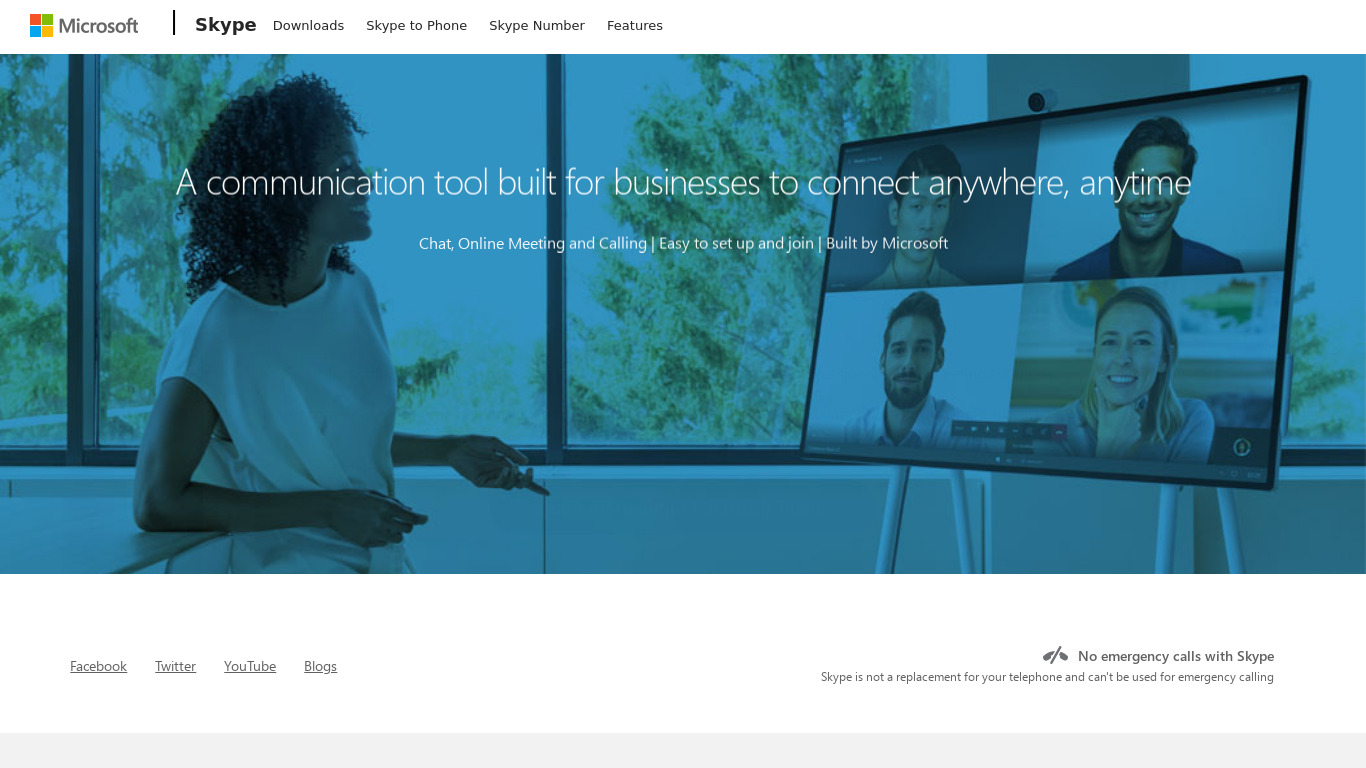
Skype Meetings vs. its alternatives
| Skype Meetings |  Telegram Telegram |  WhatsApp WhatsApp |  Facebook Messenger Facebook Messenger |  LINE LINE | |
|---|---|---|---|---|---|
| Pricing | — | Open source | Free | — | — |
| Platforms | — | ||||
| Listed features | 6 | 8 | 7 | 8 | 6 |
Frequently asked questions
How much does Skype Meetings cost?
Skype offers a free tier for certain functionalities, and the paid versions are competitively priced. However, exact pricing details are not listed here, so check their pricing page for current plans.
What is Skype Meetings used for?
Skype Meetings is used for professional communication, offering high-quality video and audio, screen sharing for presentations, and integration with Microsoft Office applications.
What devices can I use Skype Meetings on?
Skype is available across various devices including mobile phones, tablets, and desktops for wide accessibility.
Does Skype Meetings support screen sharing?
Yes, Skype provides a screen sharing feature that facilitates presentations and collaborative work during meetings.
Does Skype Meetings integrate with Microsoft Office?
Yes, Skype integrates well with Microsoft Office applications to streamline workflows for organizations using the Office suite.
What are the best alternatives to Skype Meetings?
Some known alternatives include Telegram, WhatsApp, and Facebook Messenger, which can be explored if you are looking for different communication platforms.
Alternatives to Skype Meetings
Read the full comparison →Telegram
Telegram is a messaging app with a focus on speed and security. It’s superfast, simple and free.
WhatsApp Messenger: More than 1 billion people in over 180 countries use WhatsApp to stay in touch with friends and family, anytime and anywhere.
LINE
LINE is a Japanese proprietary application for instant messaging on smartphones and PCs.

join.me
Instant screen sharing. Instant Aha!


Zoom
Equip your team with tools designed to collaborate, connect, and engage with teammates and customers, no matter where you’re located, all in one platform.