
Tool profile
Office Online
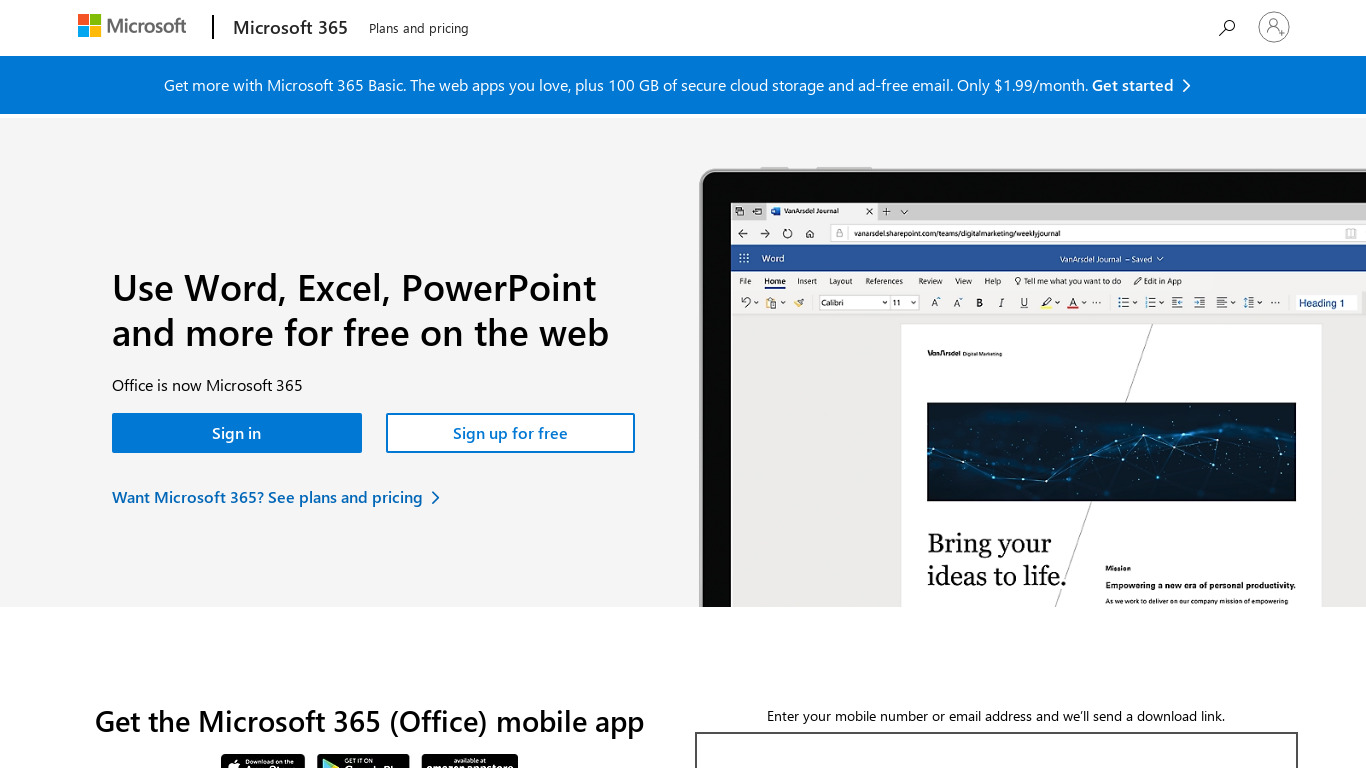
With Office Online you can view, edit, and share Word, Excel, PowerPoint, and OneNote files on your devices using a web browser, so you can work anywhere.
Categories
Pricing
What is Office Online?
Office Online is a practical choice for teams and individuals looking for a web-based suite to view, edit, and share Word, Excel, PowerPoint, and OneNote files directly from a browser. Because it requires no software installation and is accessible from any internet-connected device, it provides an economical option for everyday tasks. Real-time collaboration features also allow multiple users to work on documents simultaneously, making it well-suited for group projects alongside its integration with OneDrive and other Microsoft services for cloud storage.
However, users evaluating the platform should note that the facts do not list exact subscription pricing tiers or native desktop platforms beyond standard browser access. Those who require offline desktop applications or alternative feature sets may want to consider the known alternatives listed for this category.
Features
Accessibility
Office Online is accessible from any device with an internet connection and a web browser, making it easy to work from anywhere without the need for software installation.
Cost
Office Online is free to use, providing basic features of popular Office applications without any subscription fee, which makes it an economical option for everyday tasks.
Collaboration
The platform supports real-time collaboration, allowing multiple users to work on a document simultaneously, which is ideal for team projects and group work.
Integration
Office Online is integrated with OneDrive and other Microsoft services, enabling seamless storage and file sharing on the cloud.
Screenshots
Office Online vs. its alternatives
| Office Online |  Apache OpenOffice Apache OpenOffice |  LibreOffice LibreOffice |  Microsoft 365 Microsoft 365 |  Caret Caret | |
|---|---|---|---|---|---|
| Pricing | — | — | — | — | — |
| Platforms | — | — | — | ||
| Listed features | 4 | — | — | — | 4 |
Frequently asked questions
Is Office Online free?
Yes, Office Online is free to use and provides basic features of popular Office applications without any subscription fee.
What is Office Online used for?
Office Online is used to view, edit, and share Word, Excel, PowerPoint, and OneNote files using a web browser so you can work anywhere.
Can multiple people work on a document at the same time?
Yes, the platform supports real-time collaboration, allowing multiple users to work on a document simultaneously.
How does file storage and sharing work?
Office Online is integrated with OneDrive and other Microsoft services, enabling seamless storage and file sharing on the cloud.
What devices can I use to access Office Online?
Office Online is accessible from any device with an internet connection and a web browser without the need for software installation.
What are the best alternatives to Office Online?
Some known alternatives include Microsoft 365, LibreOffice, and Apache OpenOffice, which you might prefer depending on your specific software installation and licensing needs.
Alternatives to Office Online
Read the full comparison →Caret
Better Markdown Editor for Mac / Windows / Linux




Nimble Writer
Nimble Writer is a general-purpose tool for writing stories, be it short fiction stories or even...