Tool profile
Microsoft Publisher
Microsoft Publisher is an entry-level desktop publishing solution.
What is Microsoft Publisher?
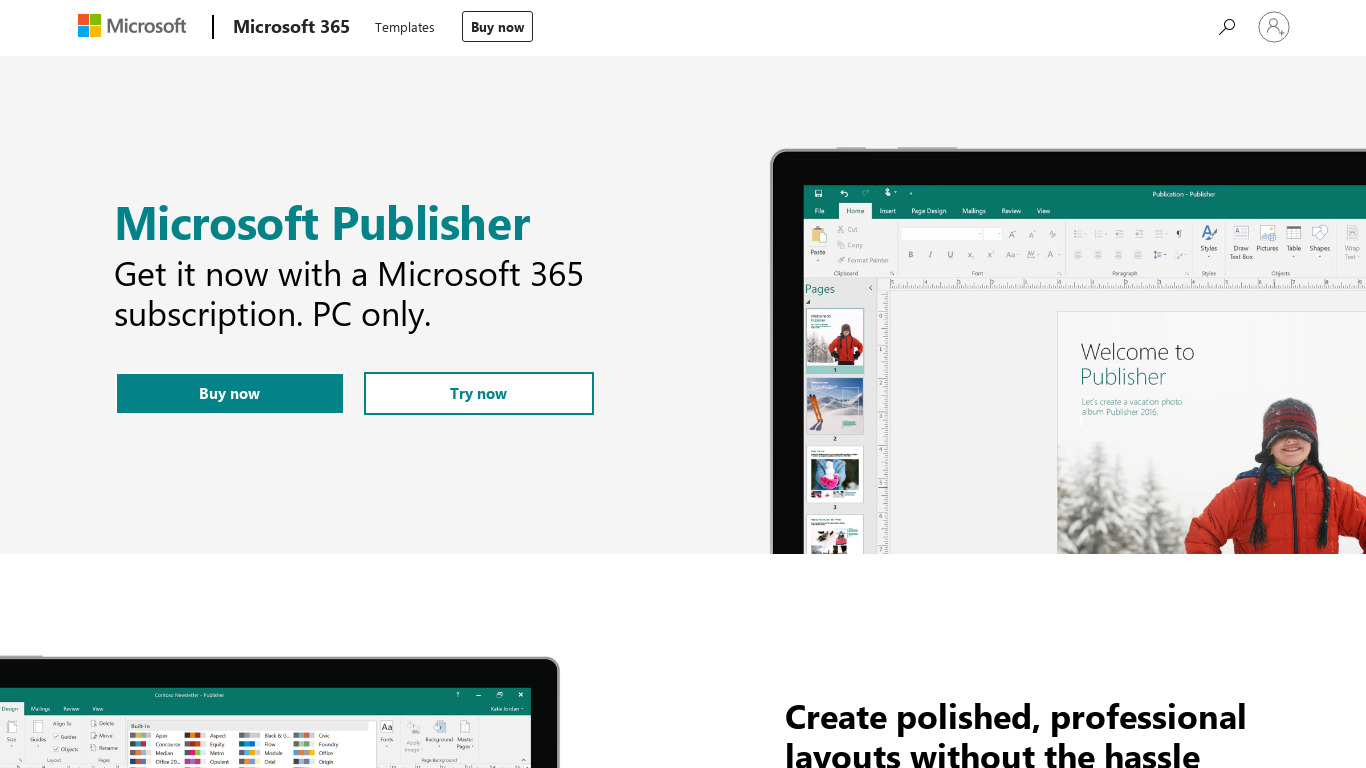
Microsoft Publisher is an entry-level desktop publishing solution designed for beginners who need to create professional-looking publications without requiring in-depth design skills. Key features include a straightforward, user-friendly interface, seamless integration with the Microsoft Office suite (like Word and Excel) for easy import and export of data, and a wide range of pre-designed templates that save time. It particularly excels in designing print publications such as brochures, posters, and flyers by offering precise control over layout and formatting.
As part of the Microsoft 365 suite, it is considered affordable, especially for users who already hold an Office 365 subscription. However, exact standalone pricing is not listed in the facts, so check their pricing page for current plans. The software is available on the Web platform.
Features
User-Friendly Interface
Microsoft Publisher offers a straightforward, user-friendly interface, making it accessible even for beginners who need to create professional-looking publications without in-depth design skills.
Integration with Microsoft Office Suite
Publisher integrates seamlessly with other Microsoft Office applications like Word and Excel, allowing for easy import and export of data and consistency across different types of documents.
Variety of Templates
The software comes with a wide range of pre-designed templates which can be customized according to user needs, saving time and effort in creating publications from scratch.
Affordable Pricing
As part of the Microsoft 365 suite, Publisher is affordable, especially for users who already have an Office 365 subscription.
Great for Print Publications
Publisher excels in designing print publications like brochures, posters, and flyers, with precise control over layout and formatting.
Screenshots
Microsoft Publisher vs. its alternatives
| Microsoft Publisher |  Adobe InDesign Adobe InDesign |  Marq Marq |  Swift Publisher Swift Publisher |  Scribus Scribus | |
|---|---|---|---|---|---|
| Pricing | — | — | — | — | Open source |
| Platforms | — | ||||
| Listed features | 5 | 5 | 5 | — | 5 |
Frequently asked questions
How much does Microsoft Publisher cost?
Exact pricing details are not listed in the provided facts, but it is noted as affordable since it is part of the Microsoft 365 suite and particularly cost-effective for users who already have an Office 365 subscription. Check their pricing page for current plans.
What is Microsoft Publisher used for?
Microsoft Publisher is an entry-level desktop publishing solution that excels in designing print publications like brochures, posters, and flyers with precise control over layout and formatting.
What platforms is Microsoft Publisher available on?
Microsoft Publisher is available on the Web platform.
Does Microsoft Publisher integrate with other tools?
Yes, it features integration with the Microsoft Office Suite, allowing seamless import and export of data with applications like Word and Excel to maintain consistency across different types of documents.
Does Microsoft Publisher include pre-designed layouts?
Yes, the software comes with a variety of templates that are pre-designed and can be customized according to your needs, which saves time and effort compared to creating publications from scratch.
What are the best alternatives to Microsoft Publisher?
Top known alternatives include Adobe InDesign, Marq, Swift Publisher, Scribus, and iBooks Author. You might prefer these depending on your specific design needs, platform requirements, and budget.
Alternatives to Microsoft Publisher
Read the full comparison →Scribus
Scribus is a desktop publishing (DTP) application.