
Tool profile
Jitsi
Open-source video calling and chat platform.
What is Jitsi?
Jitsi is a communication platform suited for users looking for open-source video calling and chat capabilities. It stands out by offering end-to-end encryption, the ability to host your own instances, and a user-friendly interface that does not require an account to start or join meetings. Its source code is freely available for inspection and modification, and it supports integration with various platforms.
While Jitsi provides strong privacy controls and cross-platform access across Web, iOS, and Android, readers should check their official resources for complete documentation on hosting requirements and specific third-party integration setups.
Features
Open Source
Jitsi is an open-source platform, which means its source code is freely available for anyone to inspect, modify, and enhance, promoting transparency and community-driven development.
Cost
Being open-source, Jitsi is free to use, making it an economical choice compared to other proprietary video conferencing solutions.
Privacy
Jitsi is known for its strong focus on privacy and security. It includes end-to-end encryption and allows users to host their own instances, ensuring data remains under their control.
Ease of Use
Jitsi offers a straightforward, user-friendly interface, making it accessible even to those with limited technical expertise.
No Account Required
Users can start and join meetings without the need to sign up for an account, simplifying the process and enhancing user privacy.
Integrations
Jitsi offers integration with various platforms and services, enabling seamless embedding and customization for broader application.
Screenshots
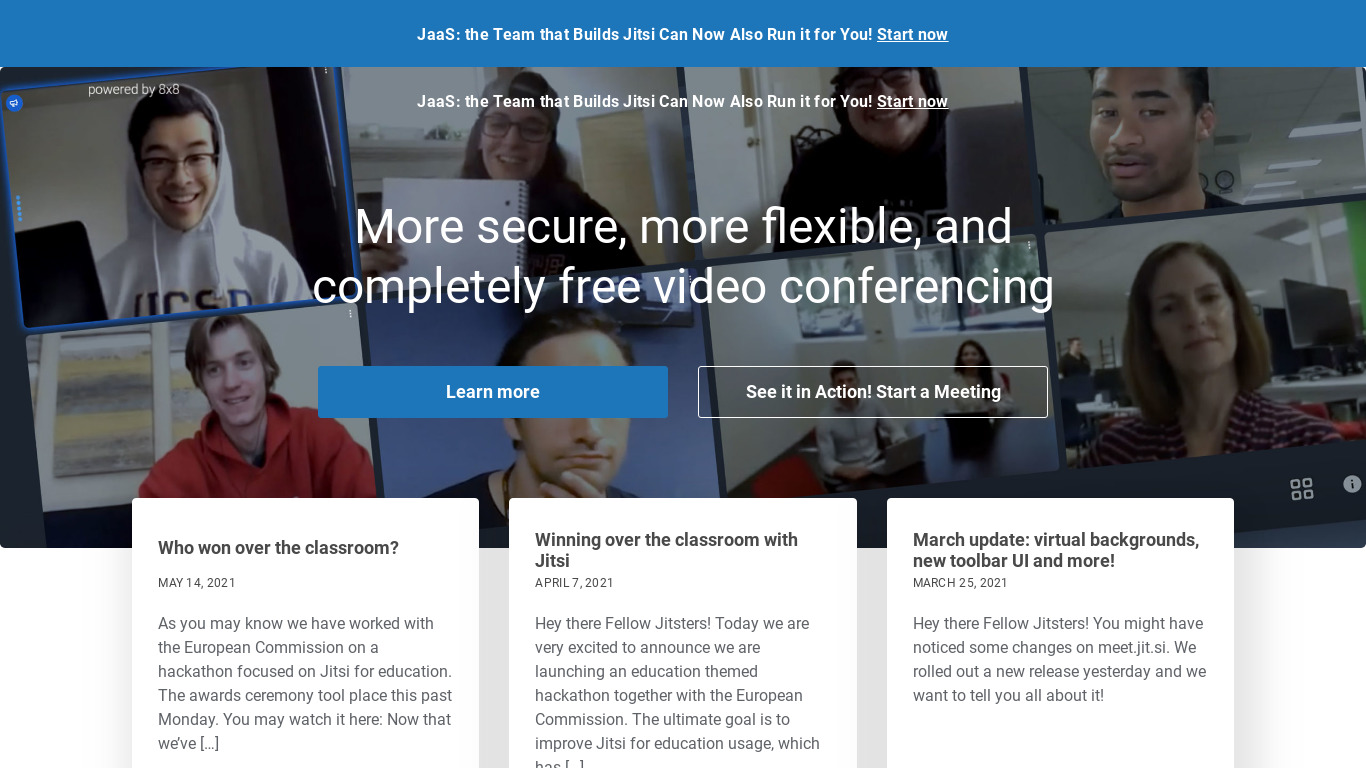
Jitsi vs. its alternatives
| Jitsi |  Telegram Telegram |  WhatsApp WhatsApp |  Facebook Messenger Facebook Messenger |  Trillian Trillian | |
|---|---|---|---|---|---|
| Pricing | — | Open source | Free | — | — |
| Platforms | |||||
| Listed features | 6 | 8 | 7 | 8 | 6 |
Frequently asked questions
Is Jitsi free?
Yes, Jitsi is free to use because it is an open-source platform, making it an economical choice compared to proprietary video conferencing solutions.
What is Jitsi used for?
Jitsi is used as a video calling and chat platform that offers features like end-to-end encryption, customizable integrations, and self-hosting options.
What platforms is Jitsi available on?
Jitsi is available across Web, iOS, and Android platforms.
Do I need an account to use Jitsi?
No, users can start and join meetings without the need to sign up for an account, which simplifies the process and enhances privacy.
What privacy features does Jitsi include?
Jitsi includes end-to-end encryption and allows users to host their own instances to ensure their data remains under their control.
What are the best alternatives to Jitsi?
Alternatives to Jitsi include Telegram, WhatsApp, and Facebook Messenger. Users might prefer these alternatives depending on their specific mobile chat and messaging preferences.
Alternatives to Jitsi
Read the full comparison →Telegram
Telegram is a messaging app with a focus on speed and security. It’s superfast, simple and free.
WhatsApp Messenger: More than 1 billion people in over 180 countries use WhatsApp to stay in touch with friends and family, anytime and anywhere.

LINE
LINE is a Japanese proprietary application for instant messaging on smartphones and PCs.

Miranda IM
Miranda IM is the smaller, faster, easier instant messenger with support for multiple protocols.